A New Way to Play Your Media Files
Until now, previewing video and audio files in Nubbo relied on the browser’s default player — functional, but basic. Today we’re shipping an enhanced media player that gives you a much better playback experience, right inside the file browser.
What changed
We’ve replaced the native browser controls with a modern, accessible media player that integrates seamlessly with Nubbo’s interface. The result is a clean, consistent player that works the same across all browsers and matches the look and feel of the rest of the app.
Video player
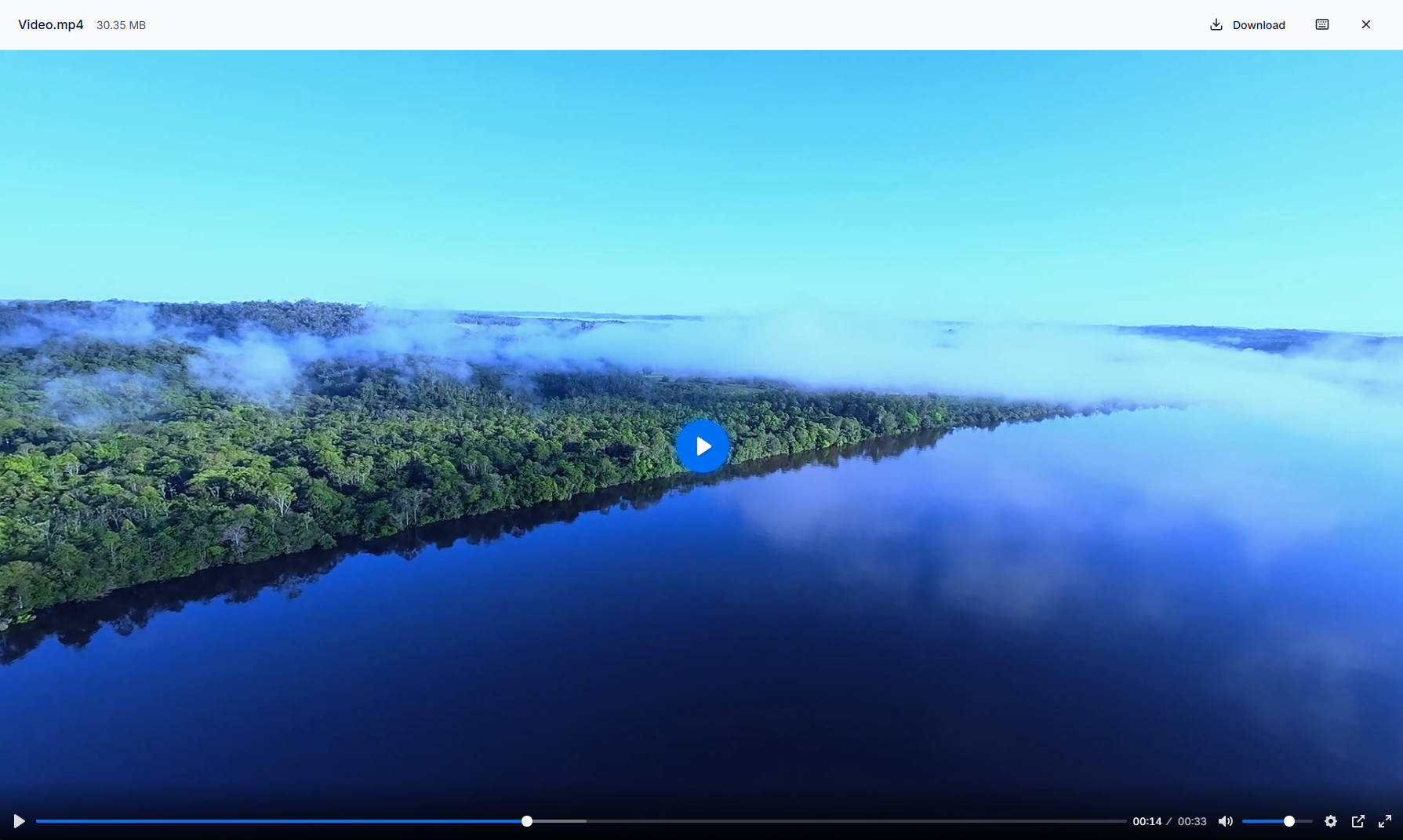
The video player now includes overlay controls, a seek bar with time display, volume control, playback speed settings, picture-in-picture mode, and fullscreen.
Audio player
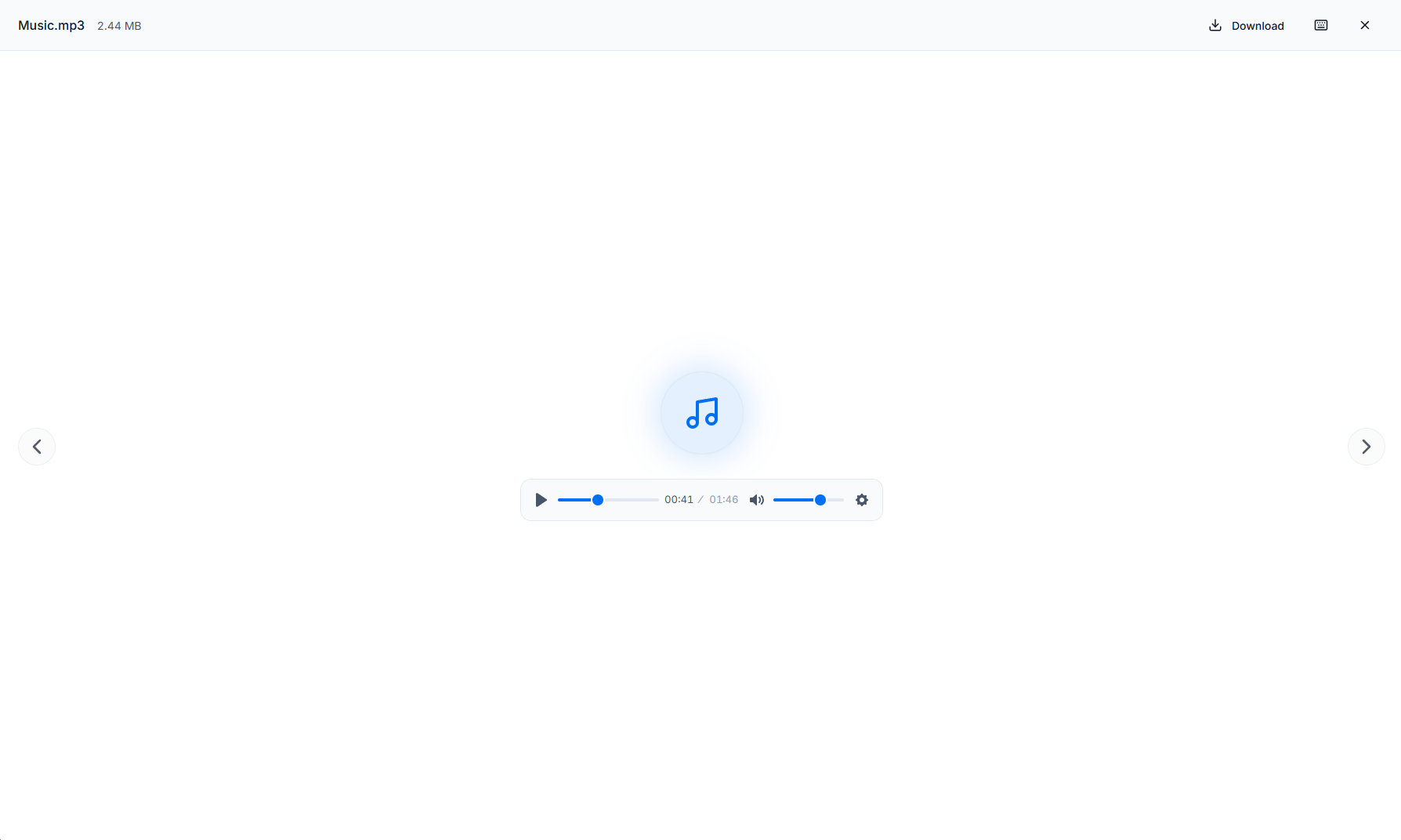
Audio files get a dedicated player with a large icon, a clean progress bar, playback speed, and volume — all styled to match Nubbo’s design system.
Keyboard shortcuts
The player supports full keyboard control out of the box:
- Space — Play / Pause
- M — Mute / Unmute
- F — Toggle fullscreen
- Left / Right arrows — Seek backward / forward
- Up / Down arrows — Volume up / down
These shortcuts work globally while the player is active, so you don’t need to click on the player first.
Inline streaming
Previously, large media files could trigger a download instead of playing in the browser. We’ve added inline streaming support — the backend now generates presigned URLs with Content-Disposition: inline, so your browser streams the file directly instead of downloading it. This means videos and audio play immediately, no matter the file size.
Supported formats
The player handles all the formats you’d expect:
- Video — MP4, WebM, OGG, MOV, AVI, MKV, M4V, 3GP, TS
- Audio — MP3, WAV, OGG, AAC, FLAC, M4A, WMA, OPUS, AIFF, APE
What’s coming next
This is just the beginning. We’re already working on new features to make the media experience even better:
- Playlists — Queue up multiple files and play them in sequence without leaving the player.
- Waveform visualization — A visual waveform for audio files to make navigating long recordings easier.
We’ll keep improving the player and sharing updates here on the blog.
Want to try it? Sign in to Nubbo and open any video or audio file from your buckets.