Nubbo AI in Slack
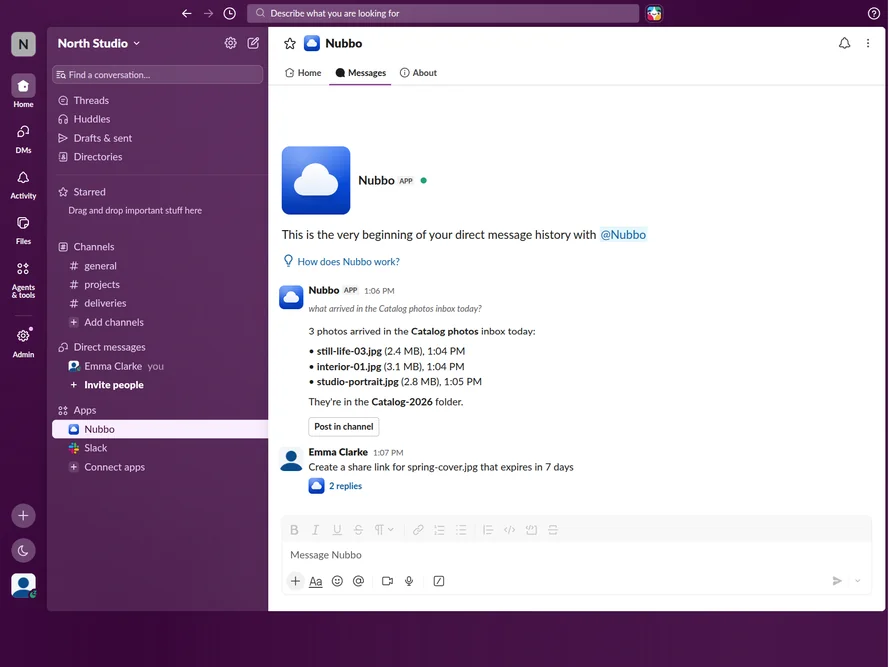
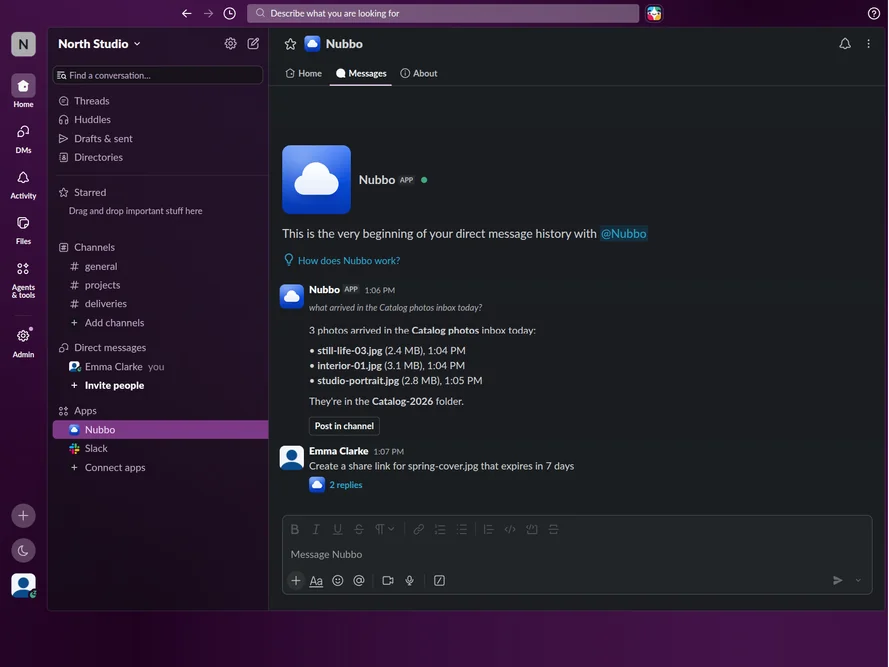
Talk to Nubbo AI like another teammate. Ask it questions or ask it to do things by direct message or by mentioning it in a channel.
Integrations
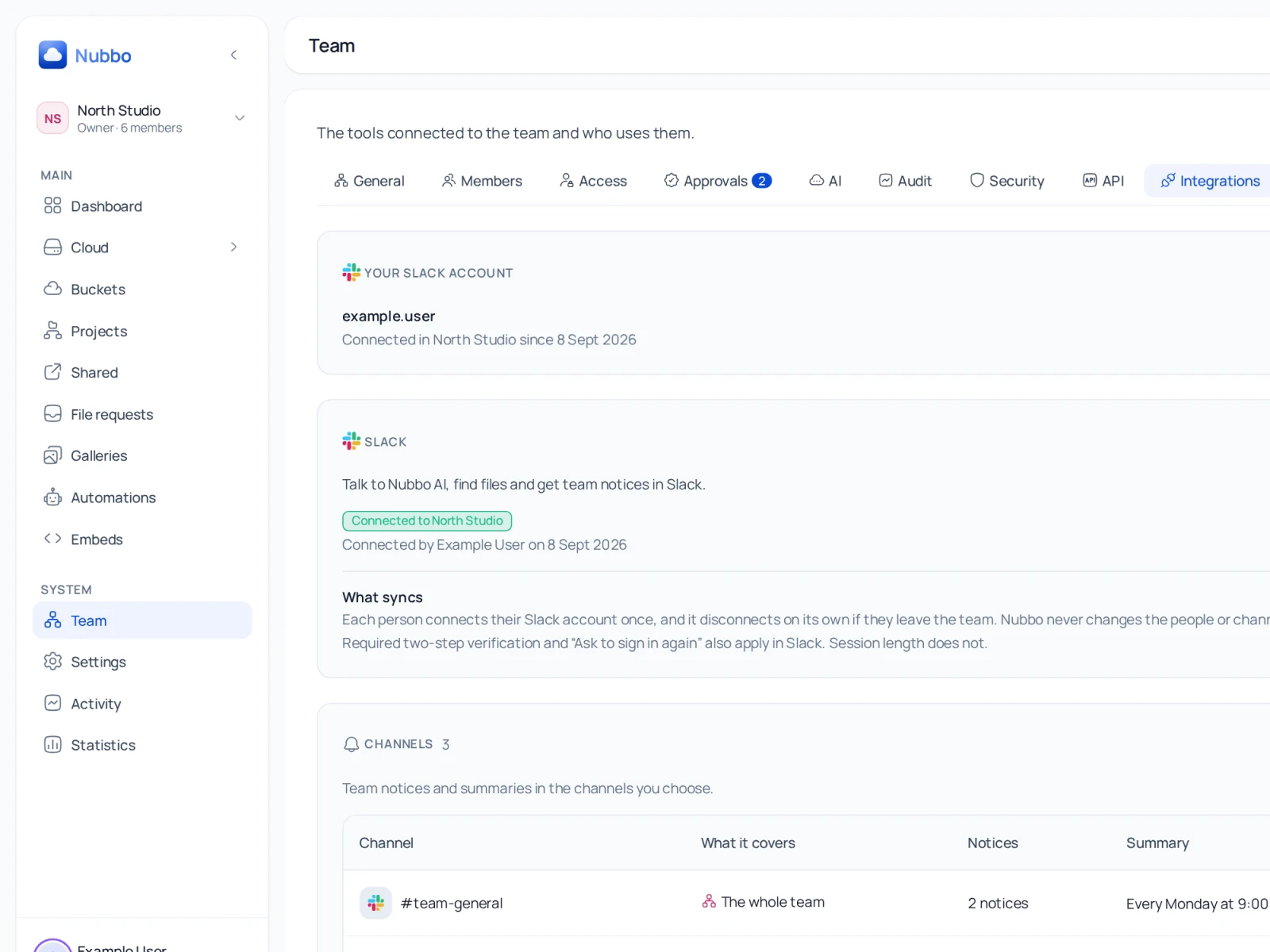
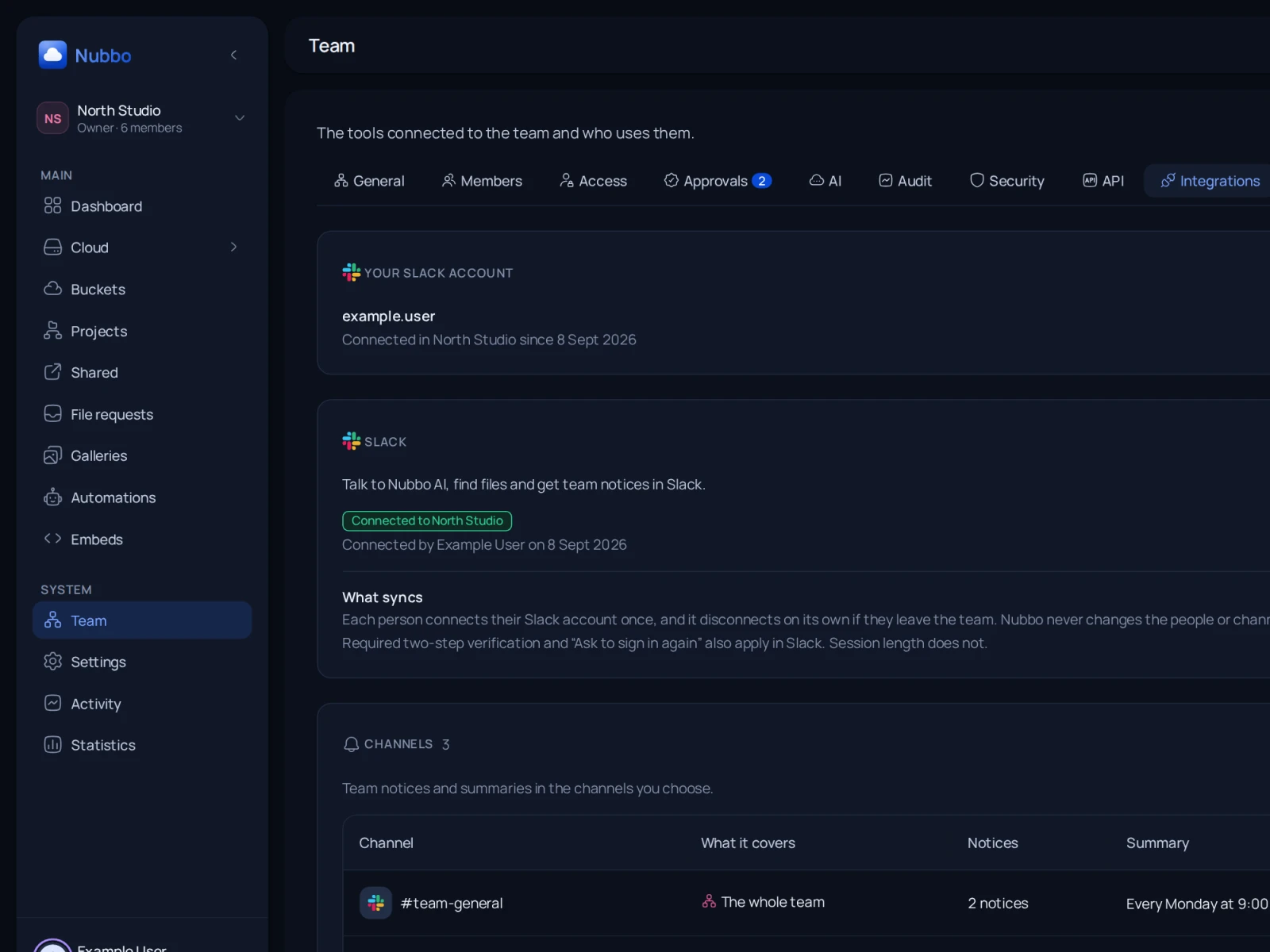
Bring Nubbo into your team's day to day and work with your storage without leaving Slack.
Included inTeams
Talk to Nubbo AI like another teammate. Ask it questions or ask it to do things by direct message or by mentioning it in a channel.
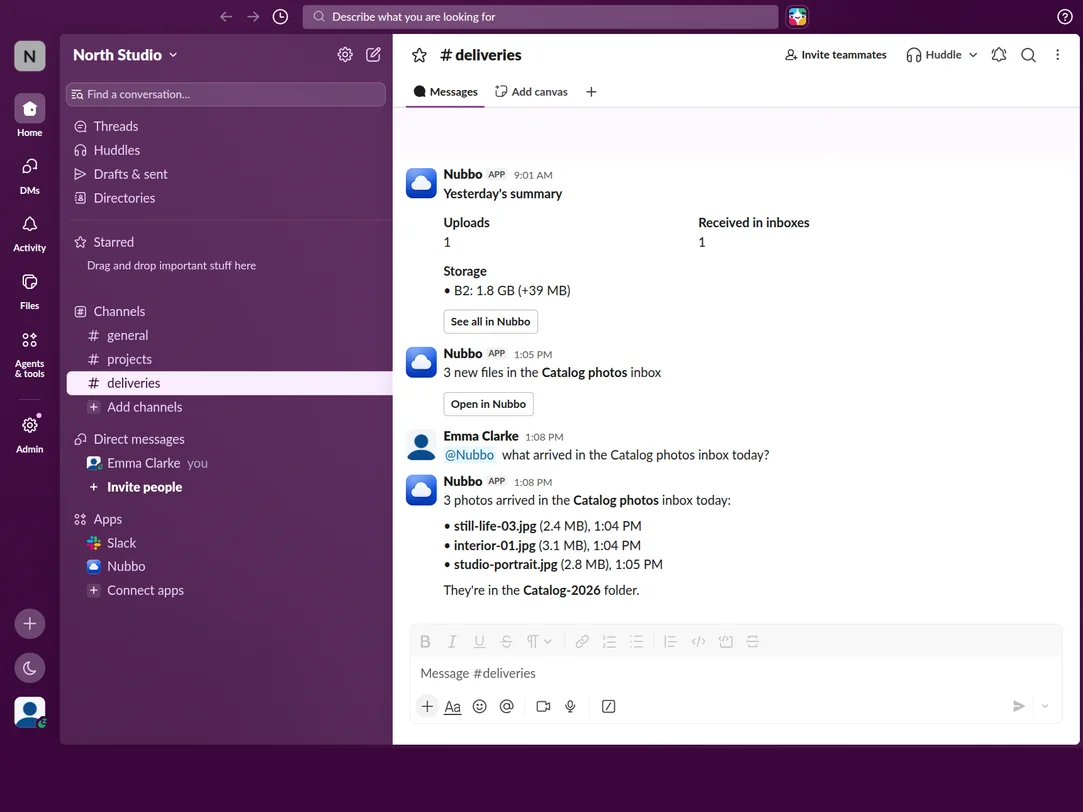
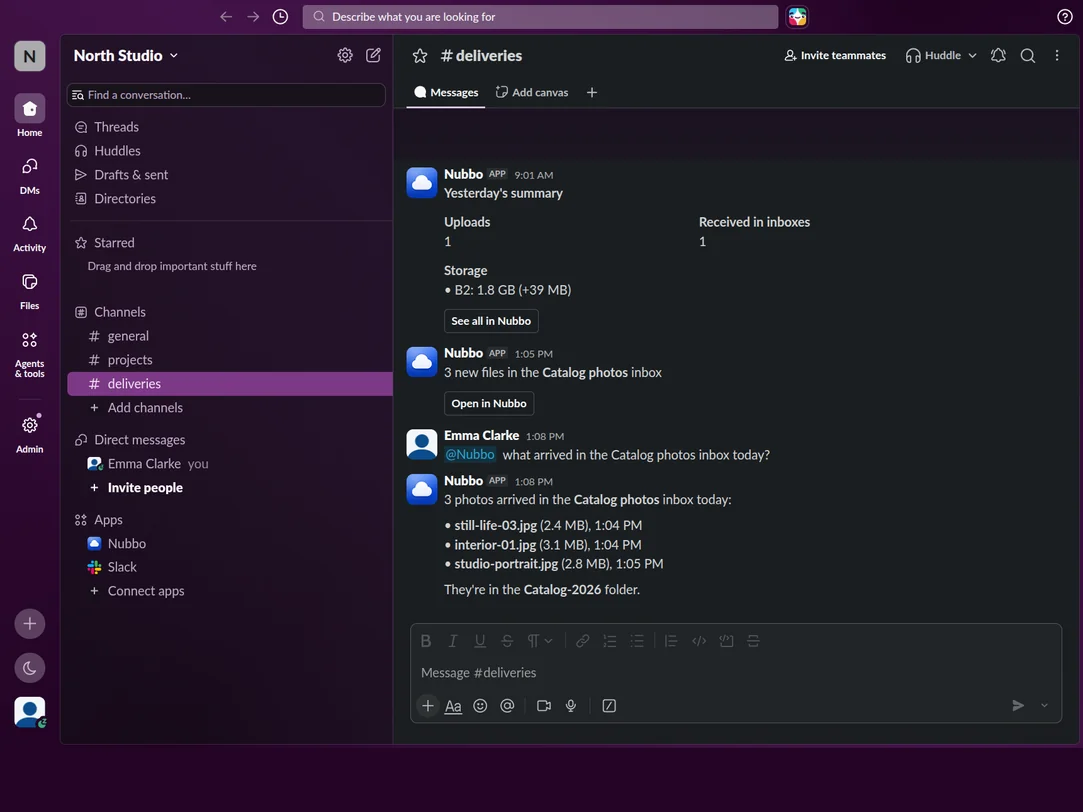
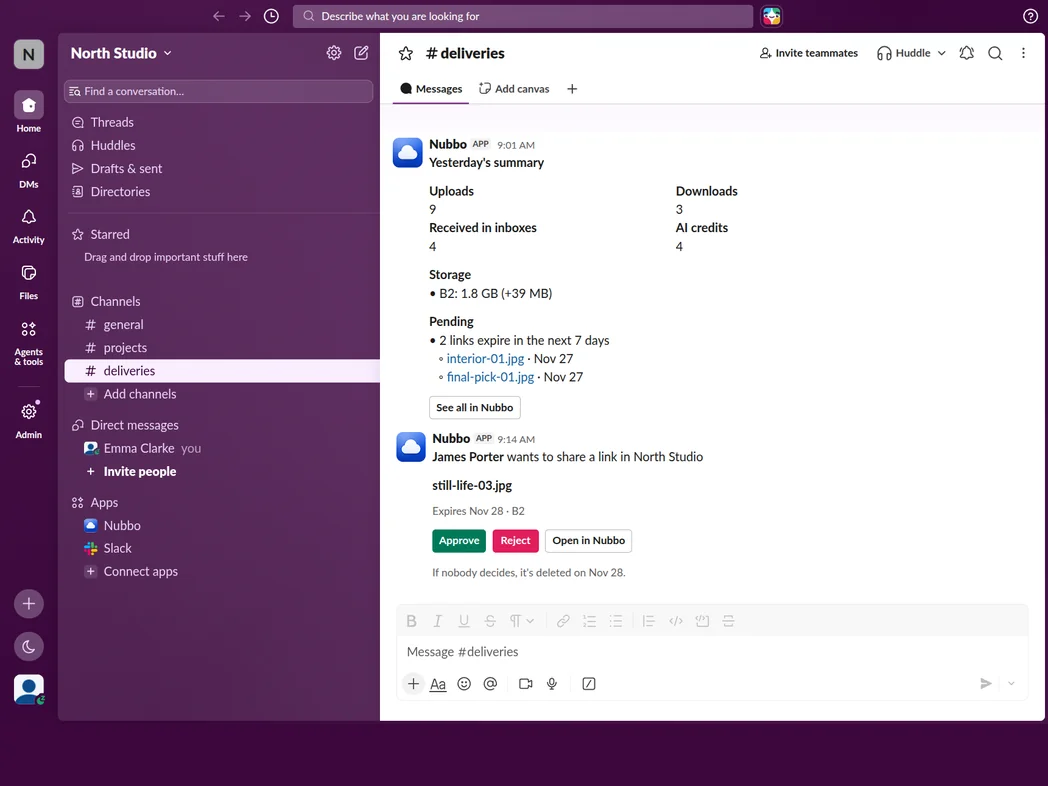
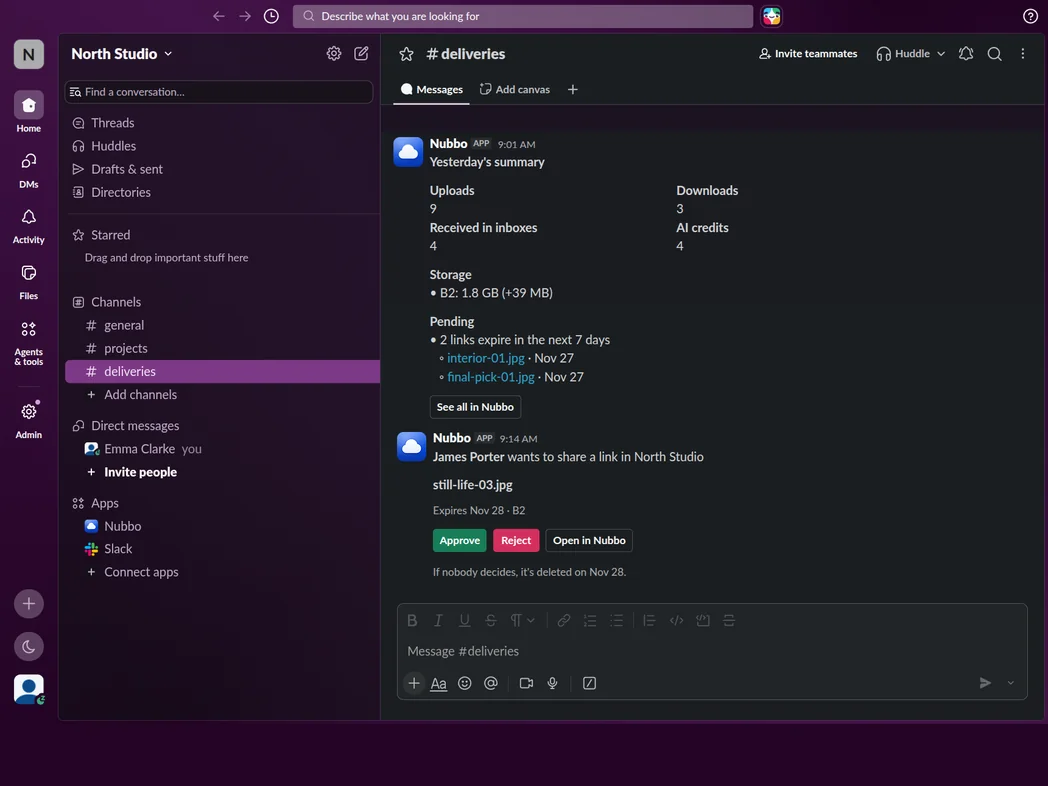
Connect each channel to the whole team, a project or a bucket and get only the notices and summaries you care about there.
Confirm what Nubbo AI does from Slack and approve or reject what your team wants to share outside.
Nothing to install, nothing to migrate. Start for free, with no card and no time limit.