With Nubbo in Slack, your team gets its notices in the channels you choose and can find files and talk to Nubbo AI without switching apps.
What you get
- Team notices in each channel, with a daily, weekly or monthly summary.
- Nubbo AI in direct messages and mentions. Before changing anything, it asks you to confirm.
- The /nubbo command to find files, create links and see the activity from any channel.
Before you start
You need a Nubbo team on the Teams plan and a Slack workspace. The owner or an admin of the team adds Nubbo to Slack. To use it, each person connects their Slack account with the same email they use in Nubbo.
Step 1: connect the team Slack
In Nubbo, open Team › Integrations and, under Slack, press Add to Slack.
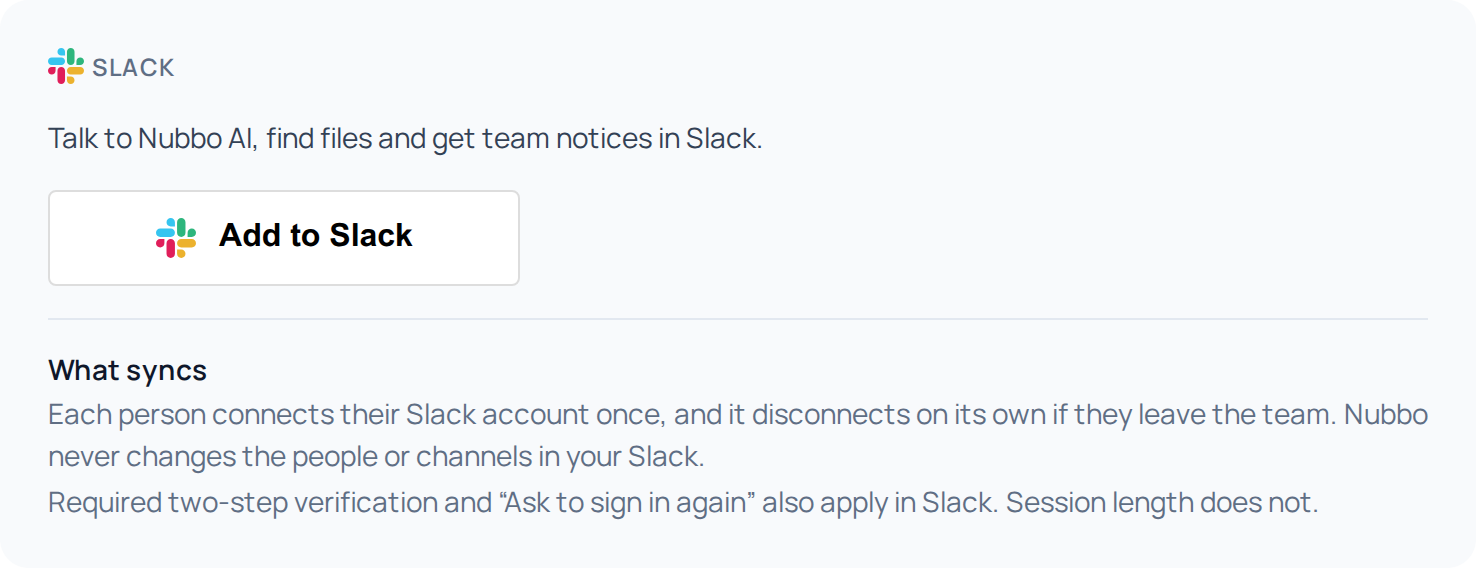
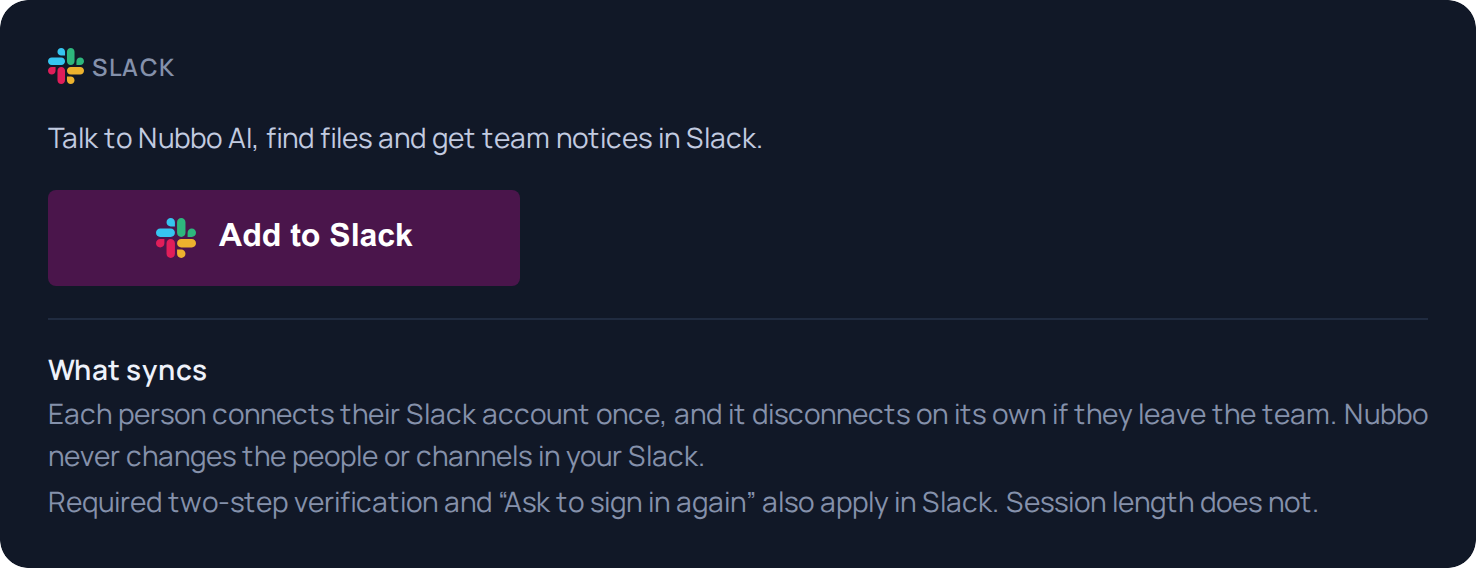
Slack shows you the permissions Nubbo asks for. Review them and accept. You land back in Nubbo with Slack connected.
Step 2: choose the channels
In Slack, type
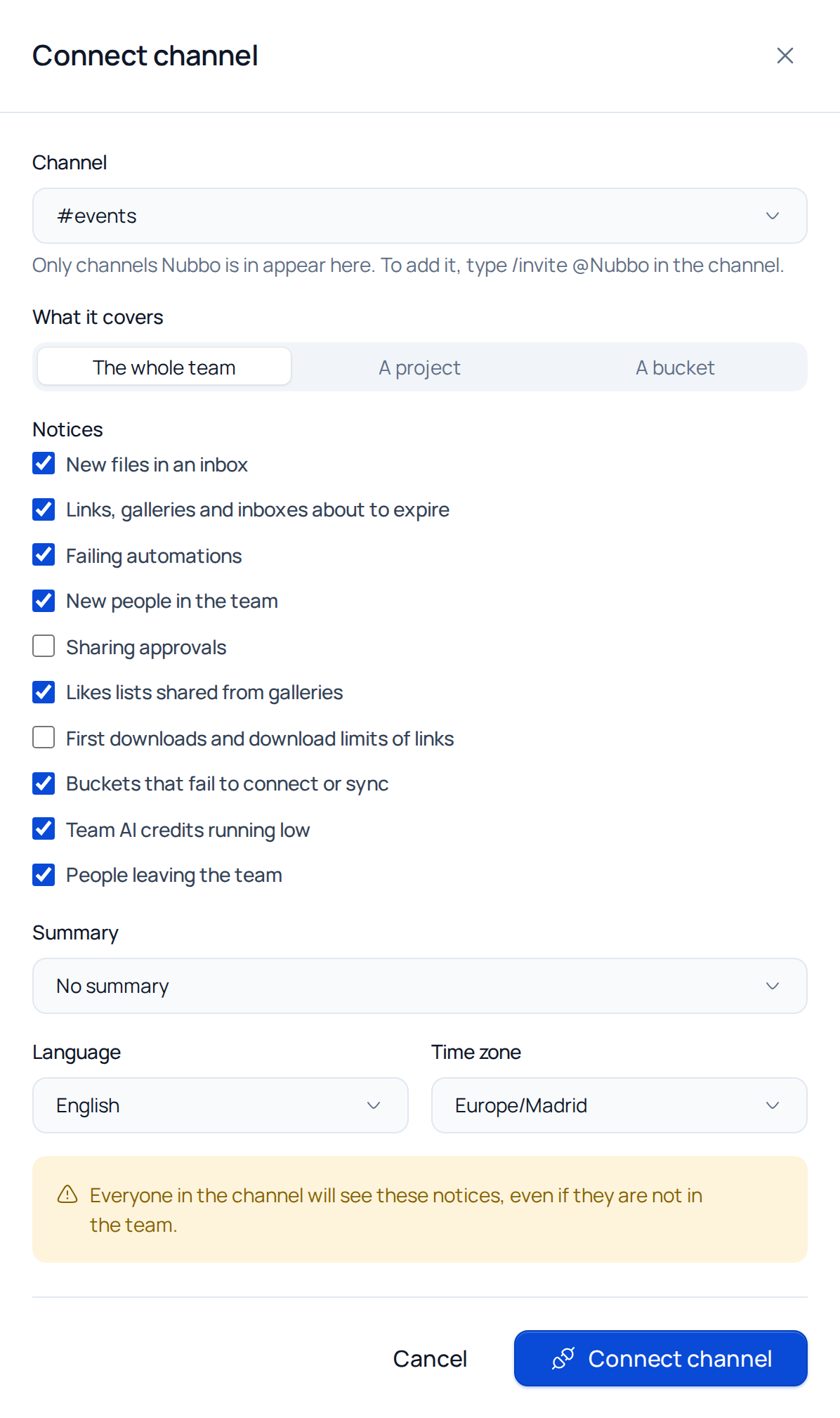
/invite @Nubboin the channel you want to use. Only channels Nubbo is in appear.In Team › Integrations, under Channels, press Connect channel.
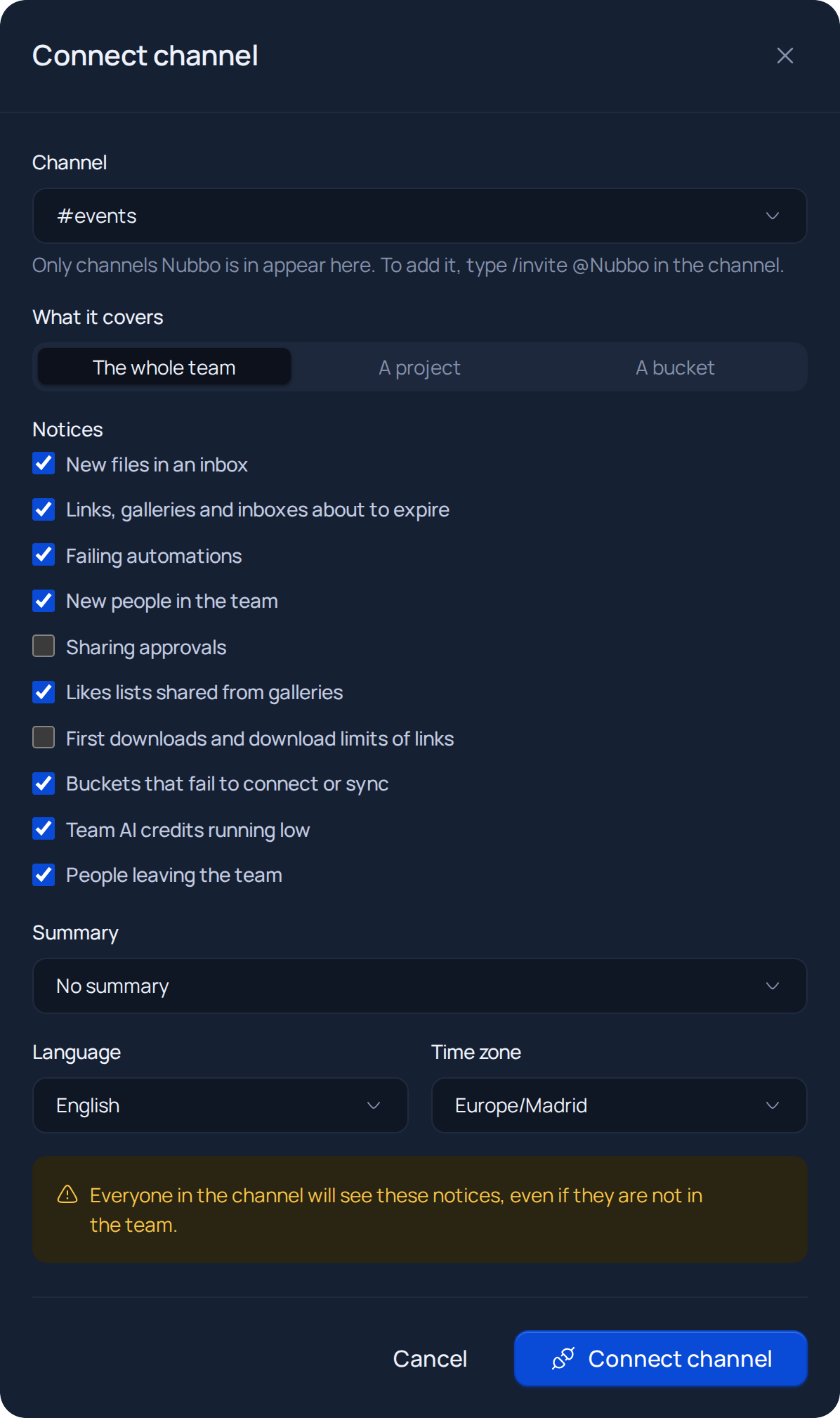
Choose the channel, What it covers (the whole team, a project or a bucket), the Notices you want and the Summary, and press Connect channel. Everyone in the channel will see its notices.
Step 3: connect your account
In Slack, type
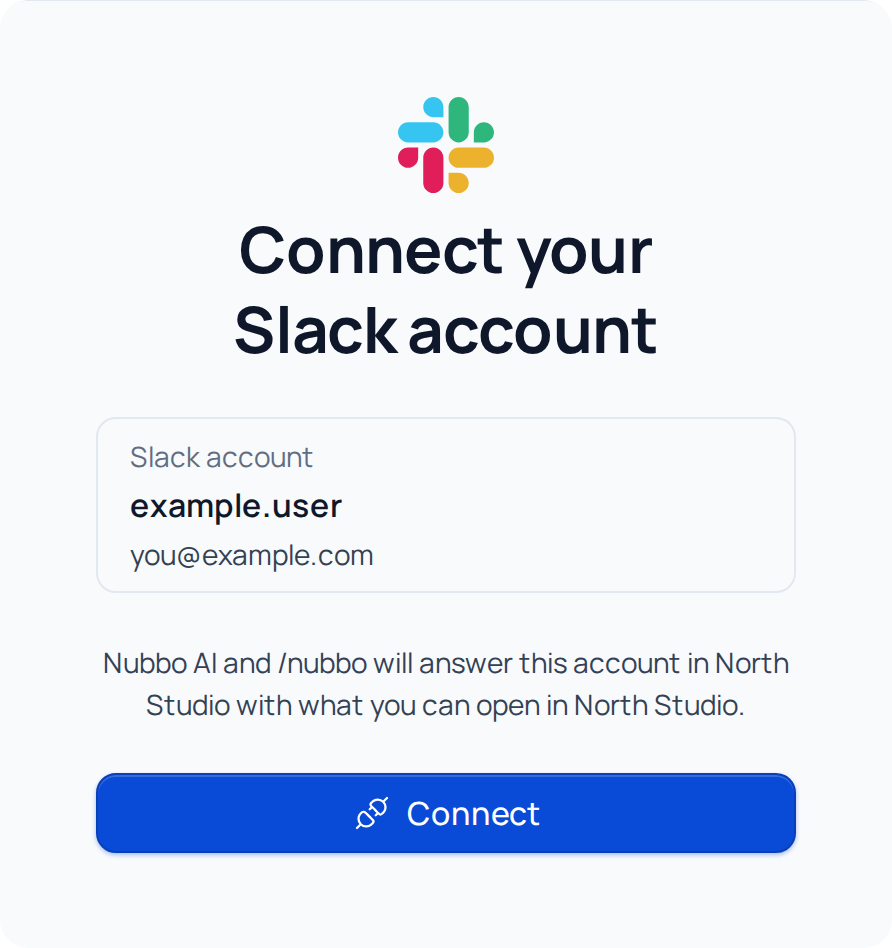
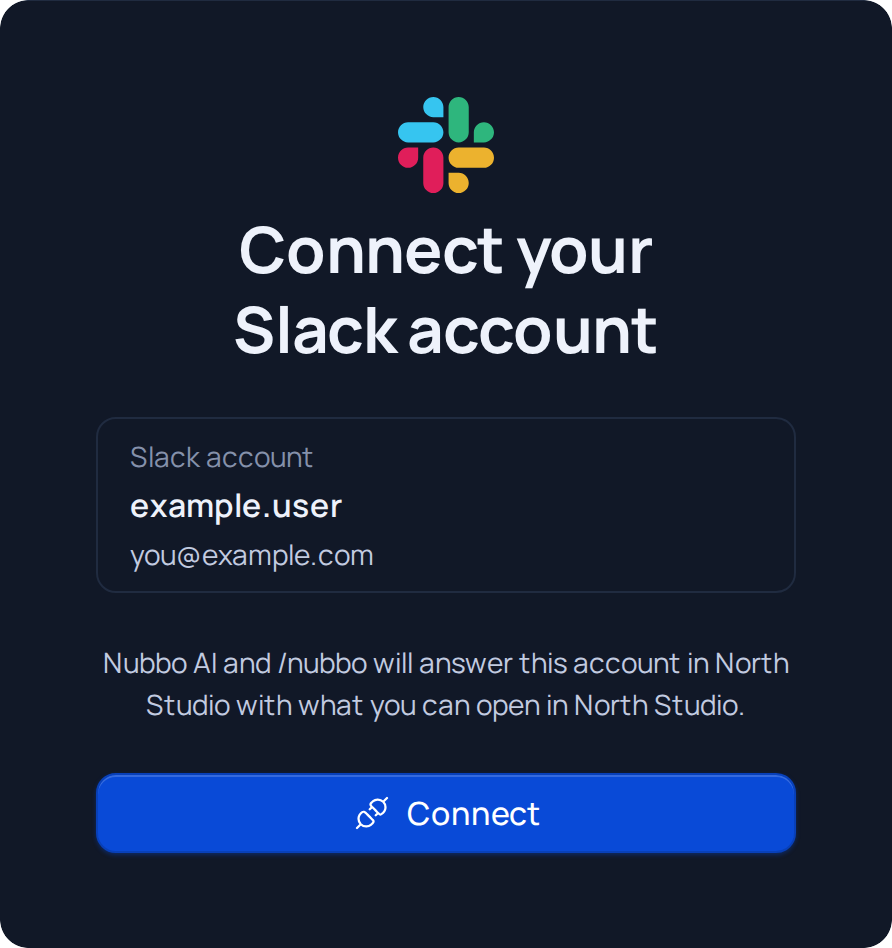
/nubbo connect. Nubbo answers with a button to connect your account.Nubbo opens with Connect your Slack account. Press Connect and go back to Slack.
Step 4: use it in Slack
Notices reach each connected channel on their own, such as new files in an inbox.
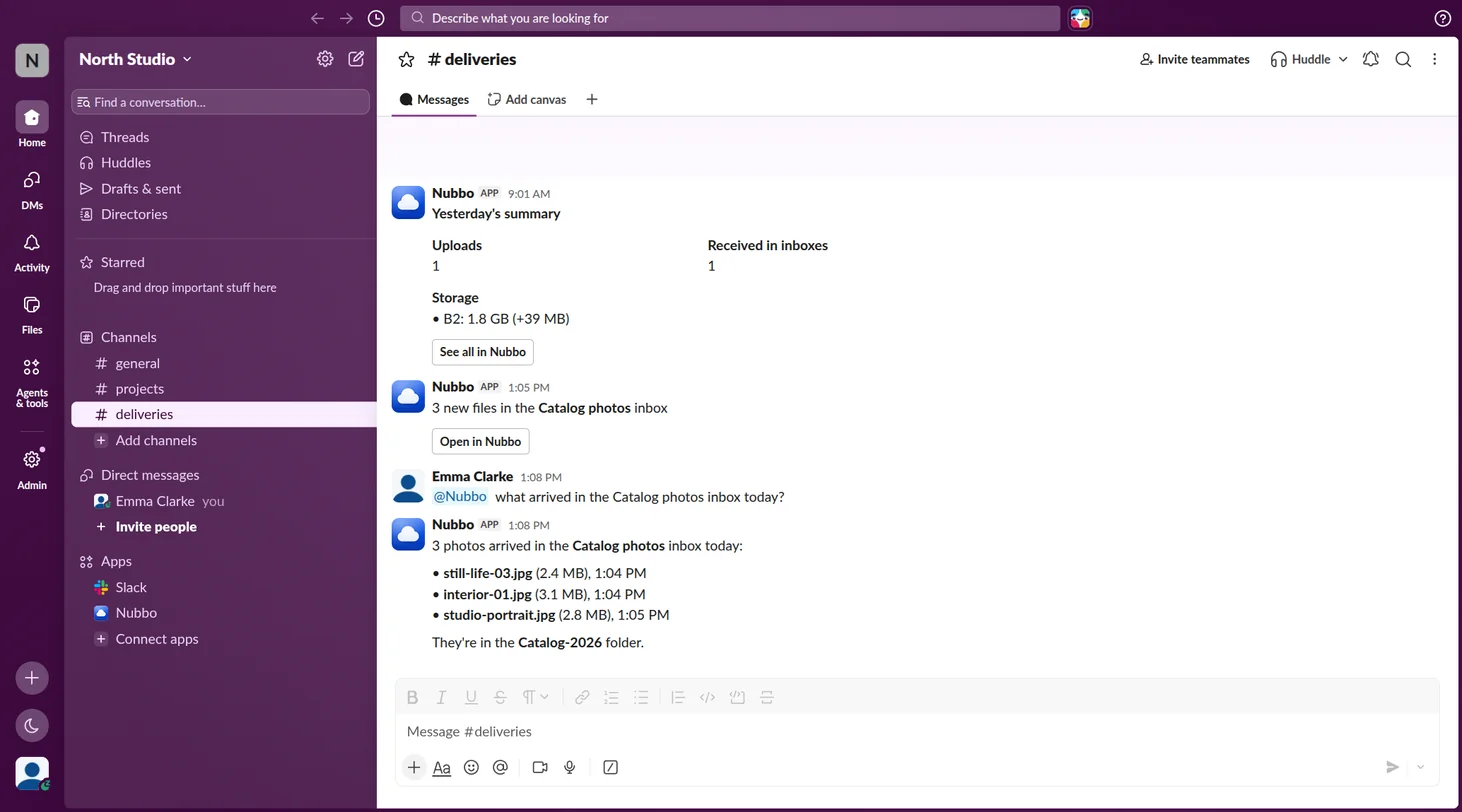
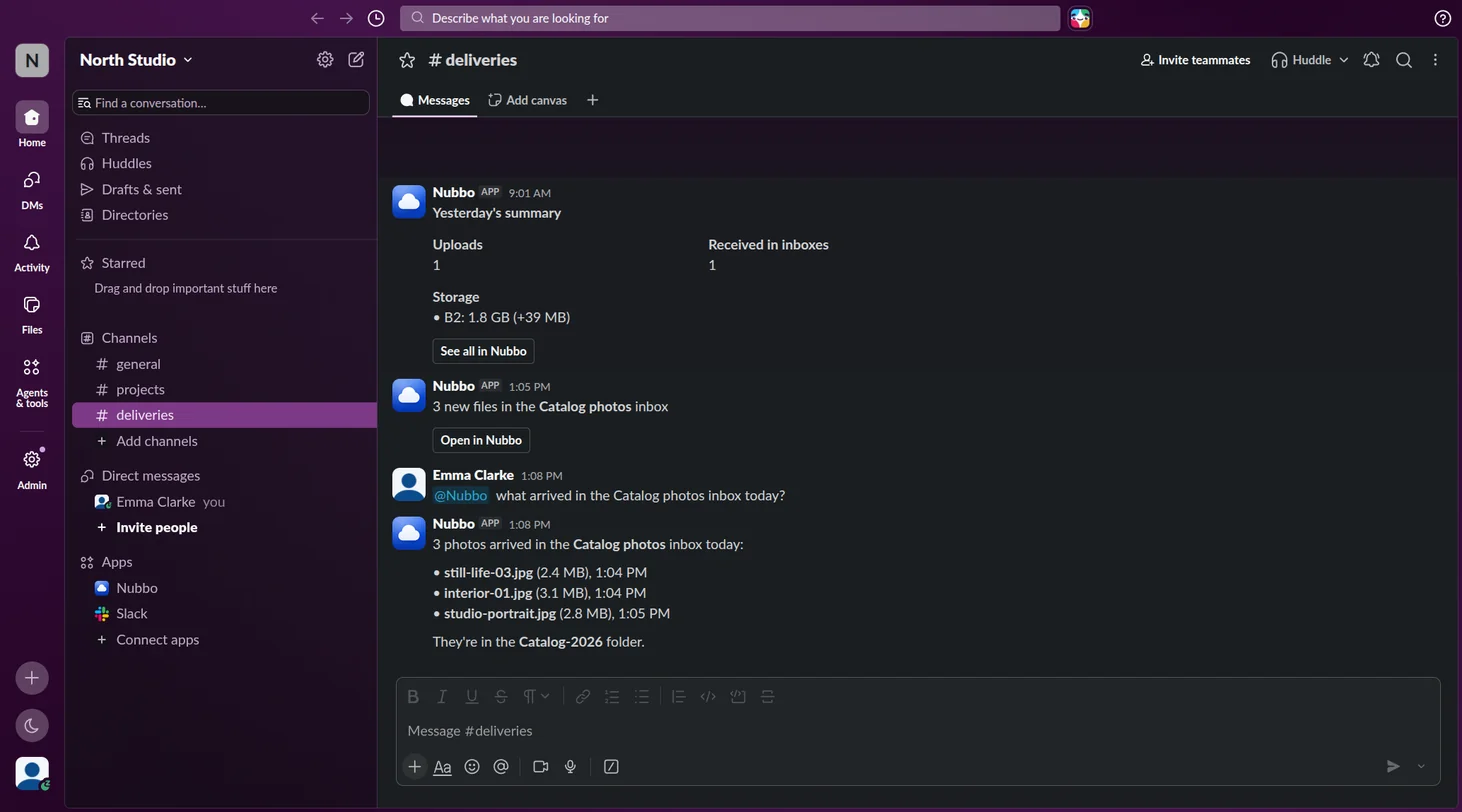
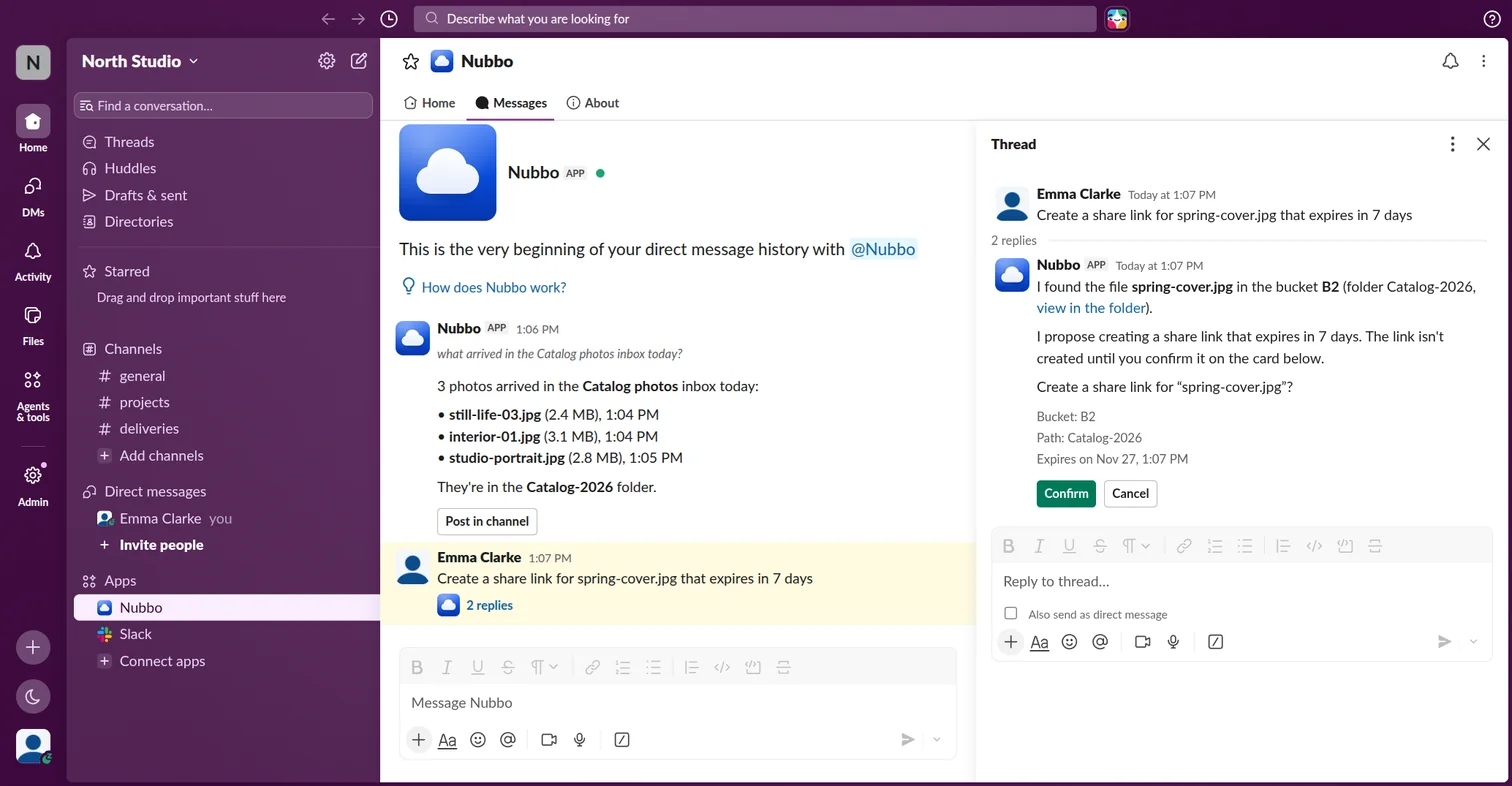
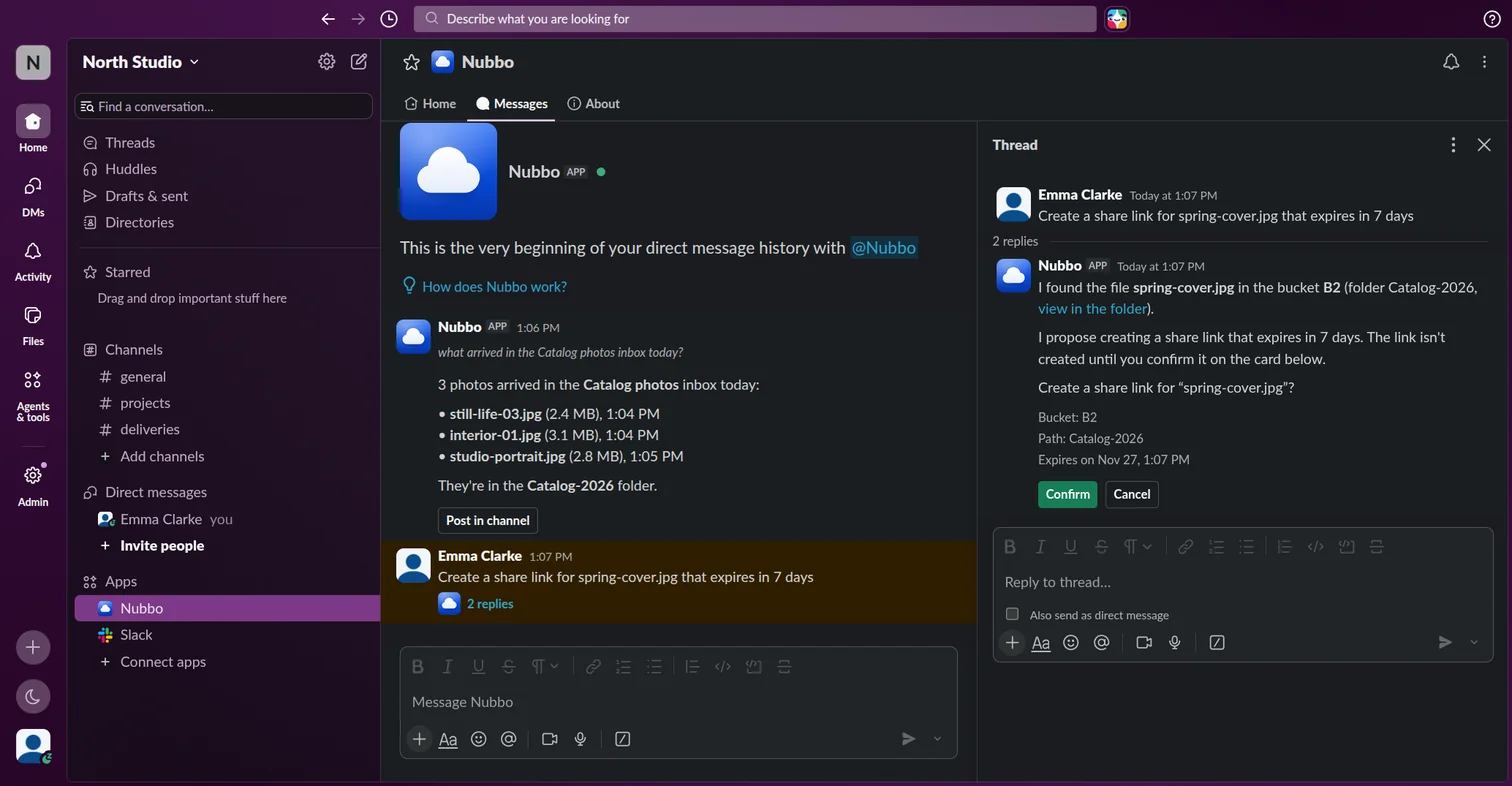
To talk to Nubbo AI, send it a direct message or mention @Nubbo in a channel. It answers you privately and, if you want, you can post the answer in the channel. When it proposes a change, press Confirm to make it. If a change can only be confirmed in Nubbo, you will see Confirm in Nubbo.
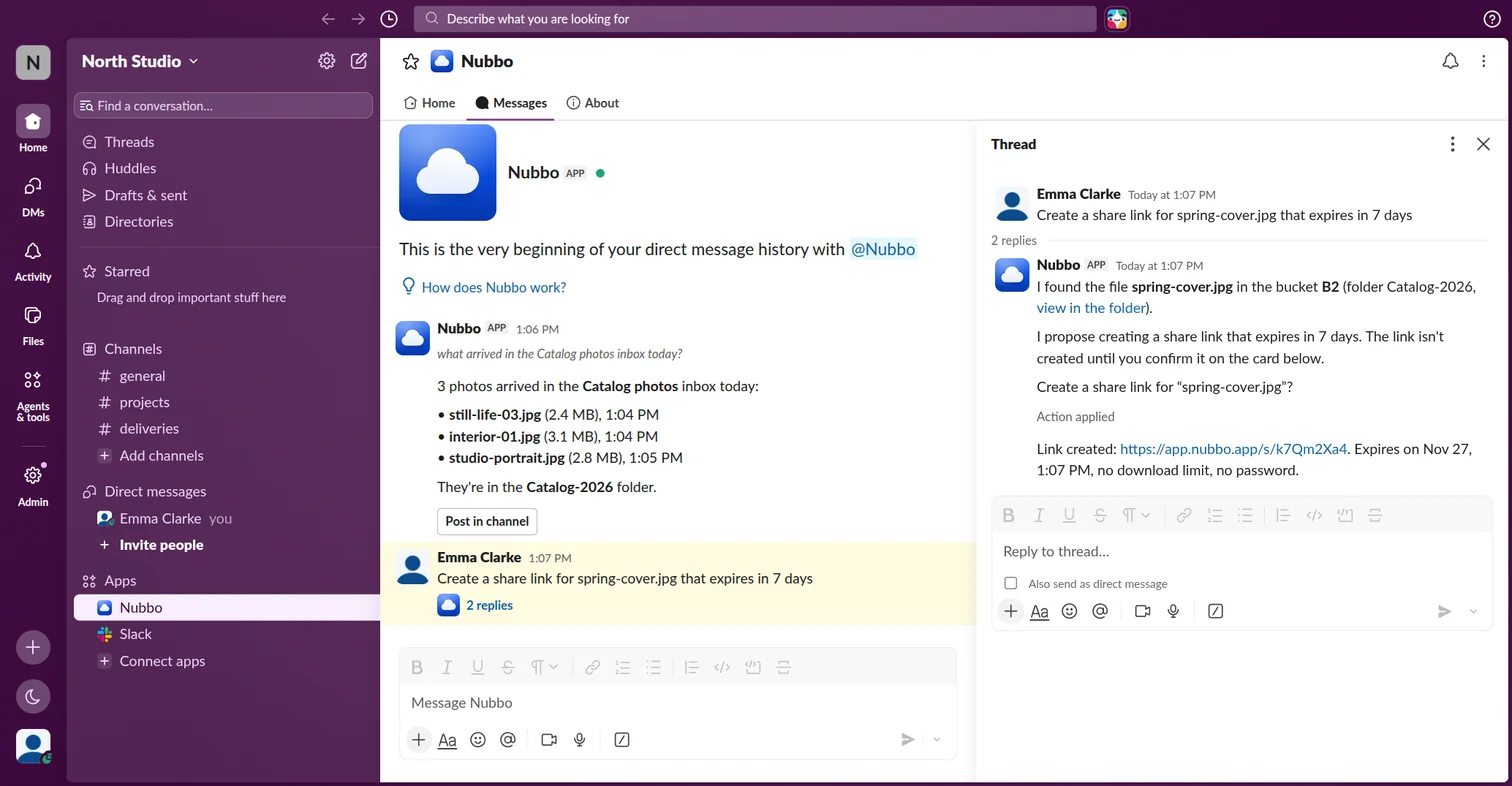
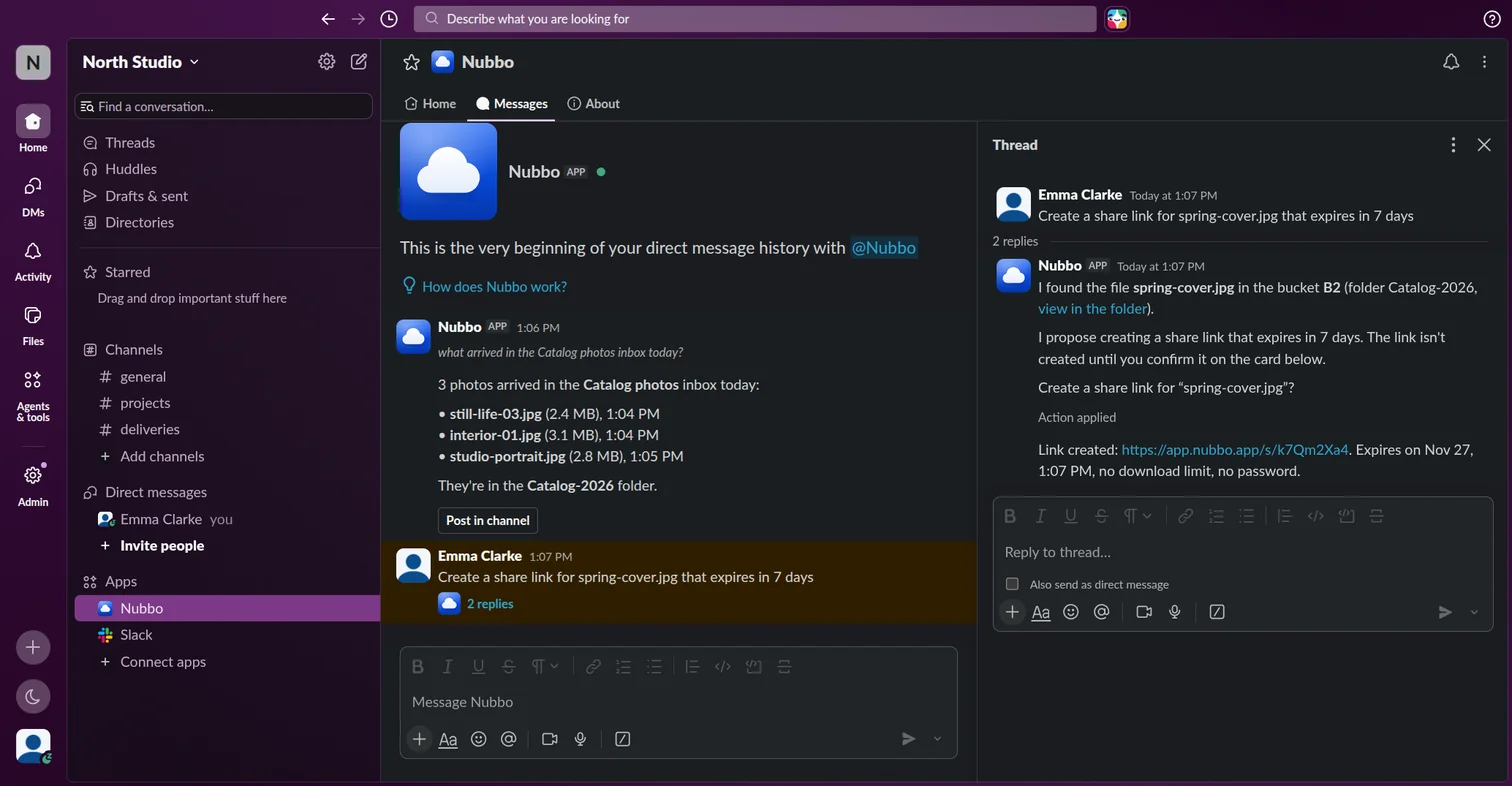
The commands are shortcuts with no AI, and only you see the answers:
/nubbo search march invoicefinds files and folders by name./nubbo link quote.pdftakes you to the file in Nubbo or creates a link to share it./nubbo activityshows what happened lately in your files./nubbo report weekgives the figures for the last 7 days (monthfor the last 30)./nubbo helpshows the help.
If something fails
| What happens | What to do |
|---|---|
| You do not see the Add to Slack button | Only the owner and admins of the team see it. |
| The channel does not appear | Type /invite @Nubbo in that channel and try again. |
| «This link has expired.» | Type /nubbo connect in Slack to get a new one. |
| Nubbo does not connect your account | Your Slack account and your Nubbo account have to use the same email. |
More on Nubbo for Slack.
Frequently asked questions
Who can add Nubbo to Slack?
The owner or an admin of the team. Then each person connects their own Slack account.
Who sees the notices of a channel?
Everyone in the channel, even people who are not in the team. Answers from Nubbo AI and /nubbo are only seen by you, unless you post them in the channel.
Does it use AI credits?
Nubbo AI uses the team credits and your AI permission. The /nubbo commands use no AI and no credits.
Why can I not connect my account?
Your Slack account has to use the same email as your Nubbo account. If they differ, Nubbo does not connect it.
Sources
Steps checked against these pages.