The Nubbo node brings your buckets into every n8n workflow. In this guide you build one that creates a share link every time a file arrives in an inbox.
What you get
- Start a workflow when a file arrives, something is uploaded to an inbox or there is new activity.
- Upload, move, rename, label and share files from any workflow, or let an AI agent do it.
- An API key with just the access it needs. Revoke it whenever you want.
Before you start
You need a Nubbo account on the Pro or Teams plan and a self-hosted n8n where you are the owner or an admin. In a Nubbo team, API keys are created by the owner or an admin.
Step 1: install the node
In n8n, open Settings › Community nodes and press Install.
Type
n8n-nodes-nubbo, tick I understand the risks of installing unverified code from a public source and press Install. Two nodes appear: Nubbo and Nubbo Trigger.
Step 2: create the key and the credential
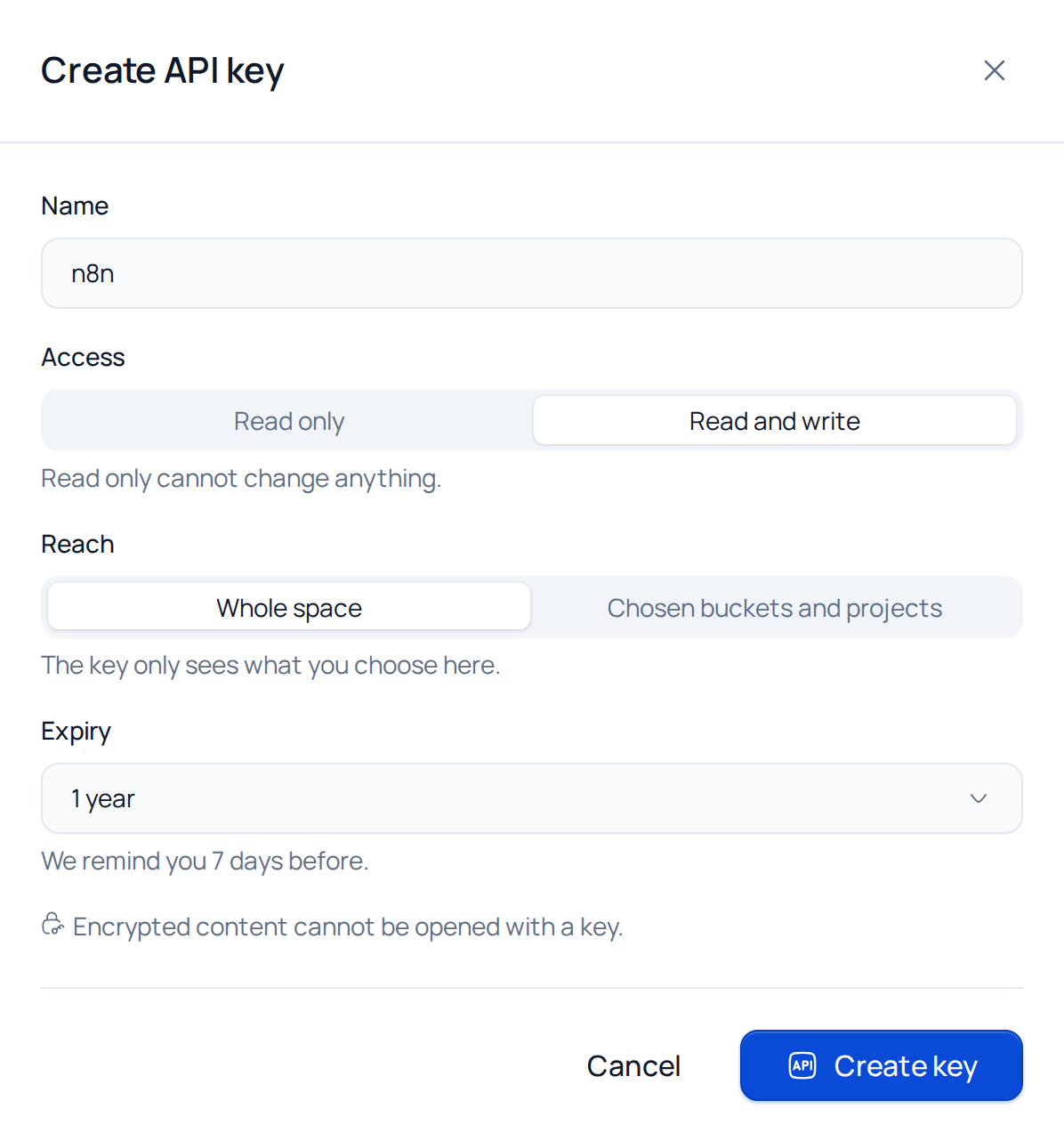
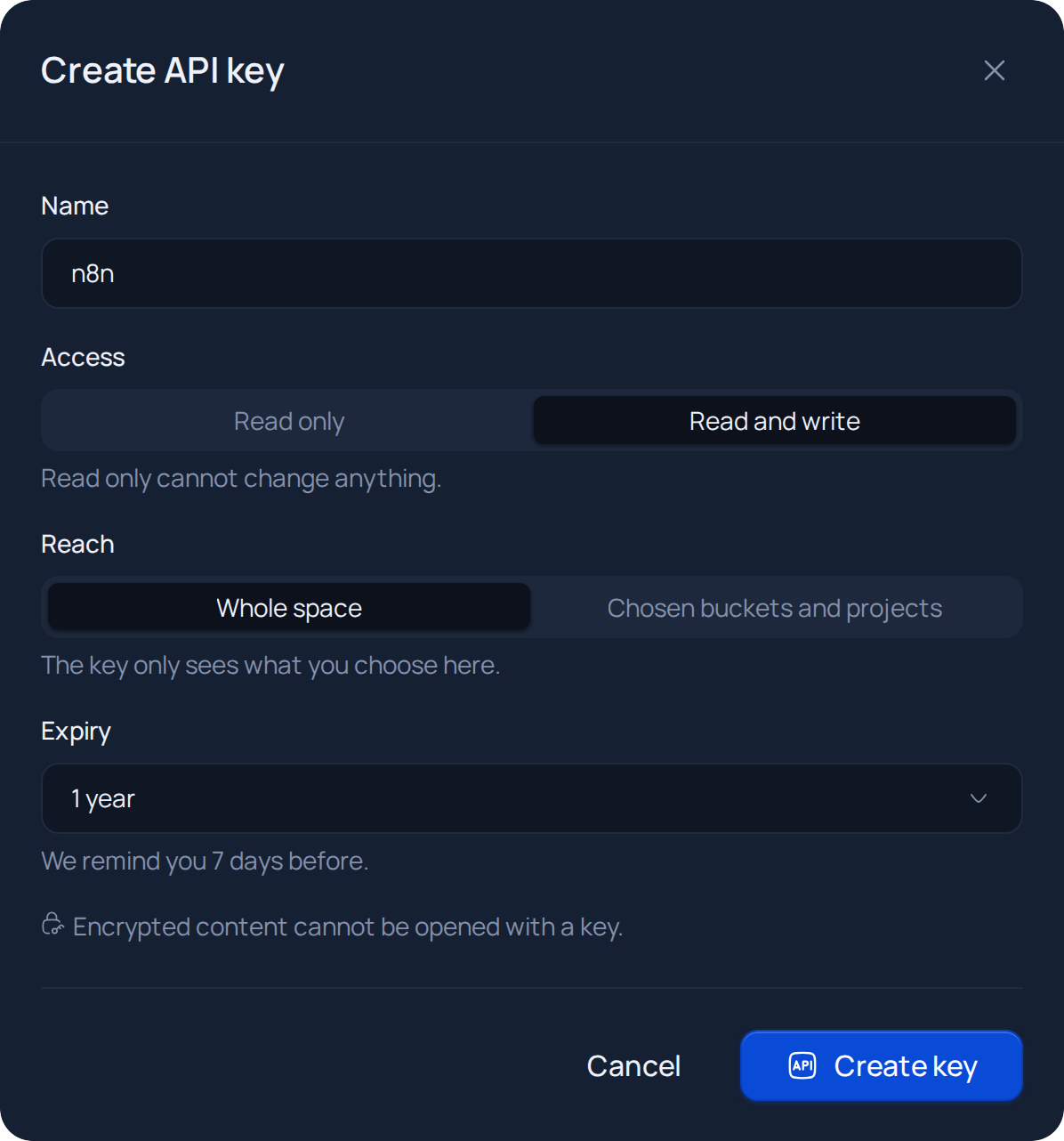
In Nubbo, open Settings › API (or Team › API in a team) and press Create API key. Give it a name, choose the Access, the Reach and the Expiry and press Create key. Nubbo asks for your password to confirm it is you. With two-step verification on, it also asks for the code.
Copy the key and press I have saved it. This is the only time you will see it in full.
In n8n, create a Nubbo API credential, paste the key into API Key and save. n8n checks the key right away.
Step 3: build the workflow
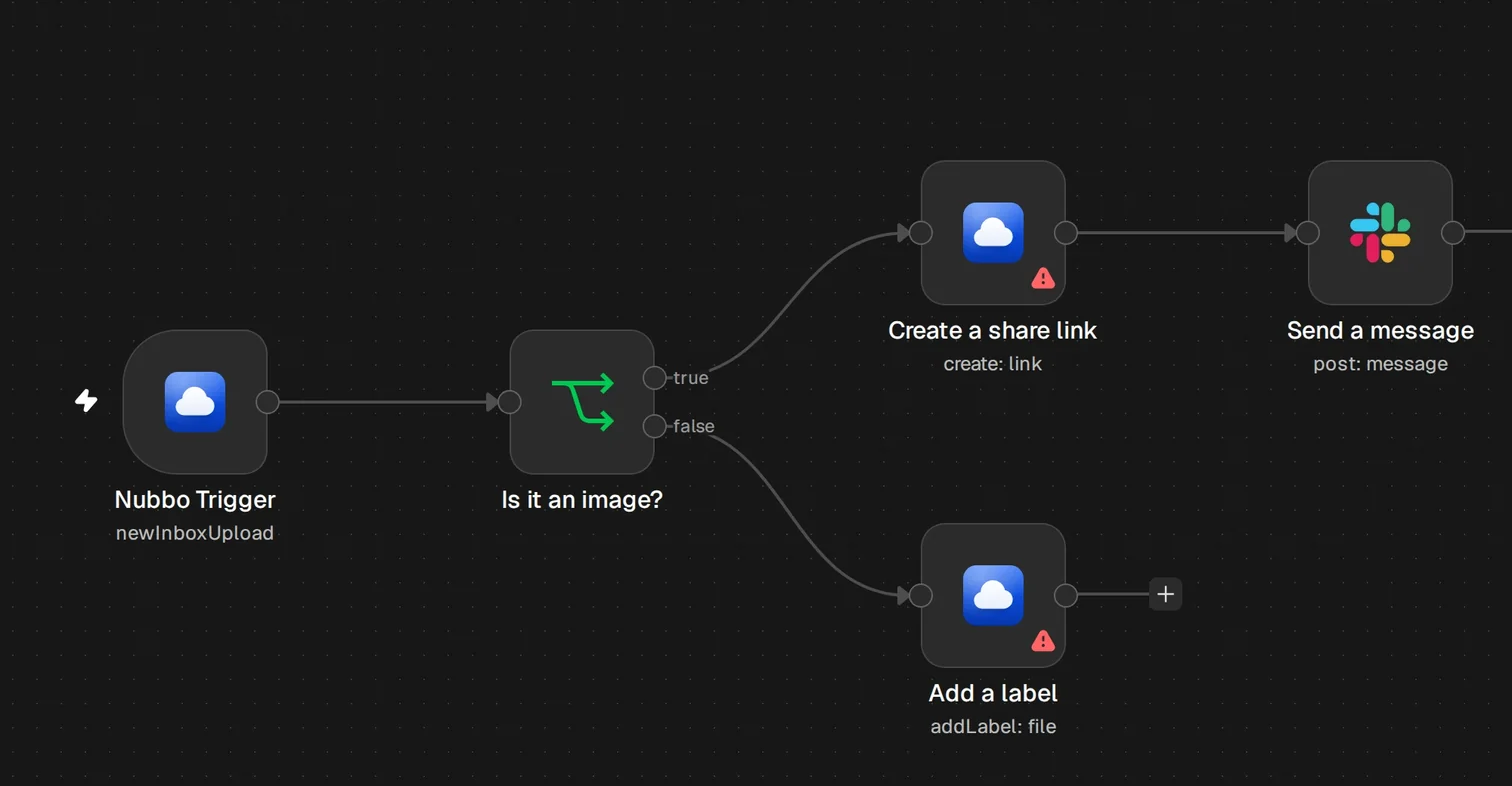
Create a workflow and add Nubbo Trigger. In Event choose New File Request Upload and, in File Request, the inbox. Leave it empty to watch all of them.
Press Fetch Test Event to bring in the latest upload.
Add the Nubbo node with Share Link › Create and set File or Folder ID to the expression
{{ $json.file.id }}. Add an expiry if you like. You can then send{{ $json.url }}with an email or messaging node.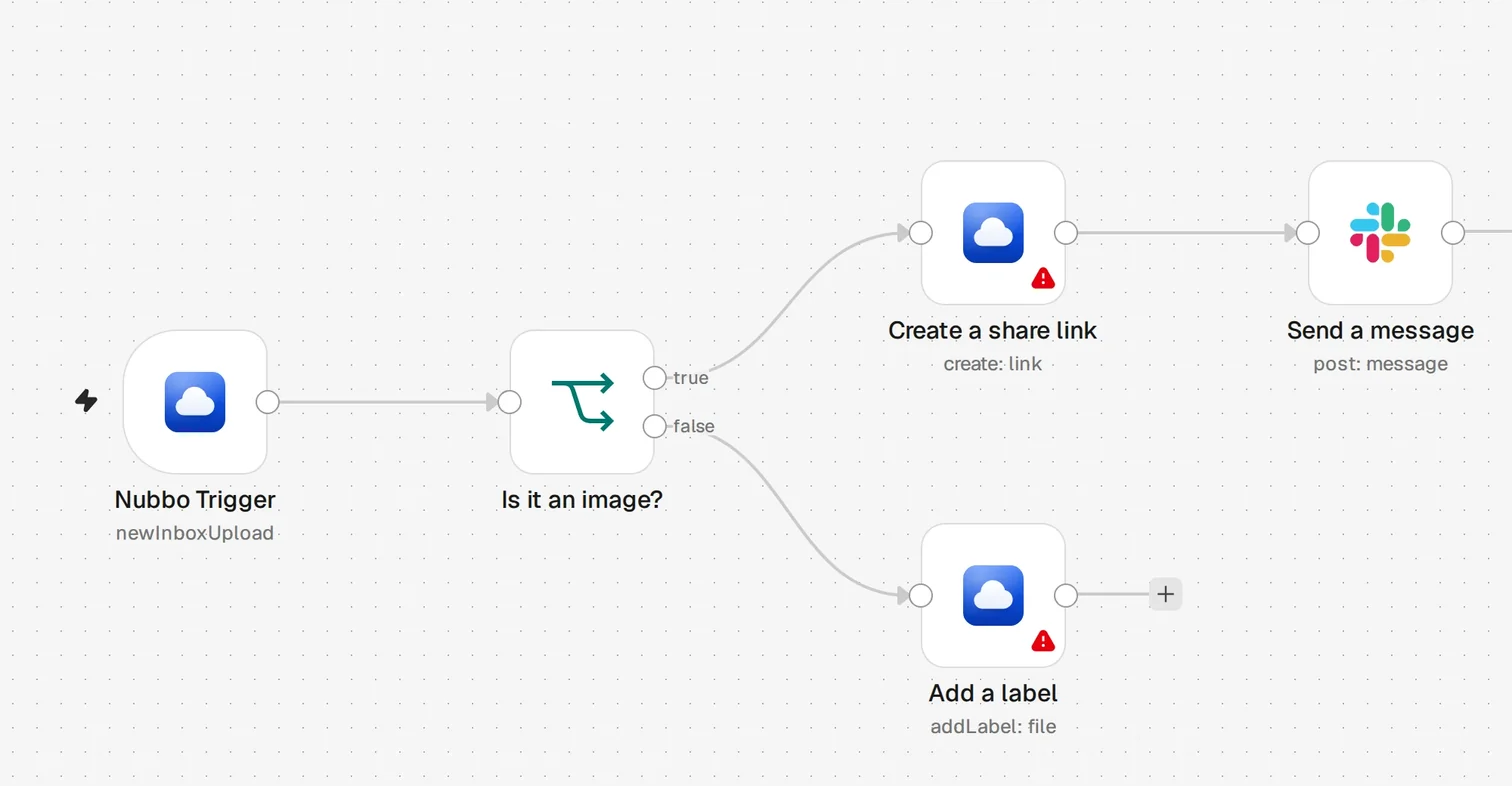
Step 4: publish it
Press Publish and confirm. The trigger polls Nubbo once a minute, or as often as you set in the node, and the workflow runs on every new upload. Earlier uploads do not count.
If something fails
- If the credential fails its test, the key is not valid, was revoked or has expired, or the space is not on Pro or Teams. Create another key in Nubbo.
API_KEY_READ_ONLY: the key is read only. Create one with Read and write.API_RATE_LIMITED: too many requests in a row. The node waits and tries again up to three times.API_QUOTA_EXCEEDED: the space has used its monthly limit. It works again when it resets, and no event is lost.
More on what you can do in Nubbo for n8n. If you prefer another tool, follow the Zapier or the Make guide.
Frequently asked questions
Which n8n can I install it on?
On a self-hosted n8n, from Settings › Community nodes. Only the owner or an admin of that n8n can install community nodes.
Can the same event arrive twice?
No. The trigger remembers where it is: each event arrives once and in order, also after n8n restarts or you pause the workflow.
Does a workflow that uploads into the folder it watches start itself again?
No, as long as Ignore Changes Made by This Key stays on, which it is by default. The trigger skips what the key itself does.
Does polling Nubbo use API requests?
No. Each delivered event counts once as a trigger event of your plan.
Sources
Steps checked against these pages.