Nubbo connects to any S3-compatible storage that signs with Signature V4, such as MinIO, Ceph or SeaweedFS, on your own server or with another provider. All you need is the endpoint URL, a key and the region. This guide follows the Nubbo wizard step by step, with both paths: automatic or with a key limited to one bucket.
What you get
- Browse the bucket like a drive: folders, views, search, trash, labels and favorites.
- Upload and download files directly between your browser and your server. Files never pass through Nubbo servers.
- Share files and folders with a password, expiry and download limit, receive files into your bucket and create galleries.
- Your keys are stored encrypted with AES-256-GCM and you can disconnect the bucket at any time.
Before you start
You need S3-compatible storage and a Nubbo account. Every bucket you connect counts toward your plan limit: Free allows 2, Personal 5 and Pro has no limit. The endpoint must be a public URL that both Nubbo servers and the browser can reach, and it needs HTTPS, because the browser does not load HTTP content from https://nubbo.app. Nubbo rejects endpoints that point to private or local addresses. If your server has no regions, leave us-east-1.
Choose how to connect
The Nubbo wizard offers two paths. Both end the same way: the bucket connected and ready for uploads from the browser.
| Automatic | With a limited key | |
|---|---|---|
| Key | Access to the whole account | Limited to one bucket |
| Bucket | Nubbo uses one of yours or creates a new one | You create it first |
| CORS | Nubbo adds the rule for you | You add the rule |
| When to choose it | The fastest way | When you do not want to give access to the whole account |
Automatic connection
Step 1: create the key in your server
- Check that your server exposes the S3 API with V4 signatures on a public HTTPS URL, for example
https://s3.your-domain.com. - Create a key that can create buckets and change their CORS.
- Note the endpoint URL and the region. If your server has no regions, use
us-east-1.
Step 2: connect the bucket in Nubbo
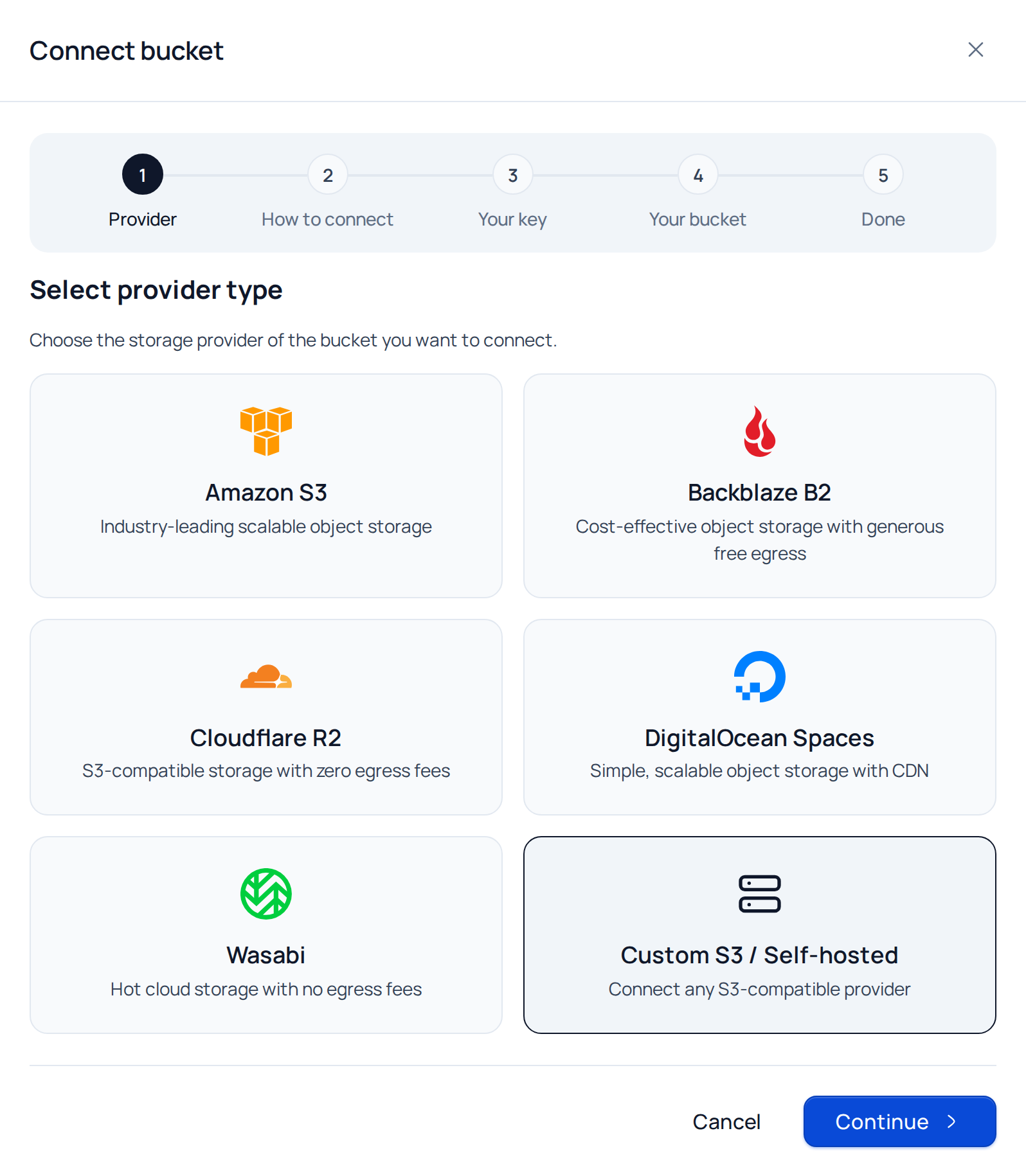
In Nubbo, open Buckets and press Connect bucket. Choose Custom S3 / Self-hosted and press Continue.
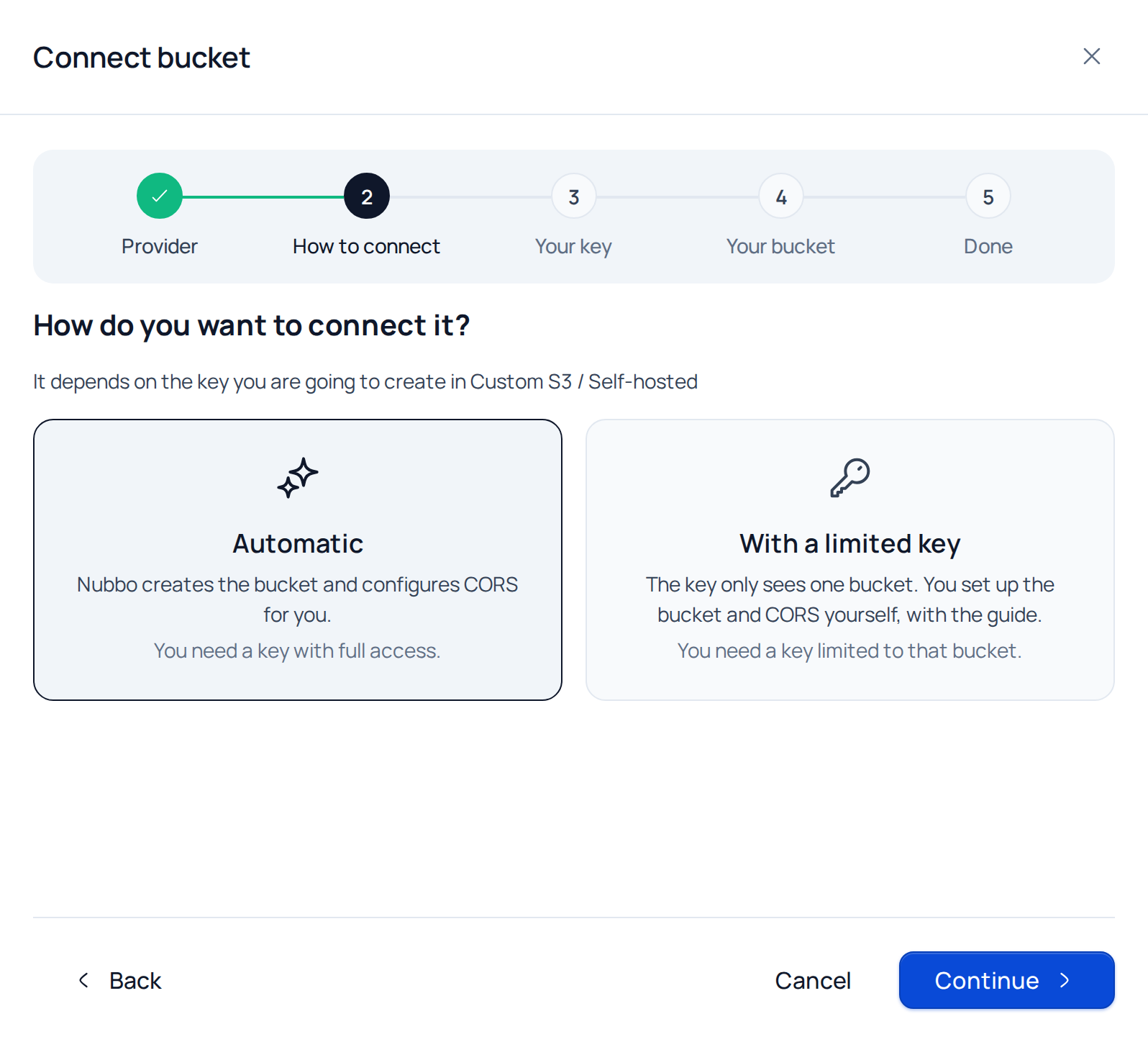
Choose Automatic and press Continue.
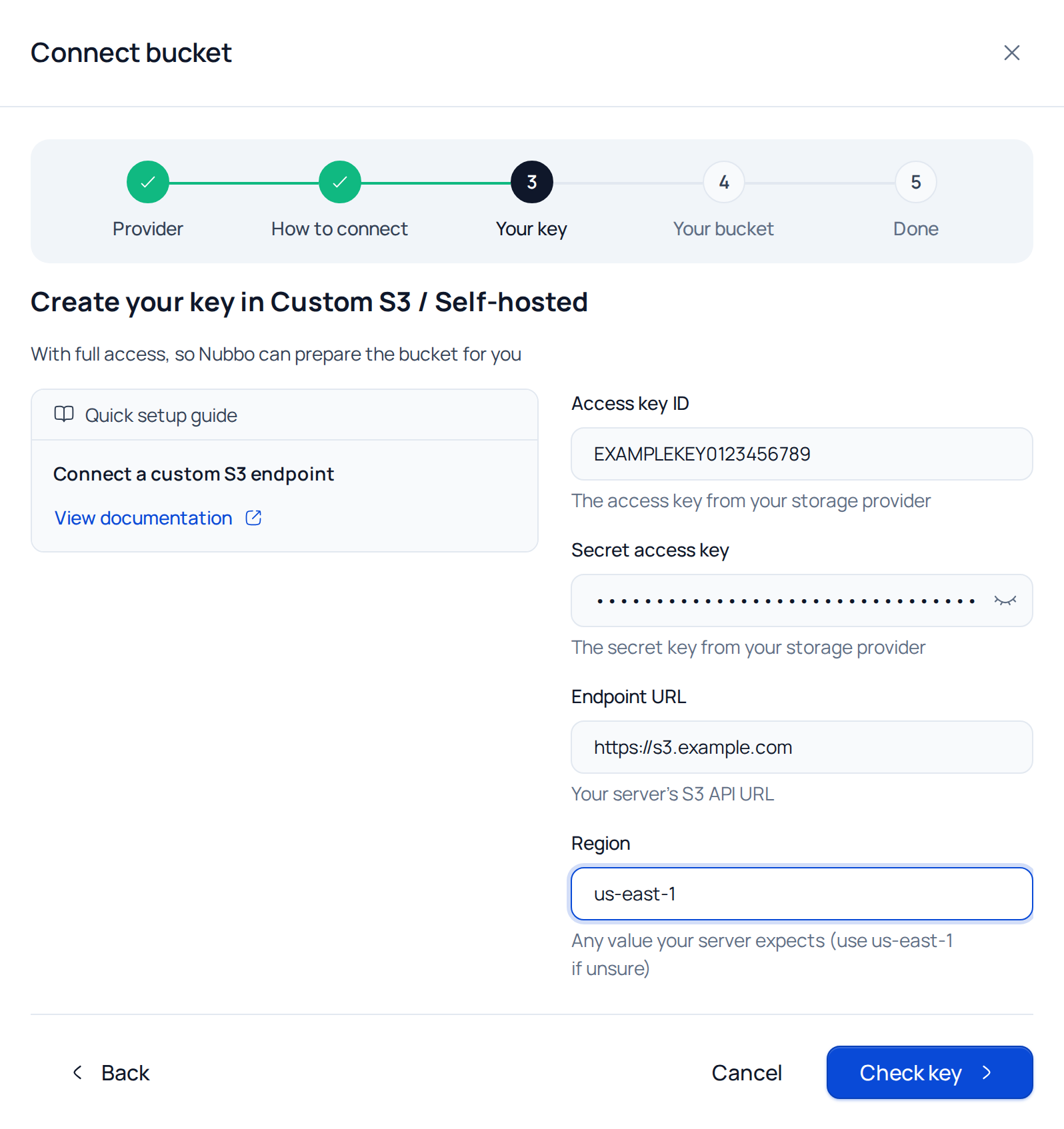
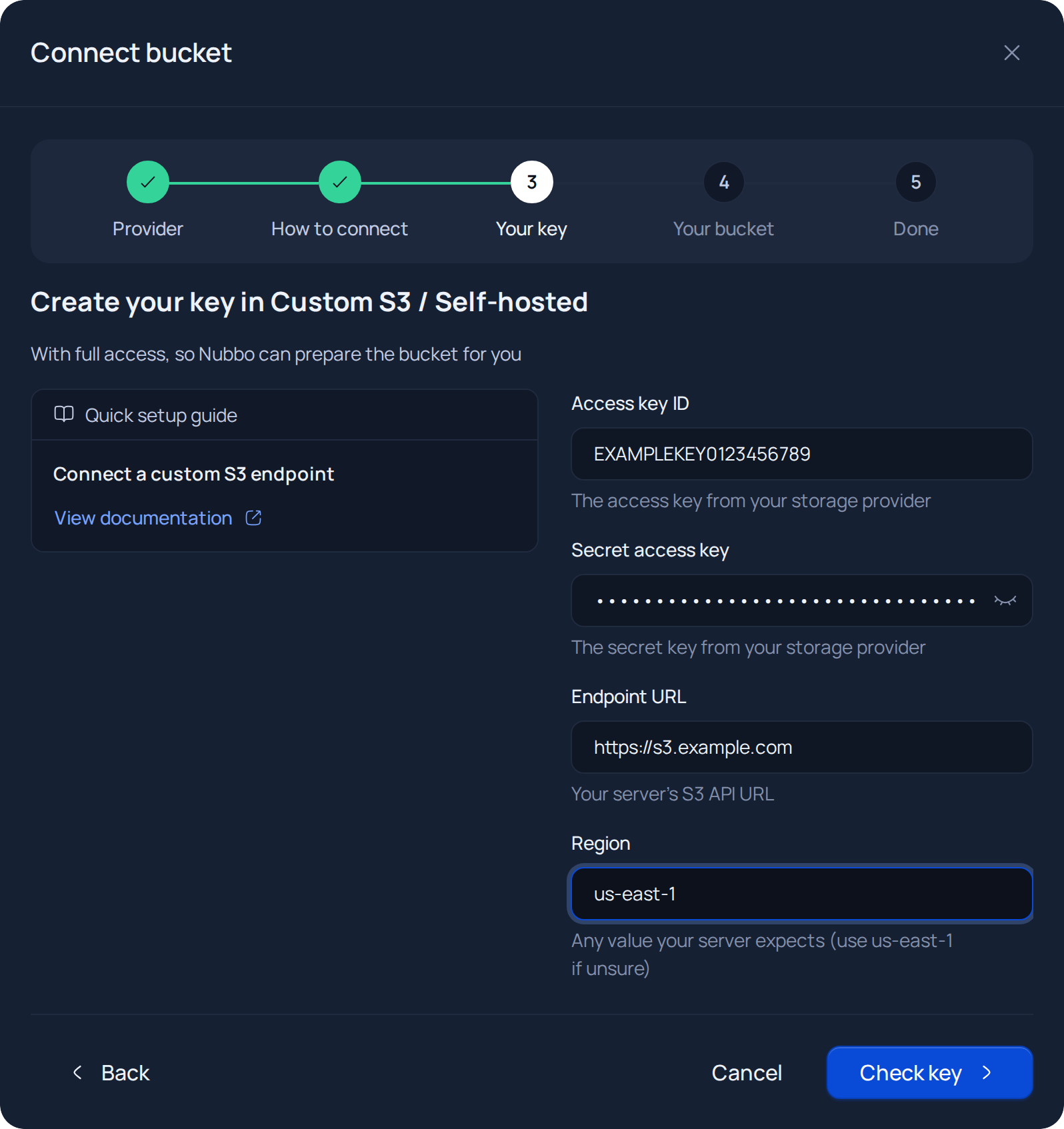
In the Your key step, paste the access key, the secret key, the endpoint URL and the region. Press Check key. Nubbo checks that the key works and that it has access to the whole account.
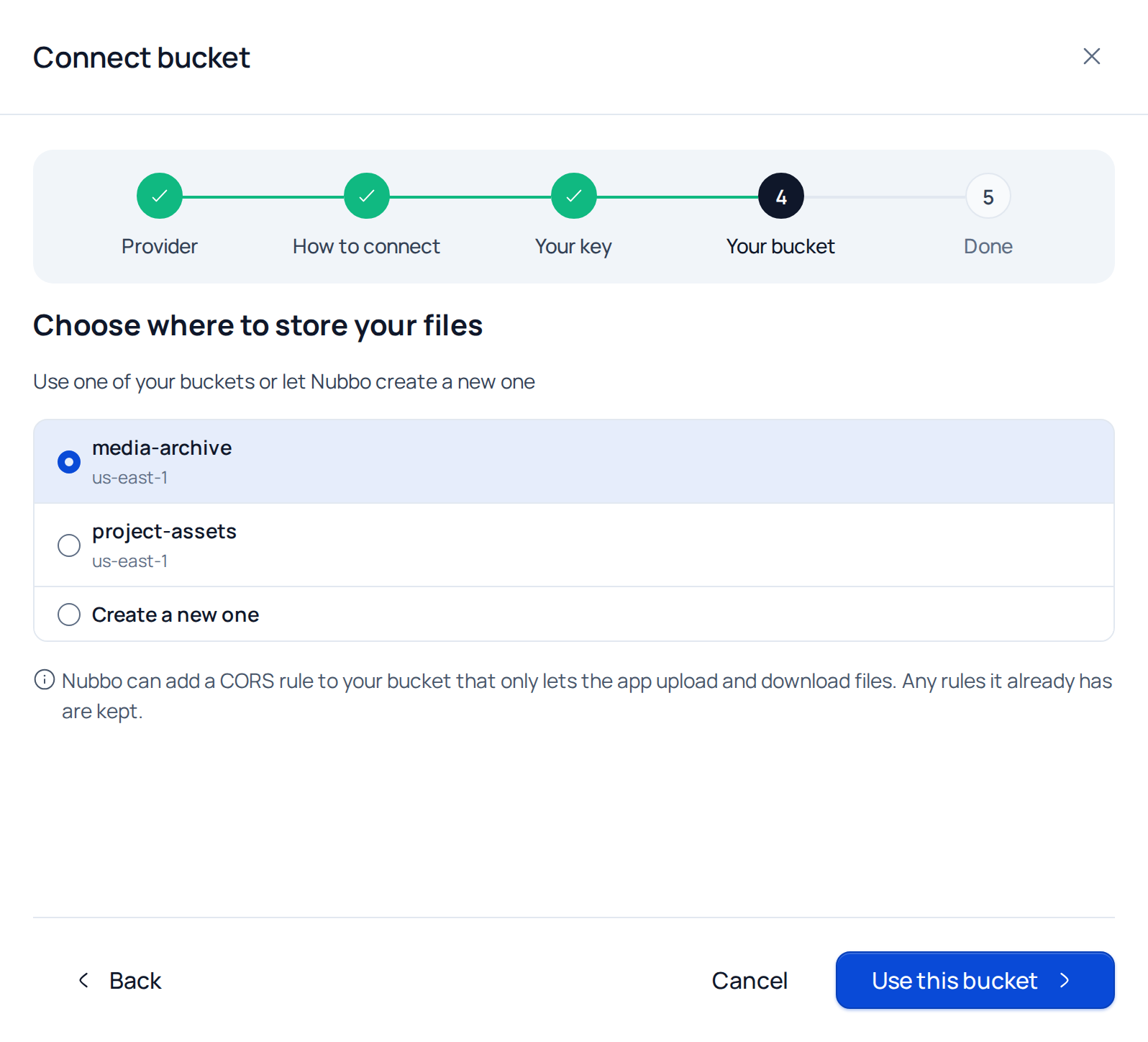
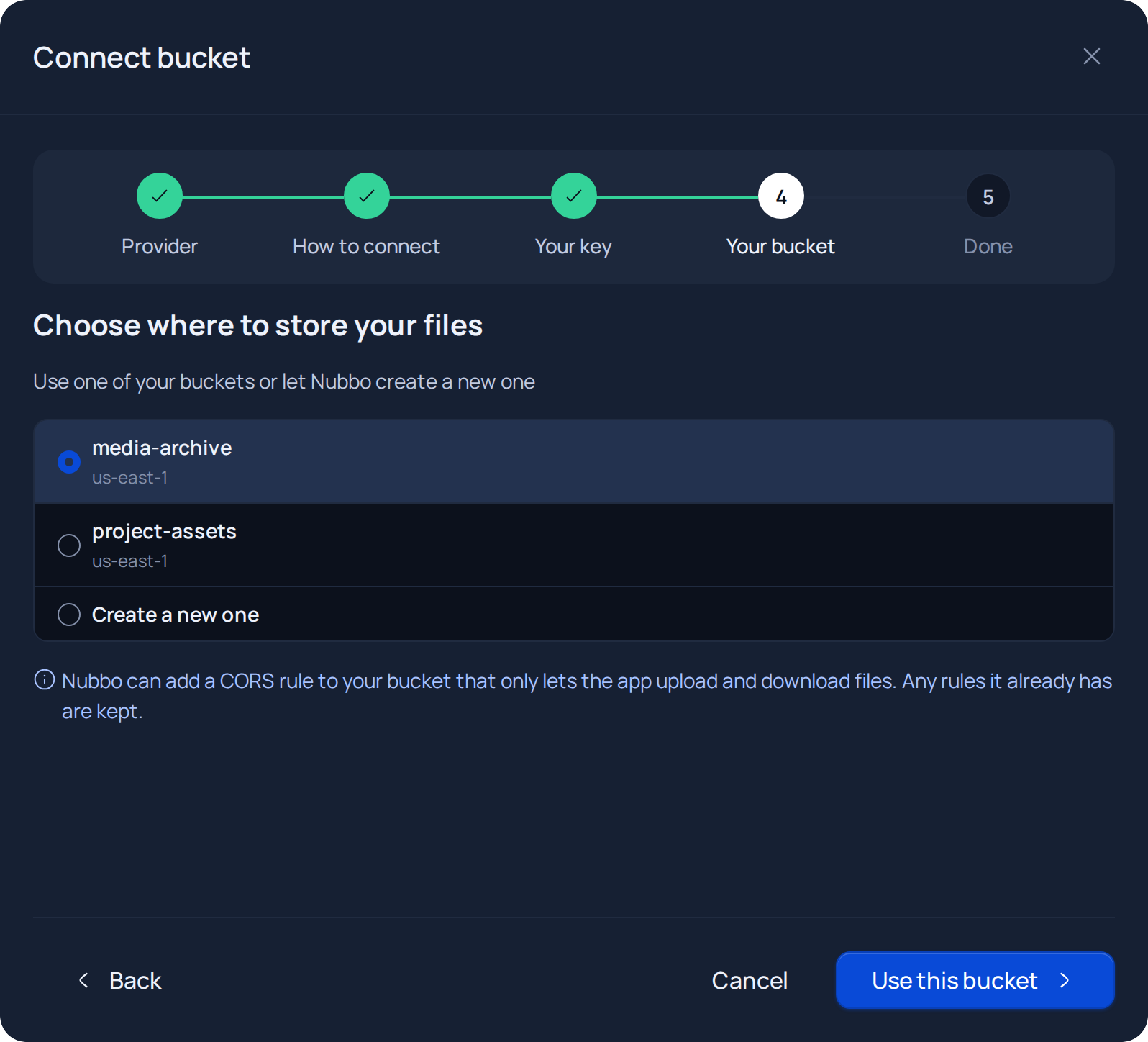
Pick one of your buckets and press Use this bucket, or select Create a new one, type a name (and pick the region, if it asks) and press Create and prepare. Nubbo adds a CORS rule to the bucket that only allows uploads and downloads from the app, and keeps the rules it already has.
Review the three checks, change the Name in Nubbo if you like and press Finish. The bucket shows up in Buckets and you can open it in the explorer.
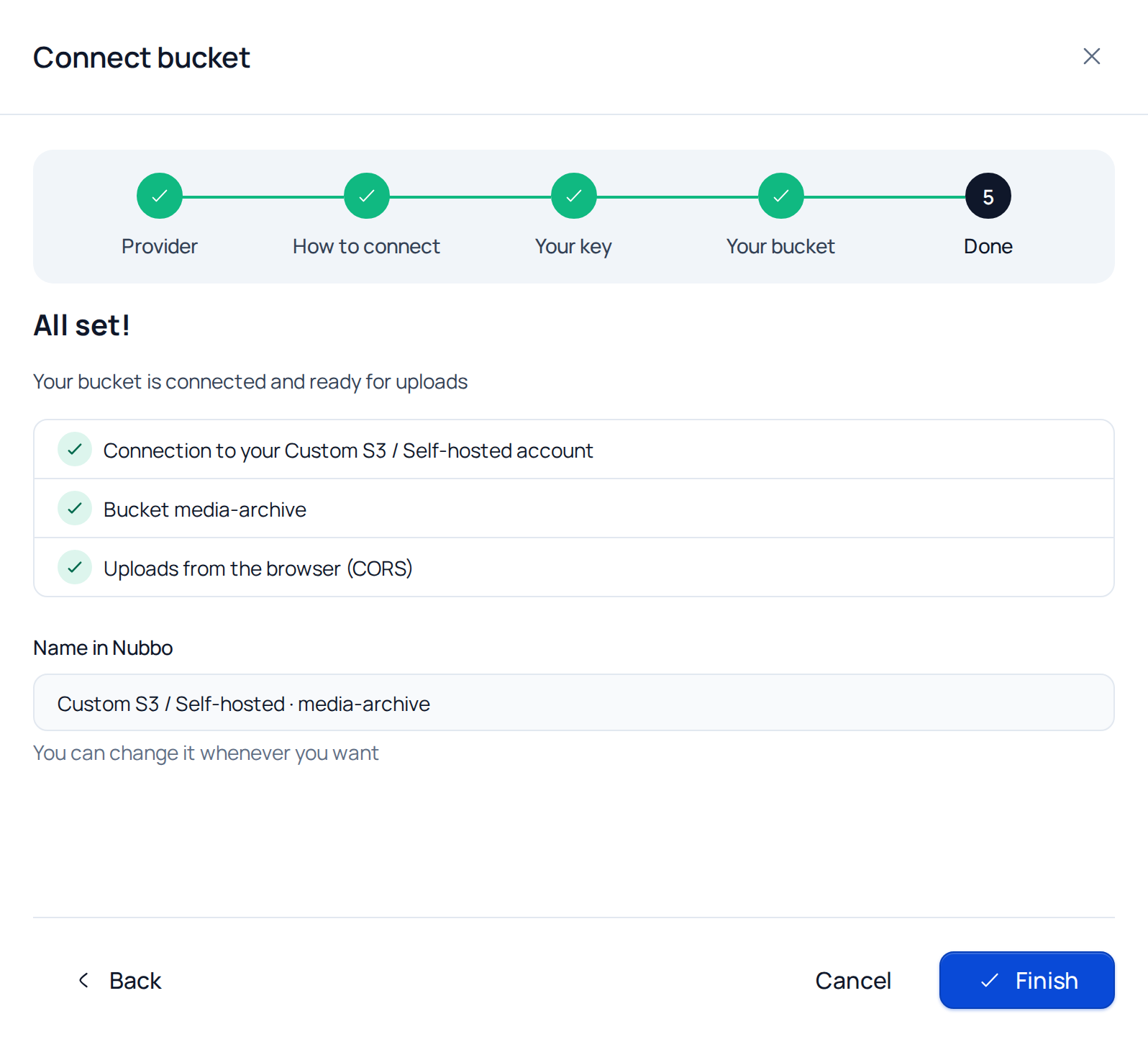
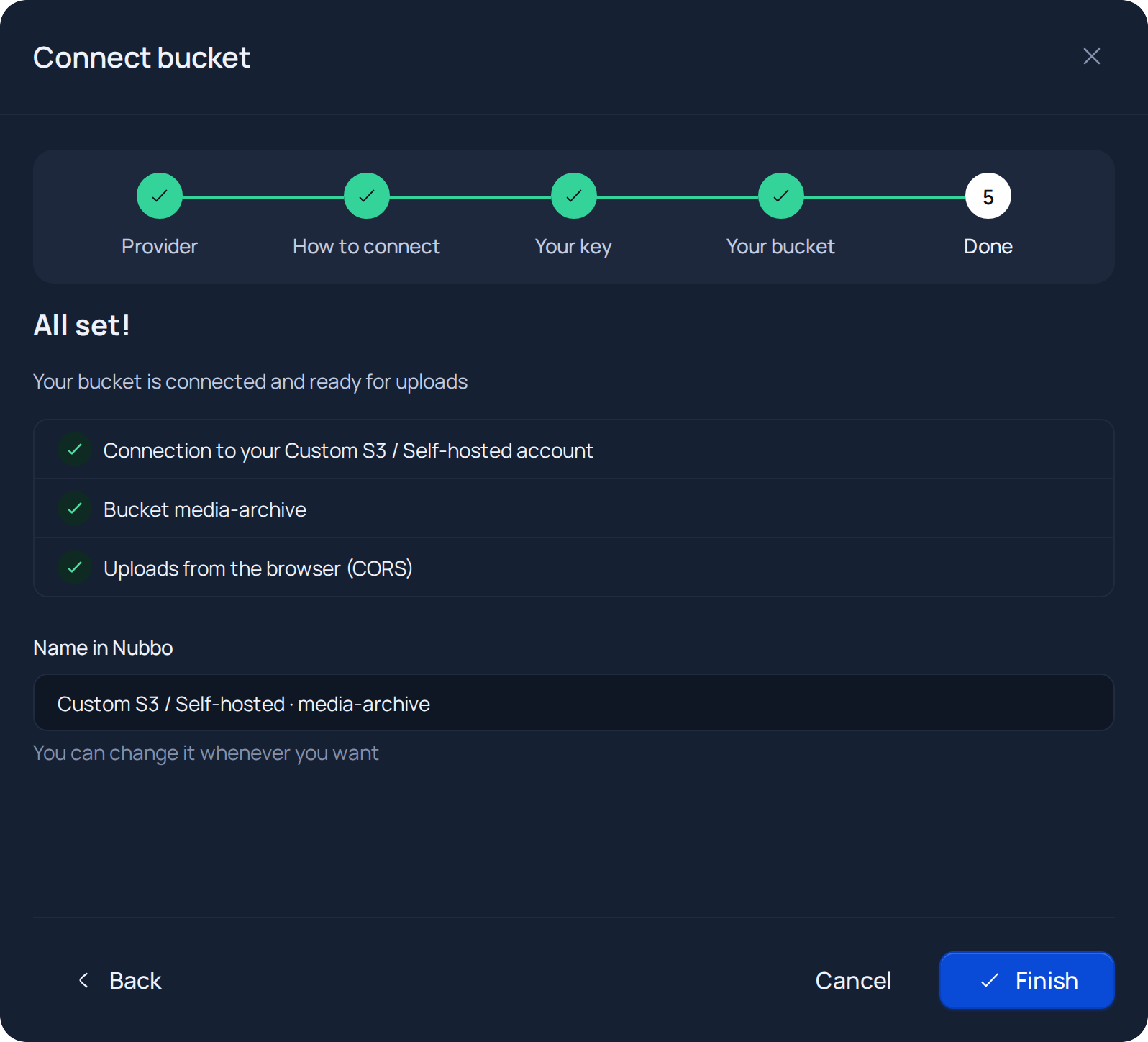
If Nubbo cannot add the CORS rule with your key, the wizard takes you to the CORS step. Then follow Add the CORS rule.
Connection with a limited key
Step 1: prepare the bucket and the key in your server
- Create the bucket on your server (on MinIO, for example, with
mc mb). - Create a key with read and write permissions on that bucket.
- Note the endpoint URL and the region.
Step 2: connect the bucket in Nubbo
- In Buckets, press Connect bucket, choose Custom S3 / Self-hosted and then With a limited key.
- Paste the access key, the secret key, the endpoint and the region. Press Check key.
- Type the exact bucket name and press Check access.
- The wizard moves to the CORS step with the rule you need to add.
Add the CORS rule
The CORS rule lets the browser upload and download files from your bucket on https://nubbo.app. It is the same rule the wizard shows in the CORS step.
How CORS is set up depends on the software:
- MinIO (community edition) does not accept per-bucket CORS: it uses a global setting (
MINIO_API_CORS_ALLOW_ORIGIN) that allows any origin by default. If you have not changed it, there is nothing to do: press I added it, check and the check will pass. If you changed it, includehttps://nubbo.app. - Ceph and SeaweedFS accept per-bucket CORS through the S3 API. Apply this rule with your usual tool (for example,
aws s3api put-bucket-corswith your endpoint), or let Nubbo do it on the automatic path.
[
  {
    "AllowedHeaders": ["*"],
    "AllowedMethods": ["GET", "PUT", "POST", "DELETE", "HEAD"],
    "AllowedOrigins": ["https://nubbo.app"],
    "ExposeHeaders": ["ETag"],
    "MaxAgeSeconds": 3600
  }
]
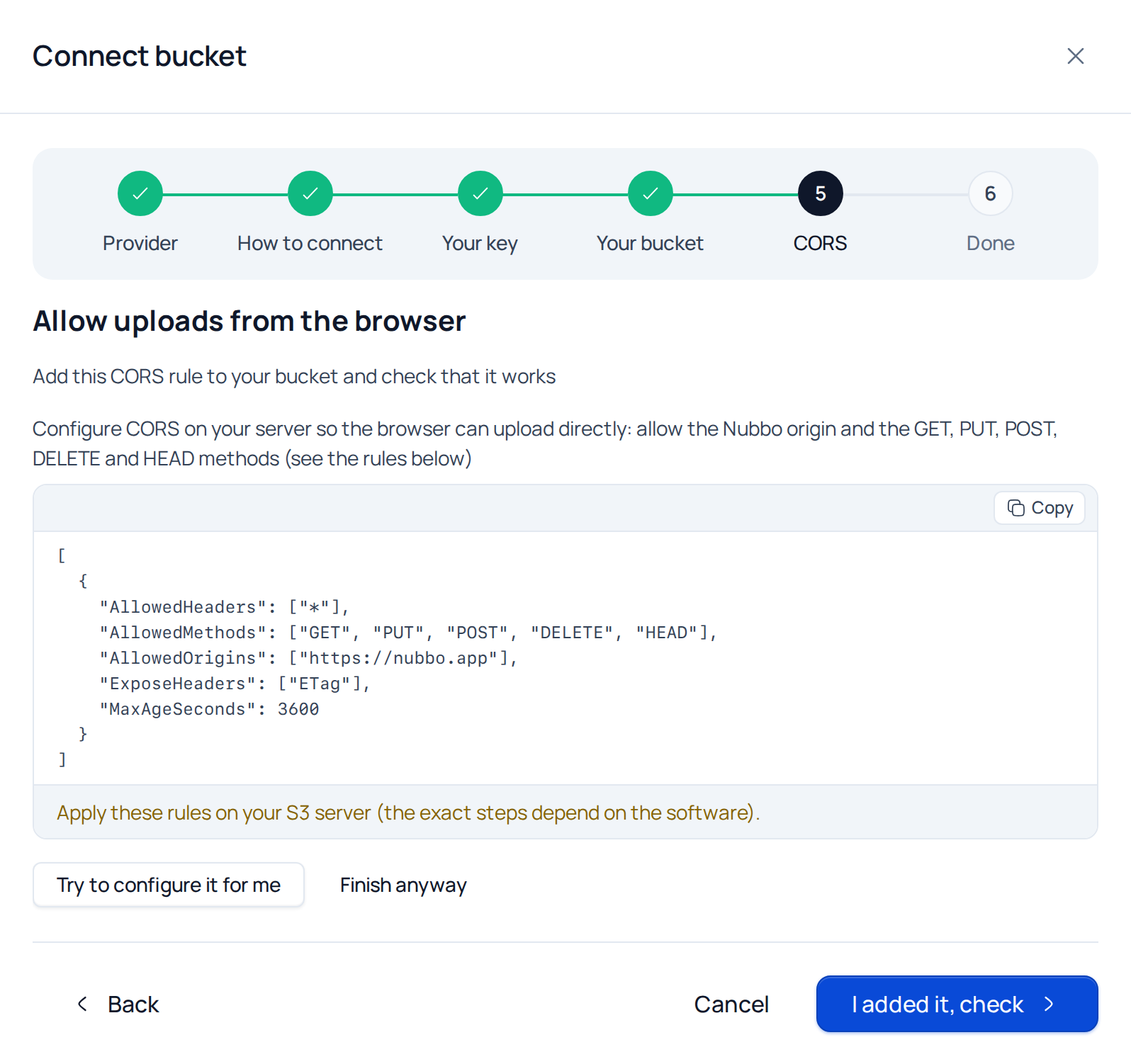
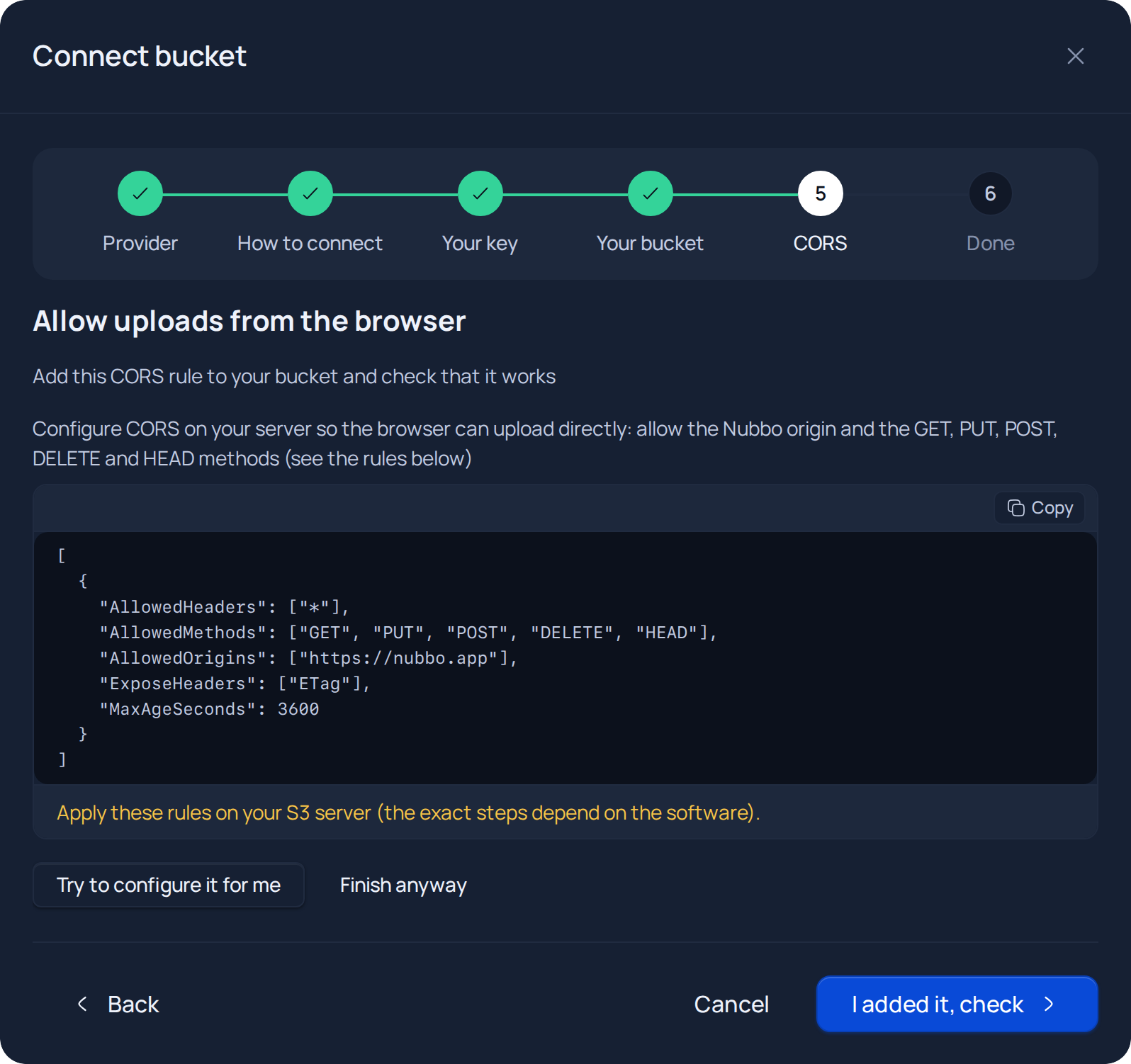
Once the rule is ready, go back to Nubbo and press I added it, check. On Ceph and SeaweedFS, if your key can change CORS, Try to configure it for me does it for you.
If something goes wrong
| Message in Nubbo | What to do |
|---|---|
| “Invalid credentials. Check the access key and secret access key.” | Copy both keys again, with no spaces at the start or the end. |
| “This key seems limited to one bucket. You can continue with the limited path or create a key with full access.” | Press Continue with a limited key, or create a key with access to the whole account and press Try another key. |
| “Bucket not found. Verify the name and region.” | Check the exact bucket name and that the chosen region is the bucket’s. |
| “Your key is not allowed to create buckets.” | Use a key with full access, or create the bucket in your panel and press I created it in my panel. |
| “That name is already in use on this provider; try another one.” | Bucket names are unique across the provider: pick another one. |
| “Your key is not allowed to set it up.” | Add the CORS rule by hand, as explained above. |
| “It does not work yet. Review the rule and check again; some providers take a minute to apply it.” | Check that the origin is exactly https://nubbo.app with no trailing slash, wait a minute and check again. |
| “This bucket is already in use.” | That bucket is already connected in Nubbo, in your account or in another one. |
| “Could not reach the S3 endpoint. Verify the endpoint URL.” | Check that the URL is public, uses HTTPS and answers from the internet, not only from your network. |
| “The endpoint URL is not valid. Check the format.” | Type the full URL with https:// and without the bucket name. It also shows when the URL points to a private or local address, or the name does not resolve. |
| “The connection timed out. Try again.” | Check your server firewall and that the port can be reached from outside. |
What it costs
If you are weighing your own storage against a provider, compare prices and limits in S3 vs R2 vs Spaces vs Wasabi vs Backblaze B2.
Frequently asked questions
Which self-hosted storage works with Nubbo?
Any storage compatible with the S3 API with V4 signatures, such as MinIO, Ceph or SeaweedFS, and also S3-compatible providers that are not on the list.
Can I connect a MinIO on my local network?
No. The endpoint must be a public URL: Nubbo rejects private and local addresses, and the browser needs to reach it too.
Which region do I use if my server has no regions?
us-east-1. It is the default region of most S3-compatible servers.
Why can Nubbo not set CORS on MinIO?
Because the MinIO community edition does not support per-bucket CORS. It uses a global setting that allows any origin by default, and Nubbo checks it.
Sources
Prices and limits come from the official pages below. Providers change them, so check before you commit.