Share files and folders from your cloud storage with anyone
Sharing files from your own cloud storage should be simple, secure, and under your control. With Nubbo’s sharing feature, you can generate a link for any file or folder and send it to anyone. No Nubbo account required on their end.
Share individual files
Right-click any file in your file browser and select Share. Nubbo generates a unique link that you can copy and send. The recipient opens the link in their browser and downloads the file directly. No sign-up, no login.
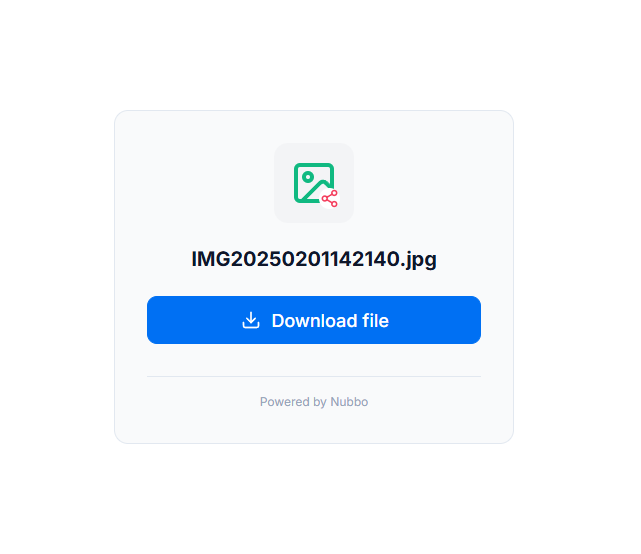
Share entire folders
Need to share more than one file? Now you can share folders too. When a recipient opens a shared folder link, they see a clean, read-only file browser where they can navigate subfolders and download individual files.
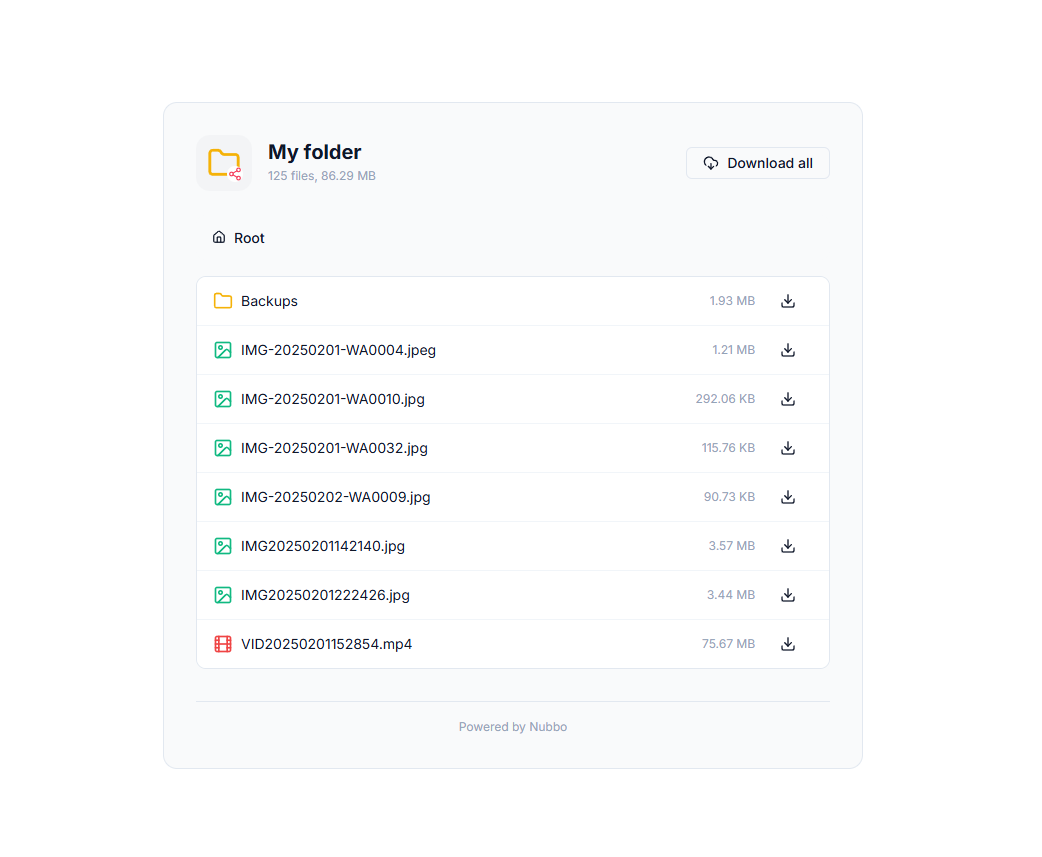
This is especially useful when you need to deliver a set of related files: project assets, photo galleries, document collections… without zipping everything or sending multiple links.
Granular access controls
Every share link can be configured with:
- Password protection so only people with the password can access the content.
- Expiration date to automatically disable the link after a set date.
- Download limit to cap the total number of downloads allowed.
You stay in control at all times. You can view download and view counts, and revoke any share link instantly from the Shared section.
How it works under the hood
Nubbo never stores or proxies your files. When someone opens a share link, Nubbo generates a temporary presigned URL that points directly to your cloud provider. The file transfers happen between the recipient’s browser and your storage. Fast, private, and with no bandwidth through Nubbo’s servers.
Use cases
- Designers and creatives: share project folders with clients for review. They browse and download exactly what they need.
- Developers and teams: distribute build artifacts, documentation, or asset bundles via a single link.
- Photographers: deliver full photo sessions as a shared folder. Clients navigate albums and download individual shots.
- Anyone with large files: skip email attachment limits. Share a link to a file of any size stored on S3, R2, or DigitalOcean Spaces.
Get started
File and folder sharing is available now for all Nubbo users. Right-click any file or folder in your file browser and select Share to create your first link.