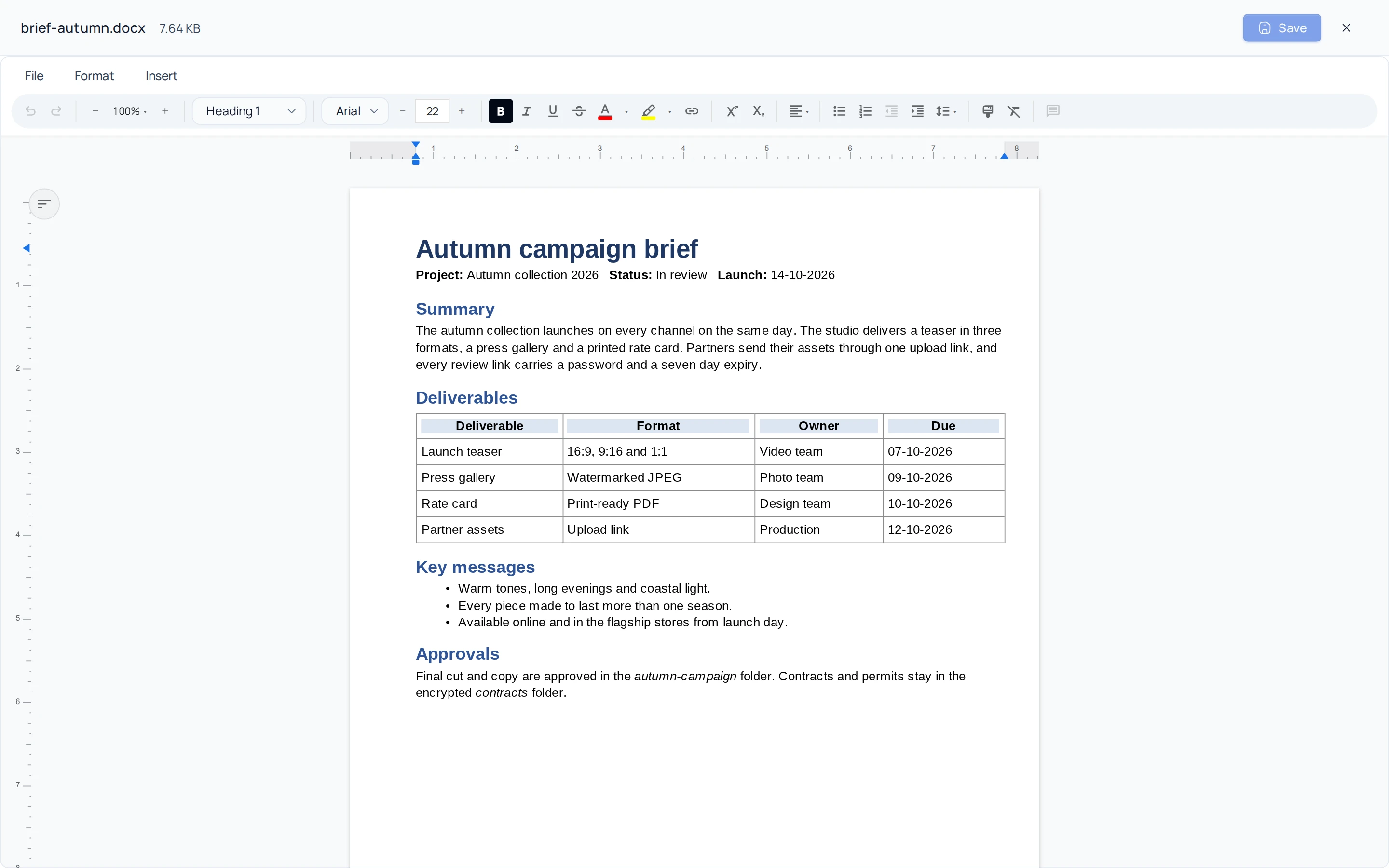
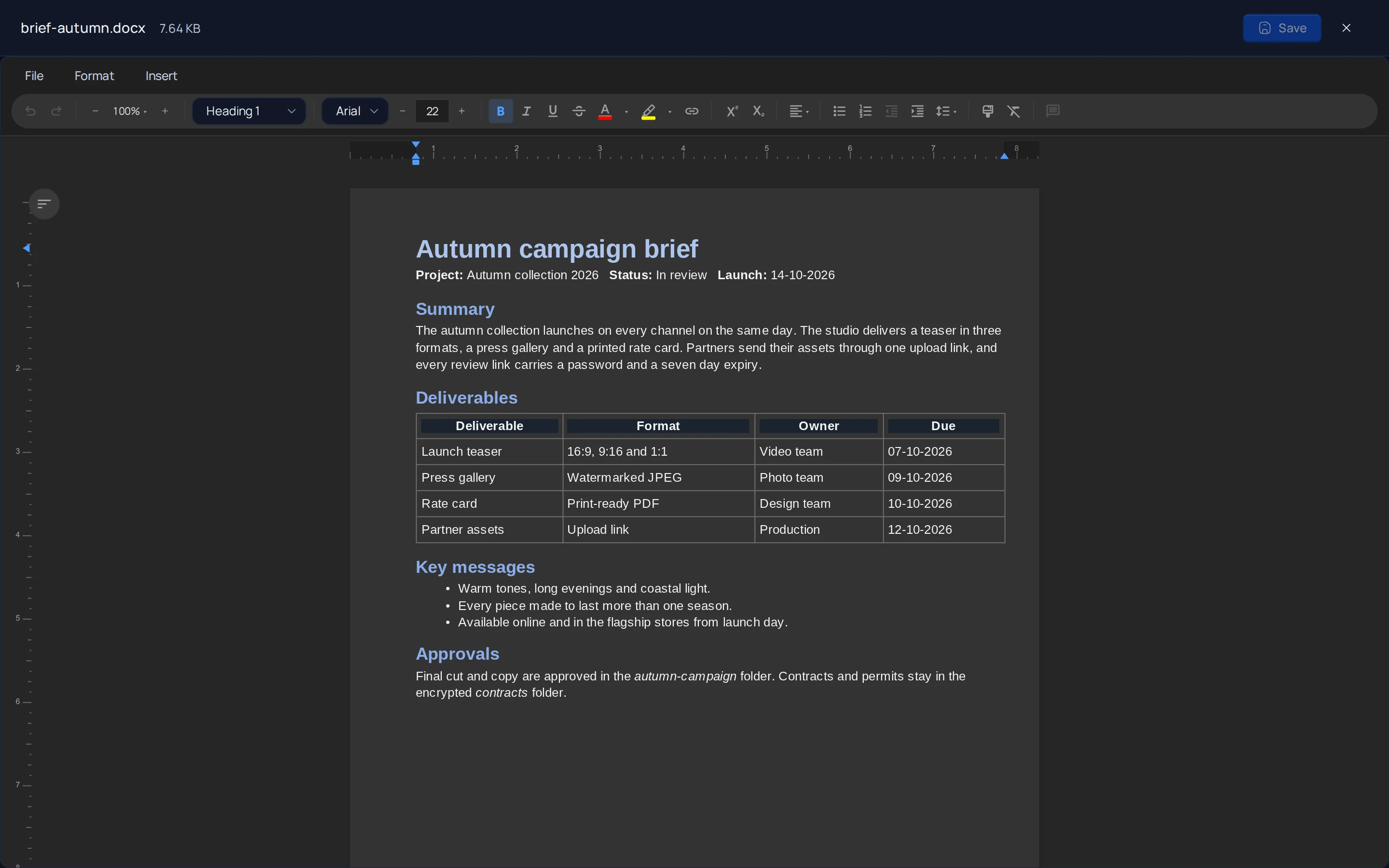
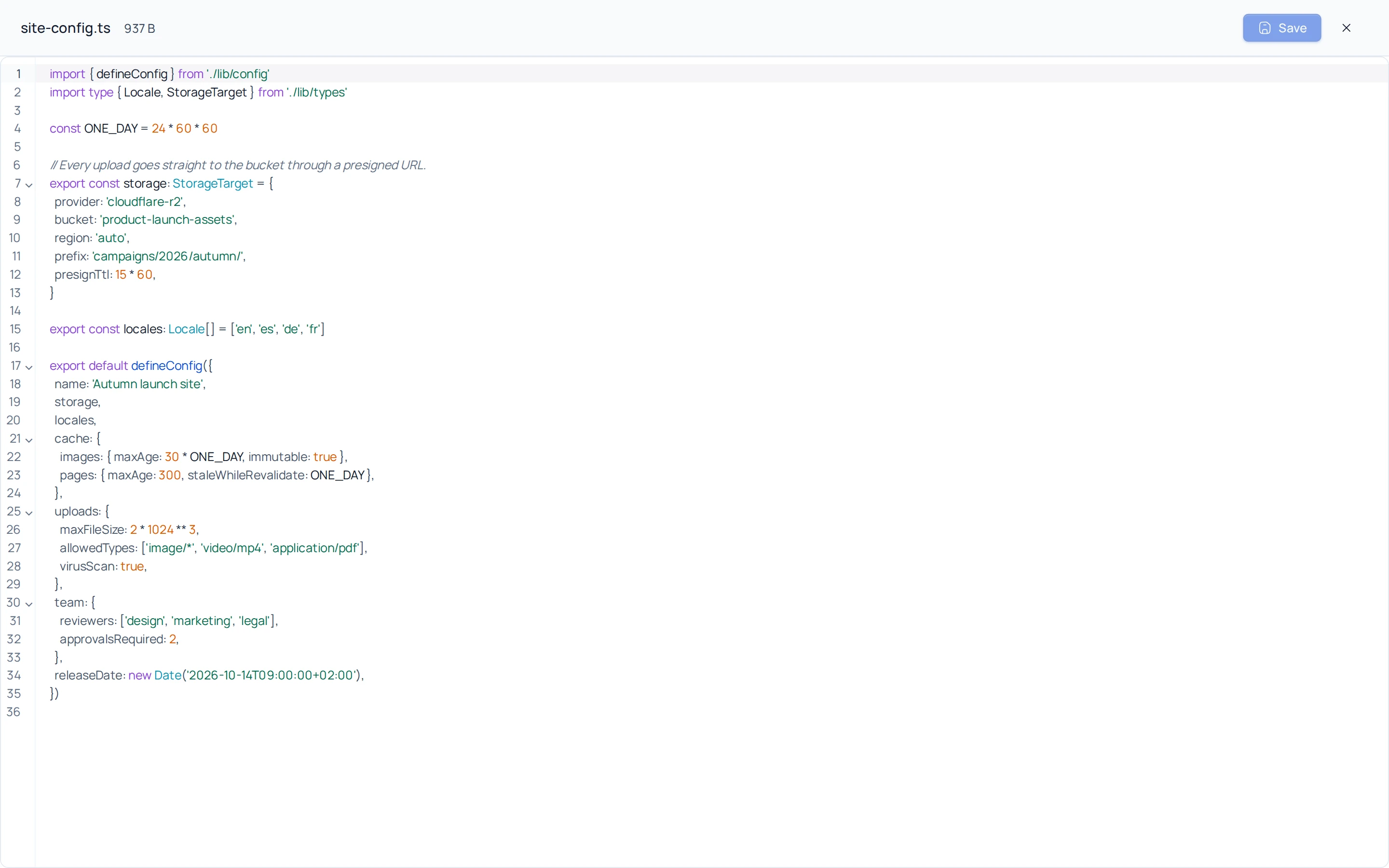
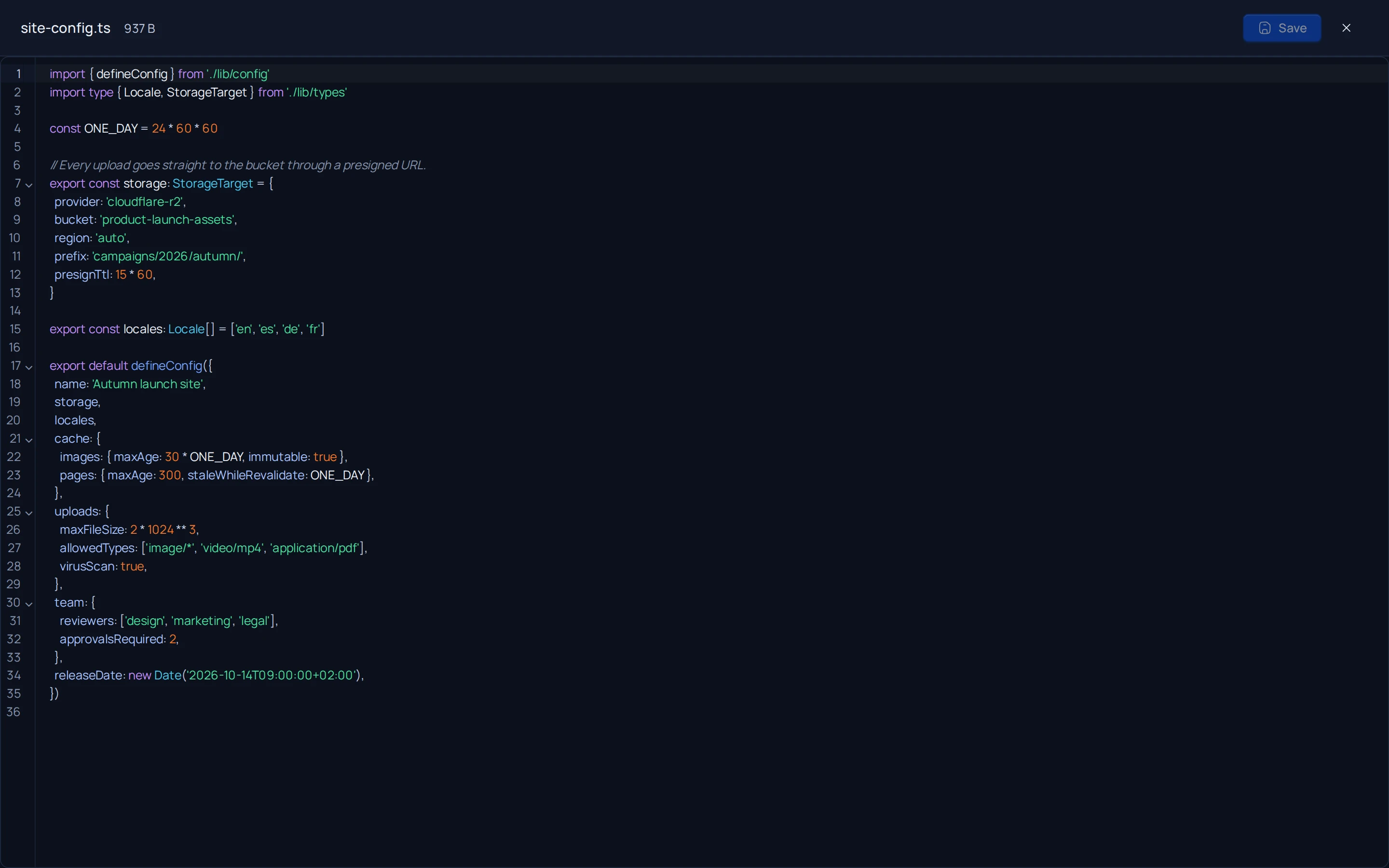
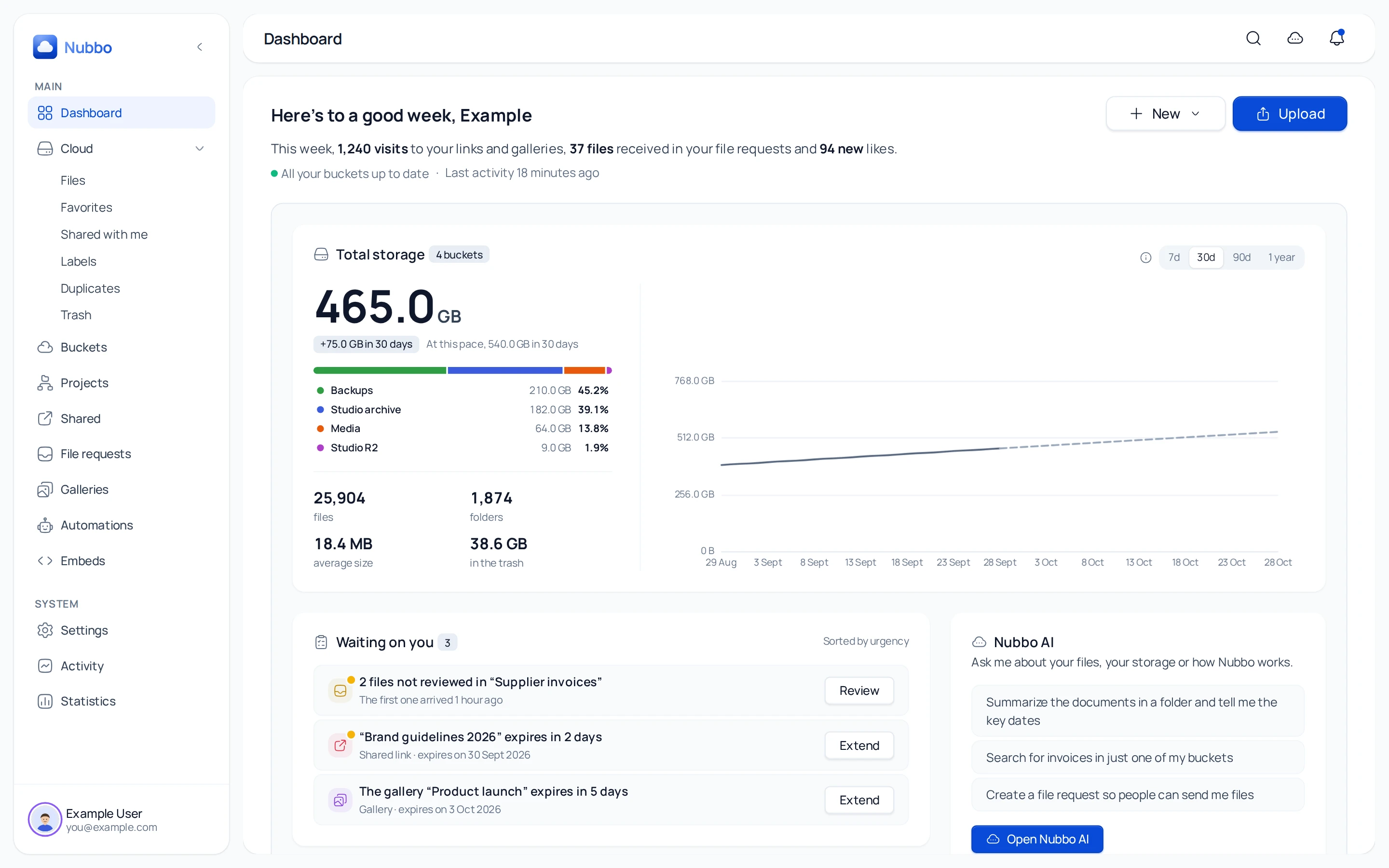
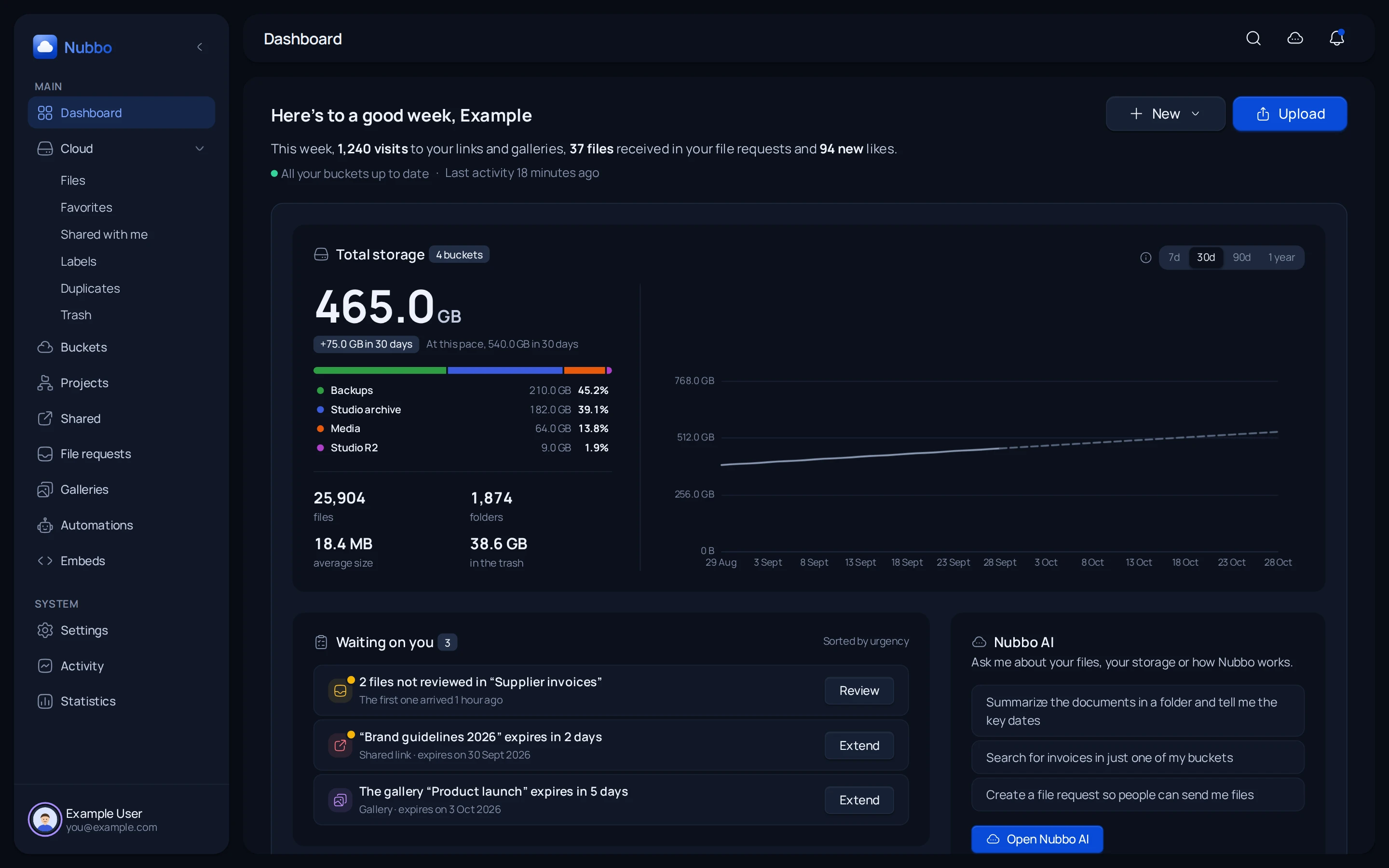
Share and stay in control
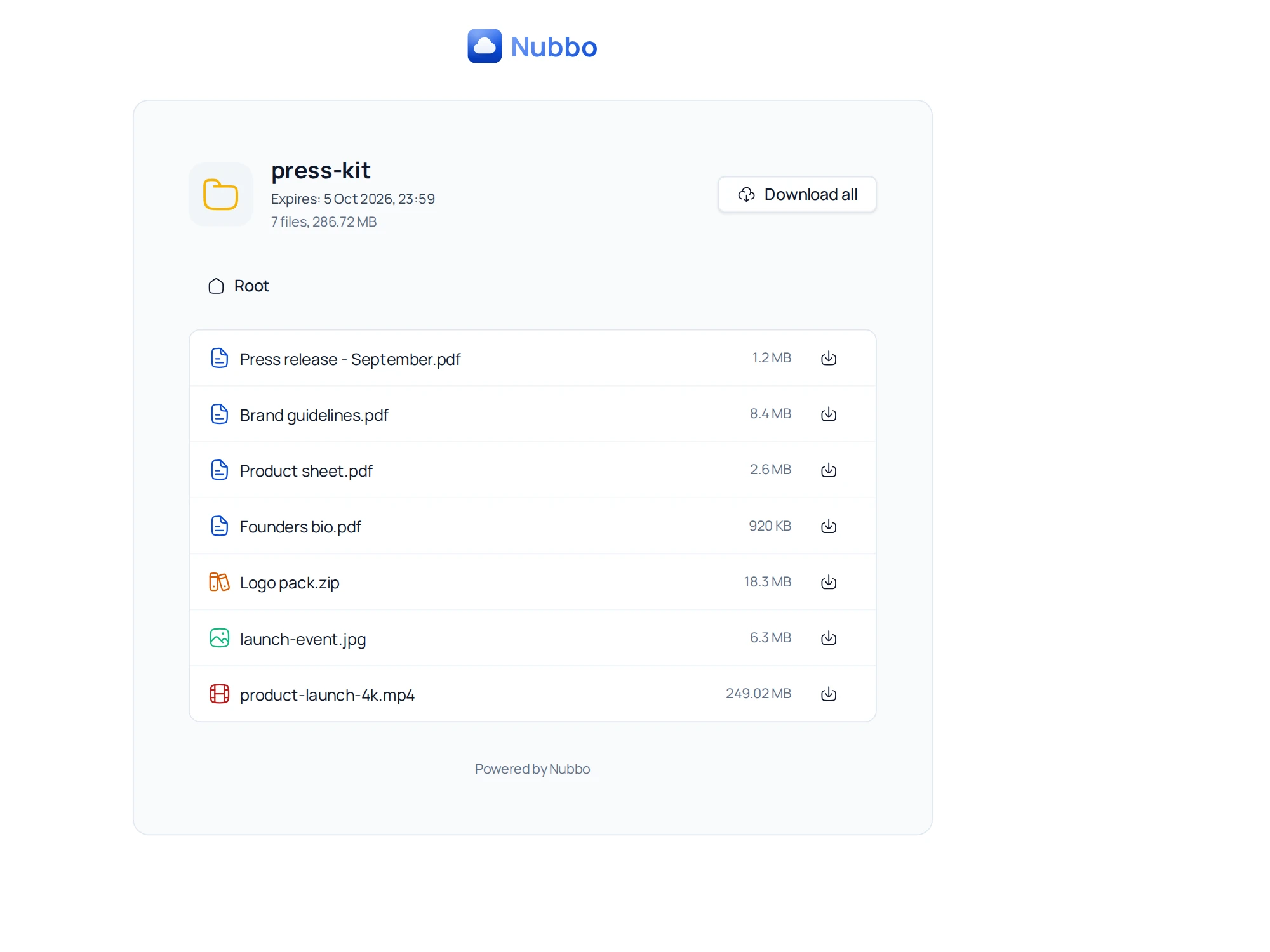
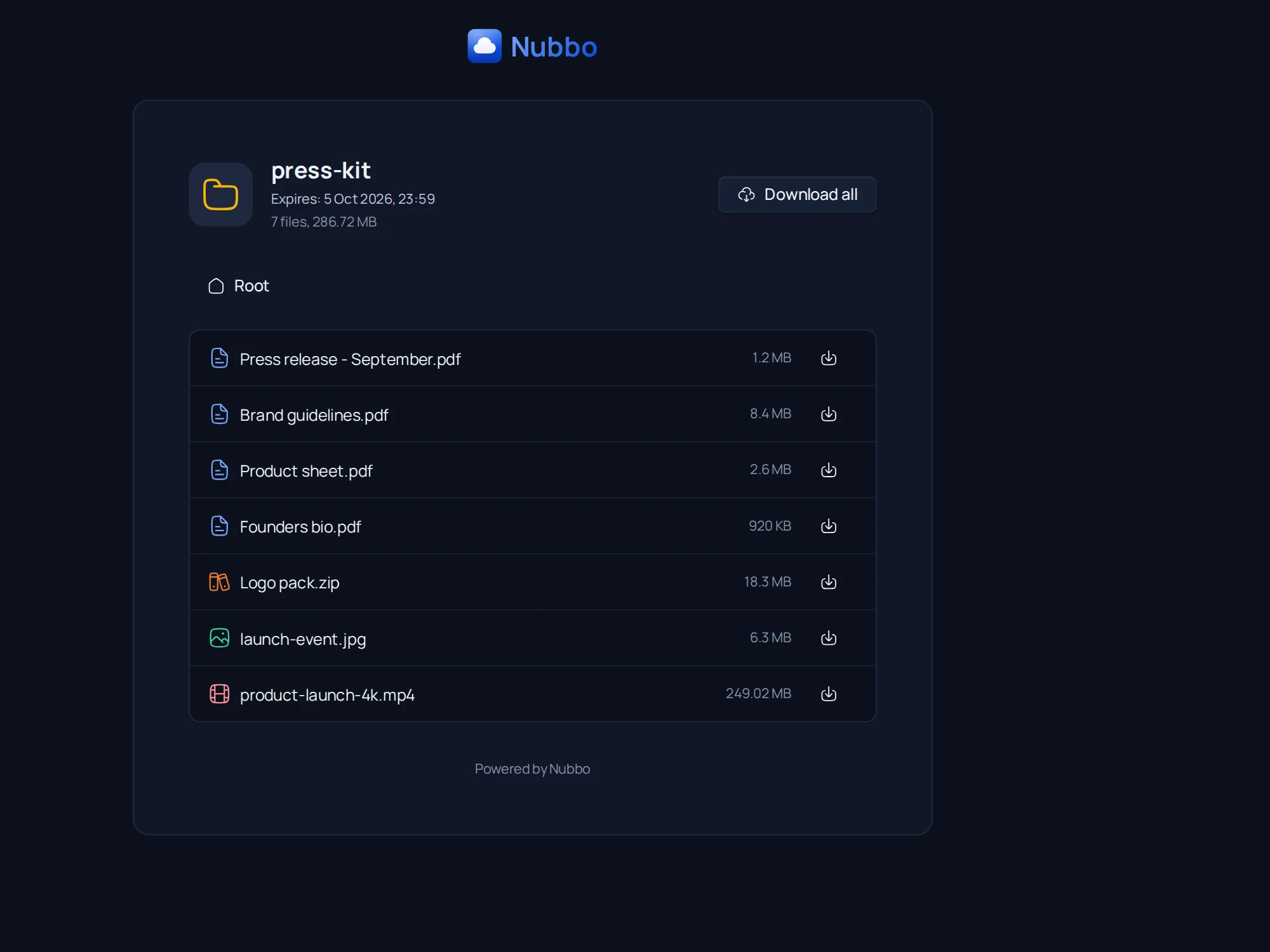
Share files and folders easily with a link and send the password by email for extra security. You can also share files or folders inside Nubbo with specific people.
Nubbo · S3 storage manager
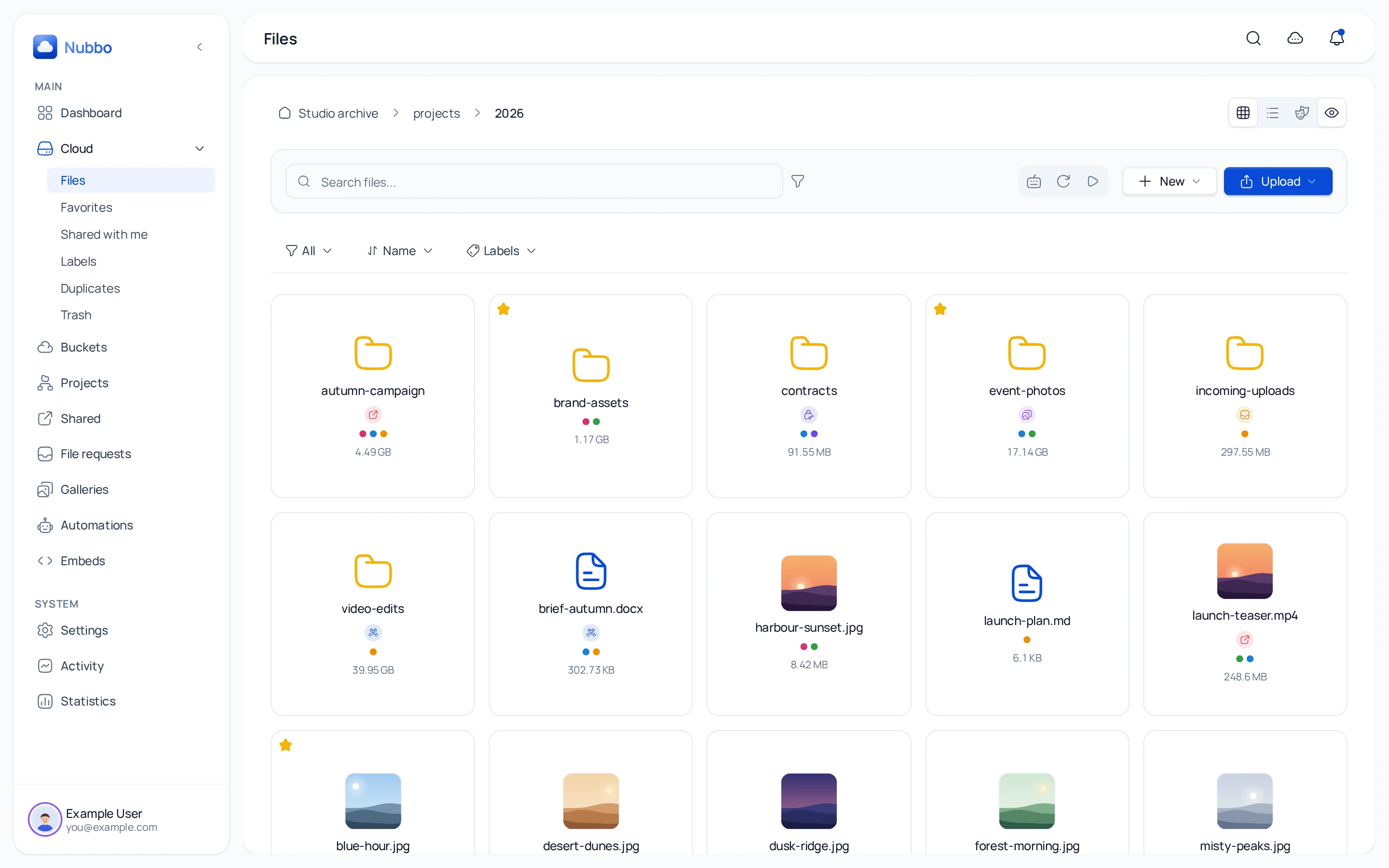
One app for all your S3 storage: browse, view, edit, play, organize, share, receive, automate and encrypt your files without ever taking them out of your cloud.
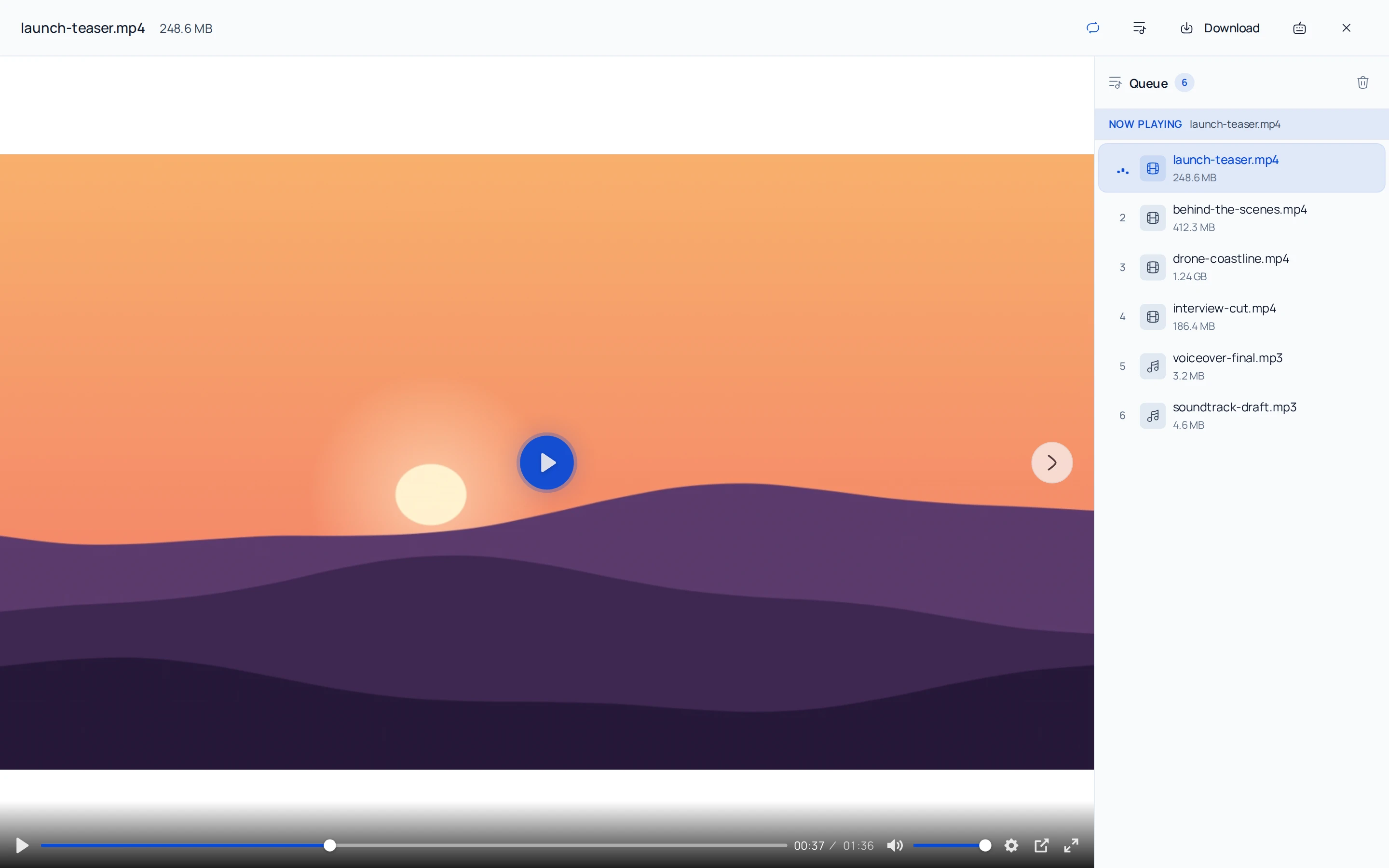
Connect buckets from any provider and work with all of them from an advanced file explorer with text and code editors, a player, a command palette, keyboard shortcuts and much more.
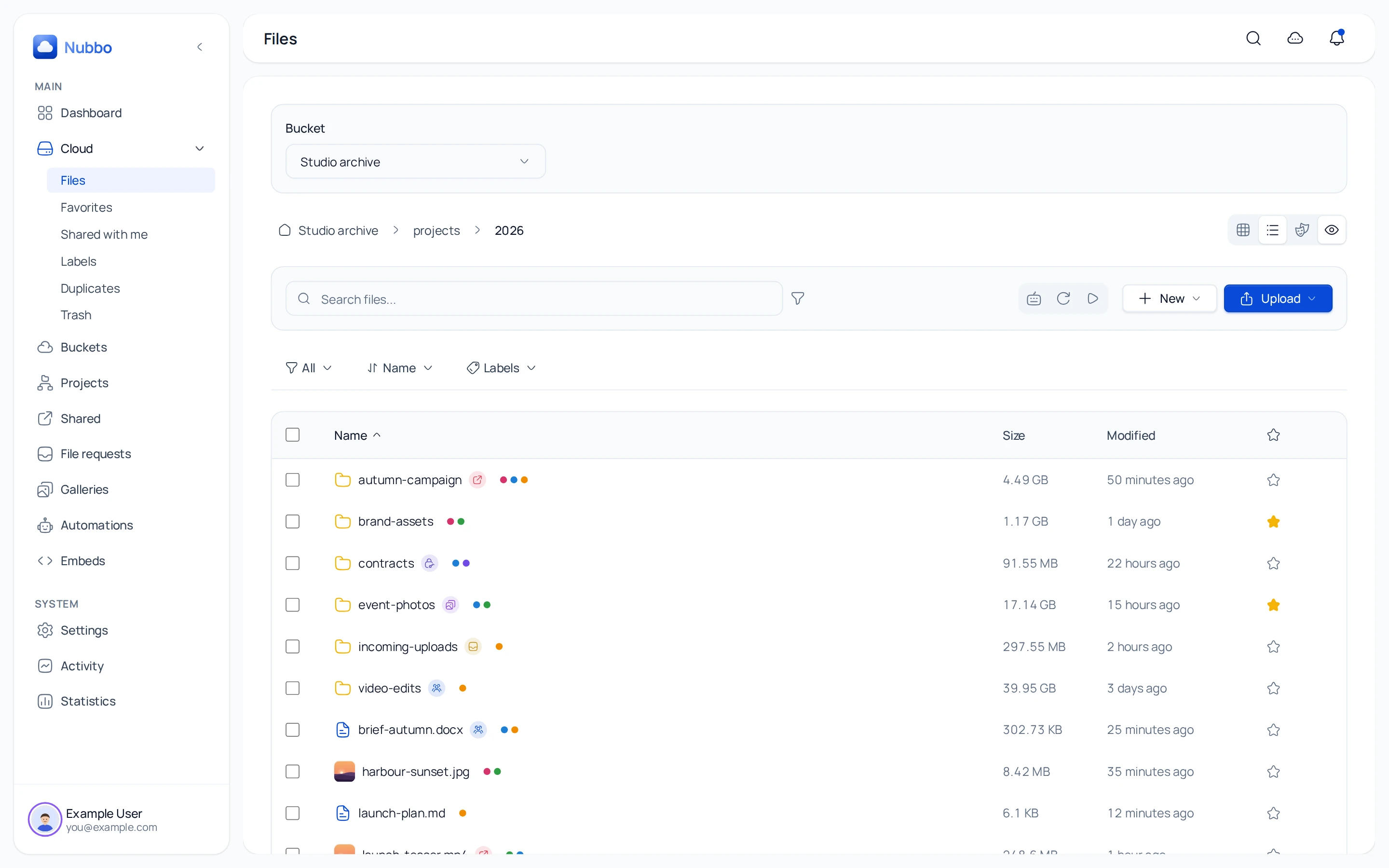
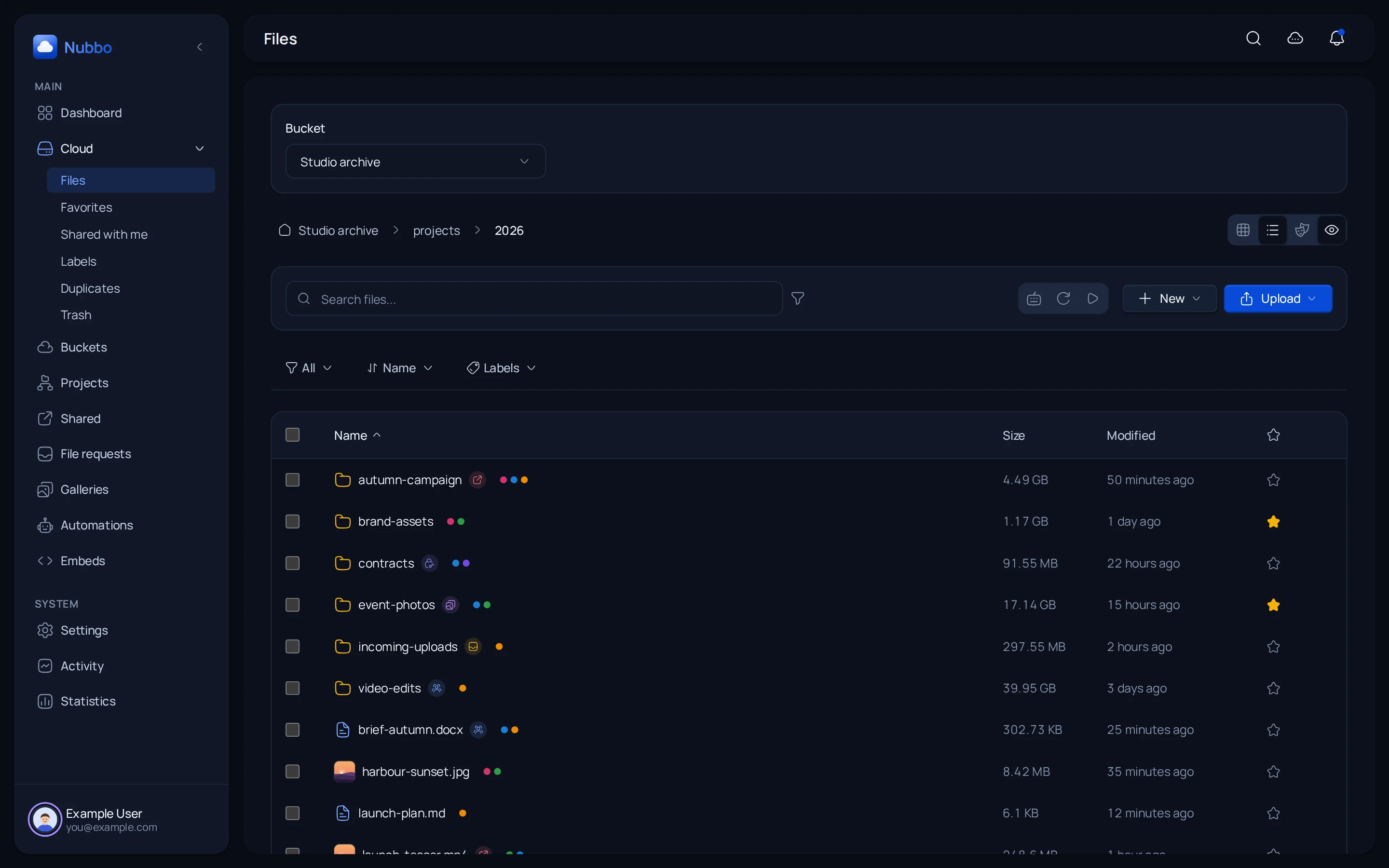
Share files and folders easily with a link and send the password by email for extra security. You can also share files or folders inside Nubbo with specific people.
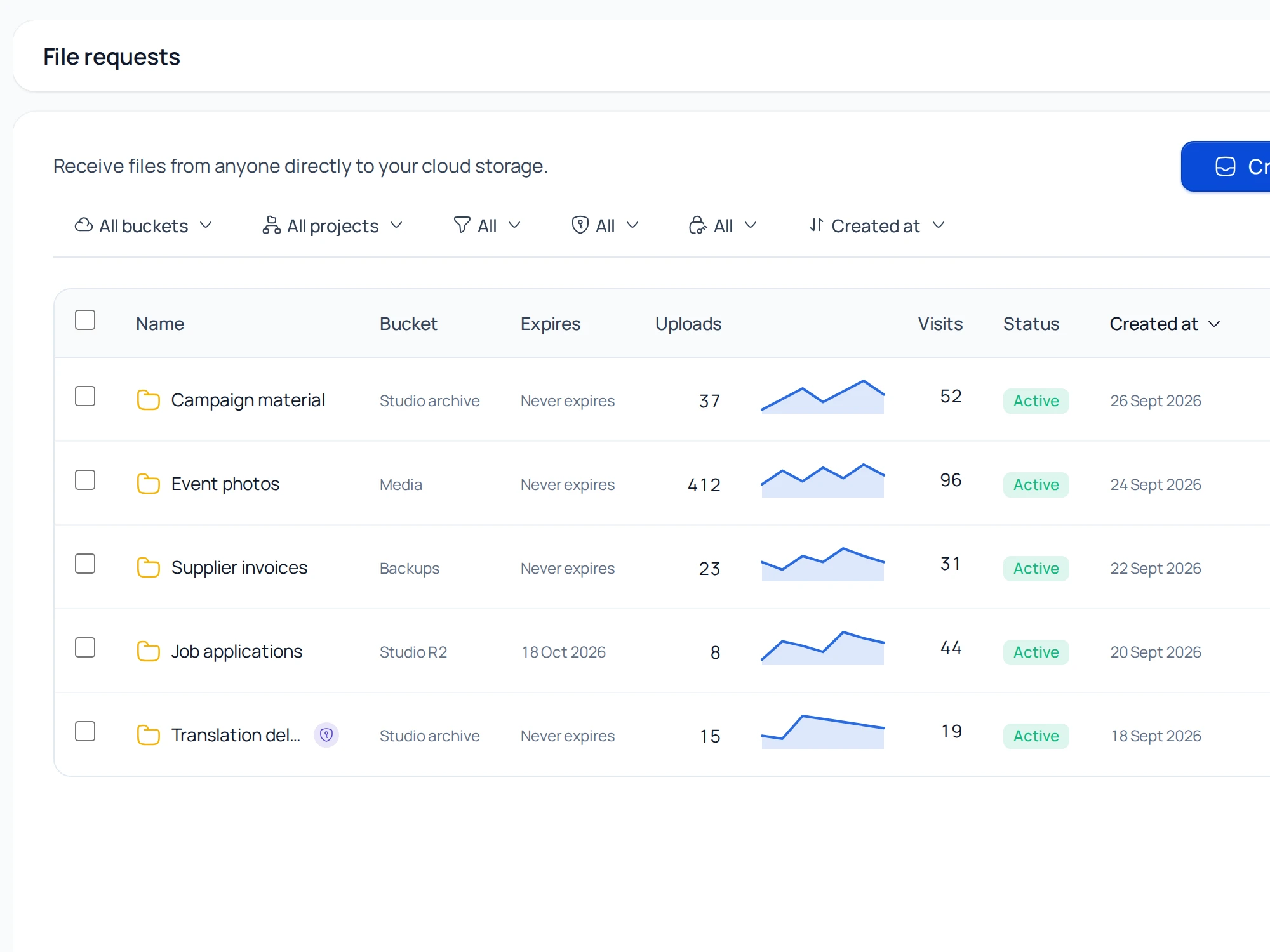
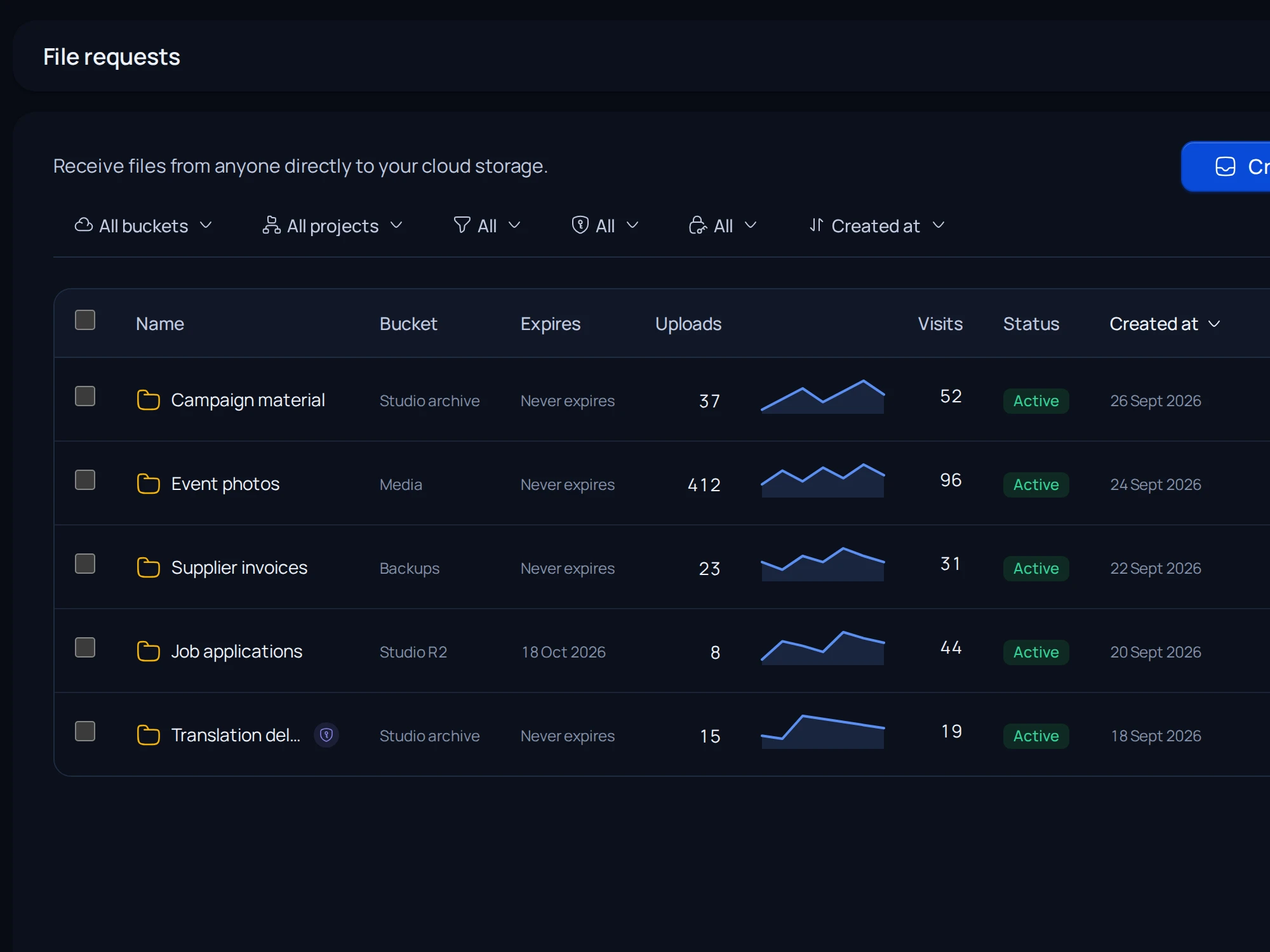
Create file requests and receive files straight into the folder you choose. You set the limits and we let you know when something arrives.
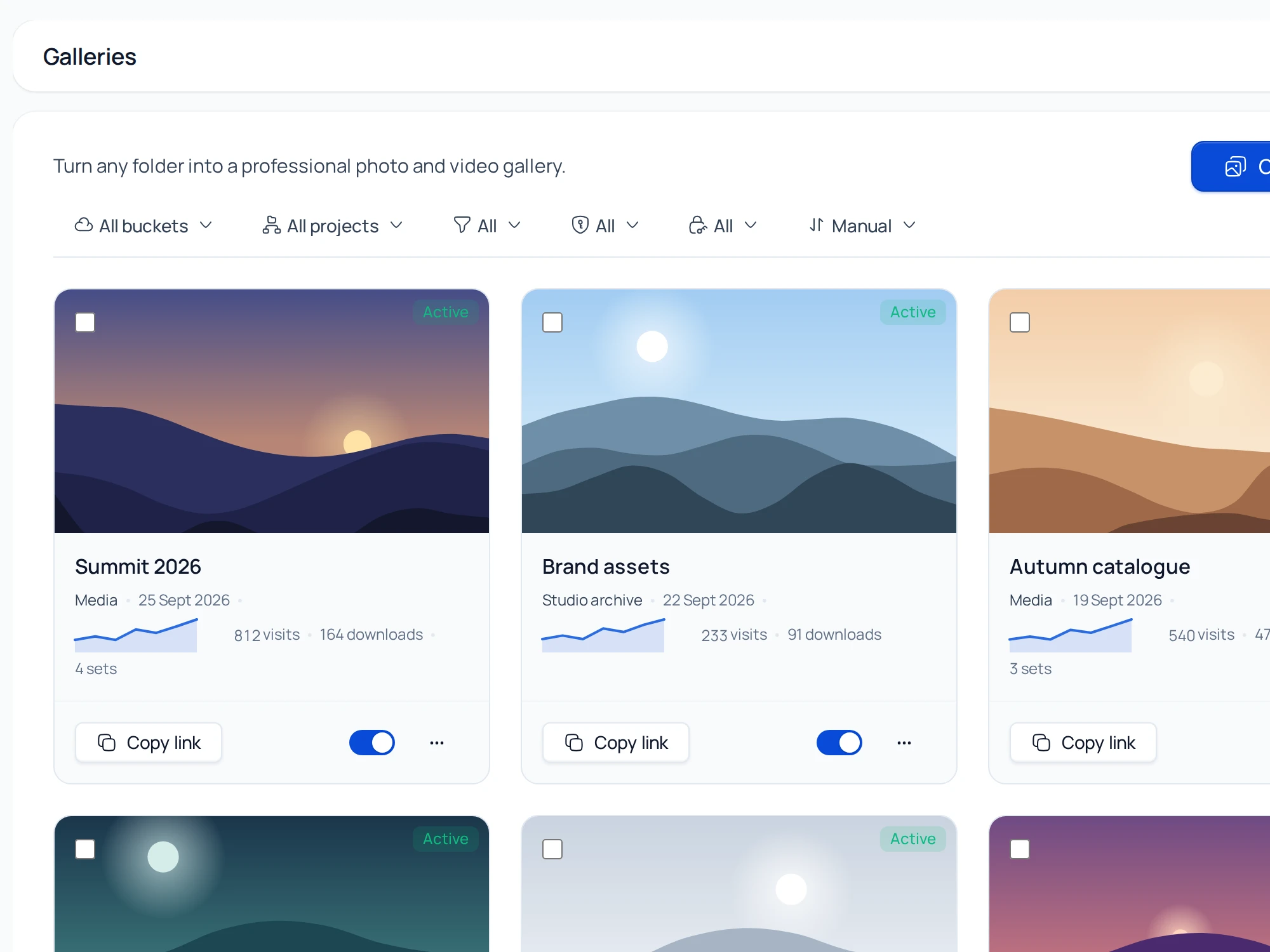
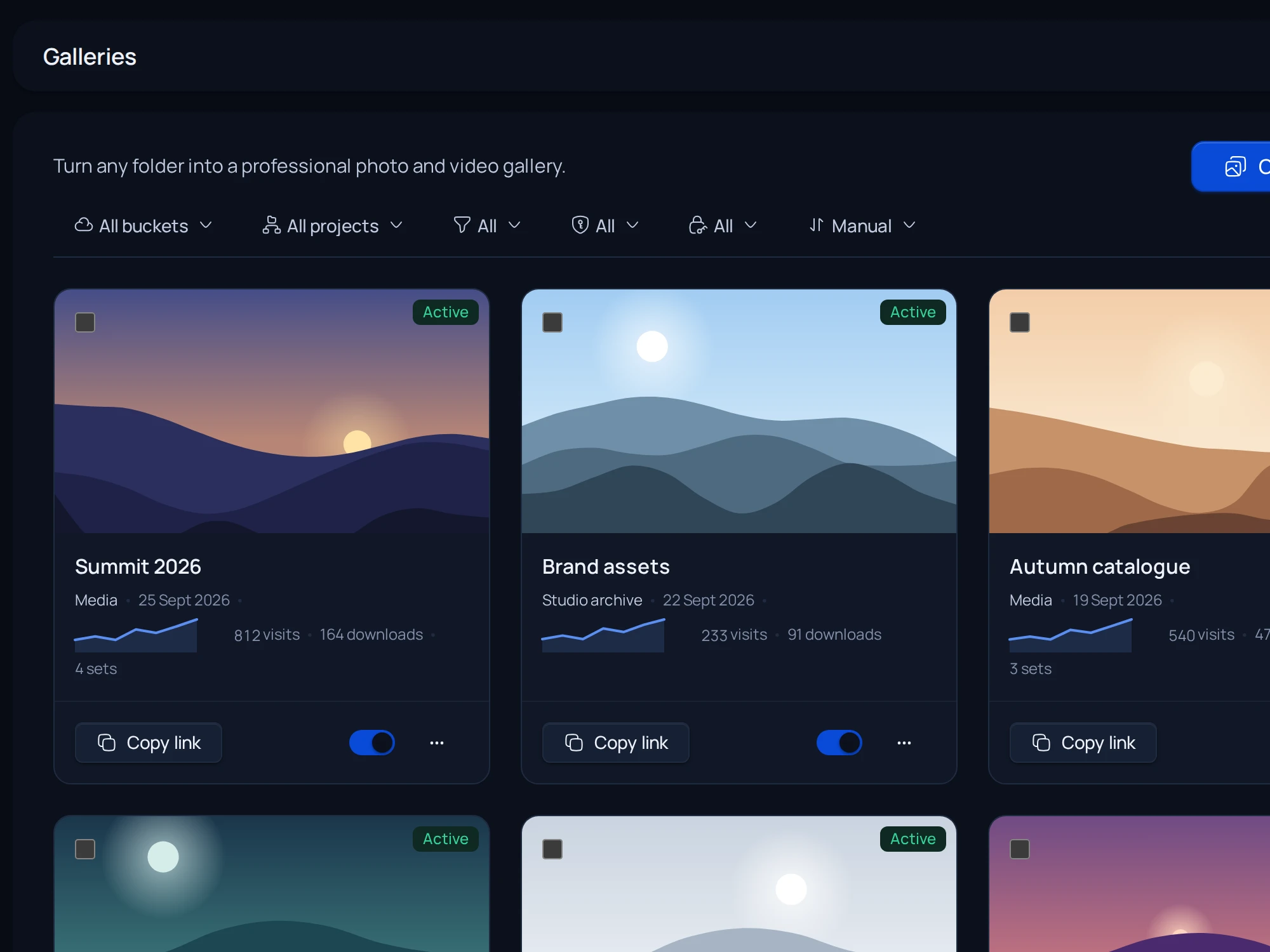
Use our editor to turn any folder into a gallery with your own style. Control access, delivery emails, likes, downloads and much more.
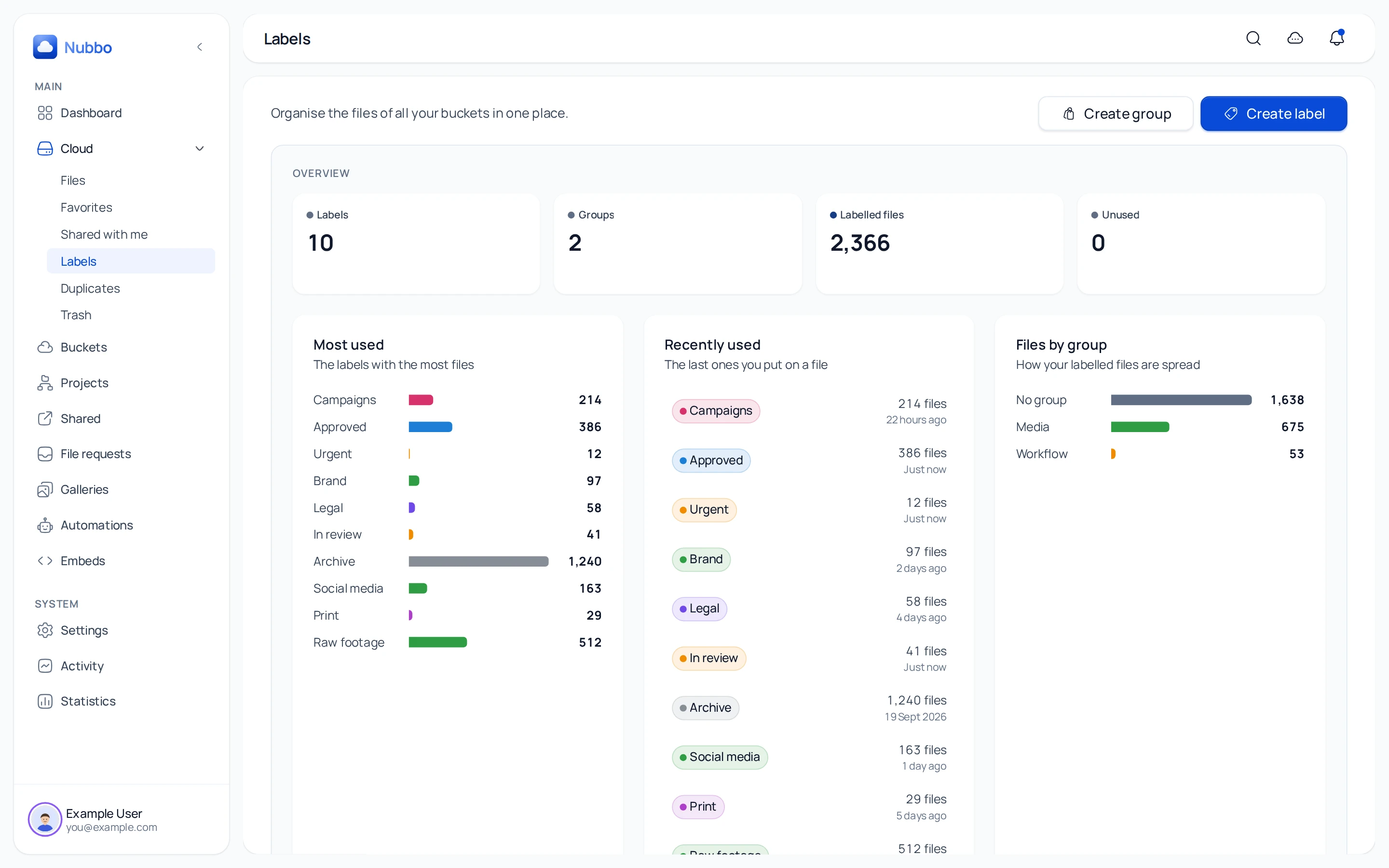
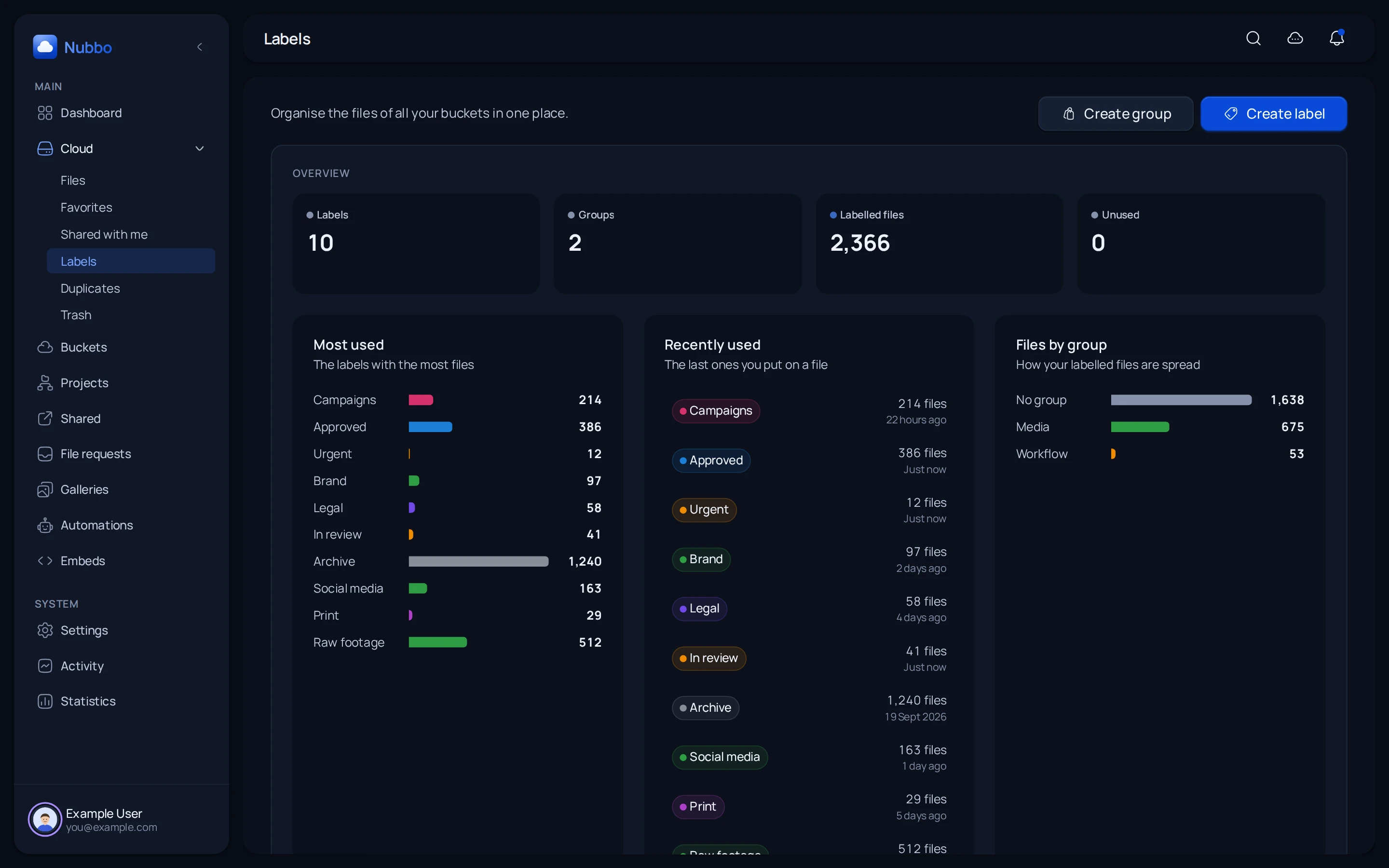
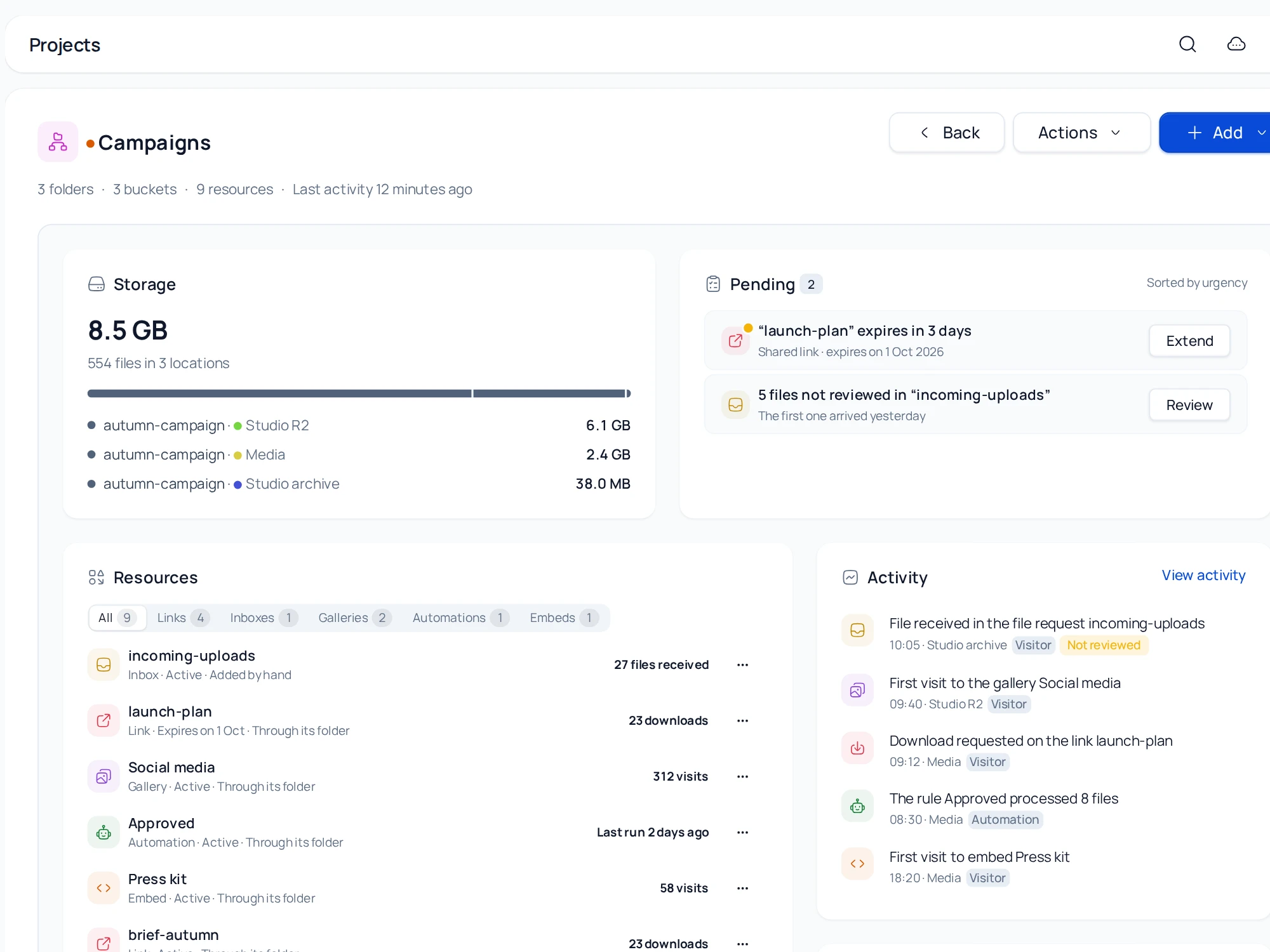
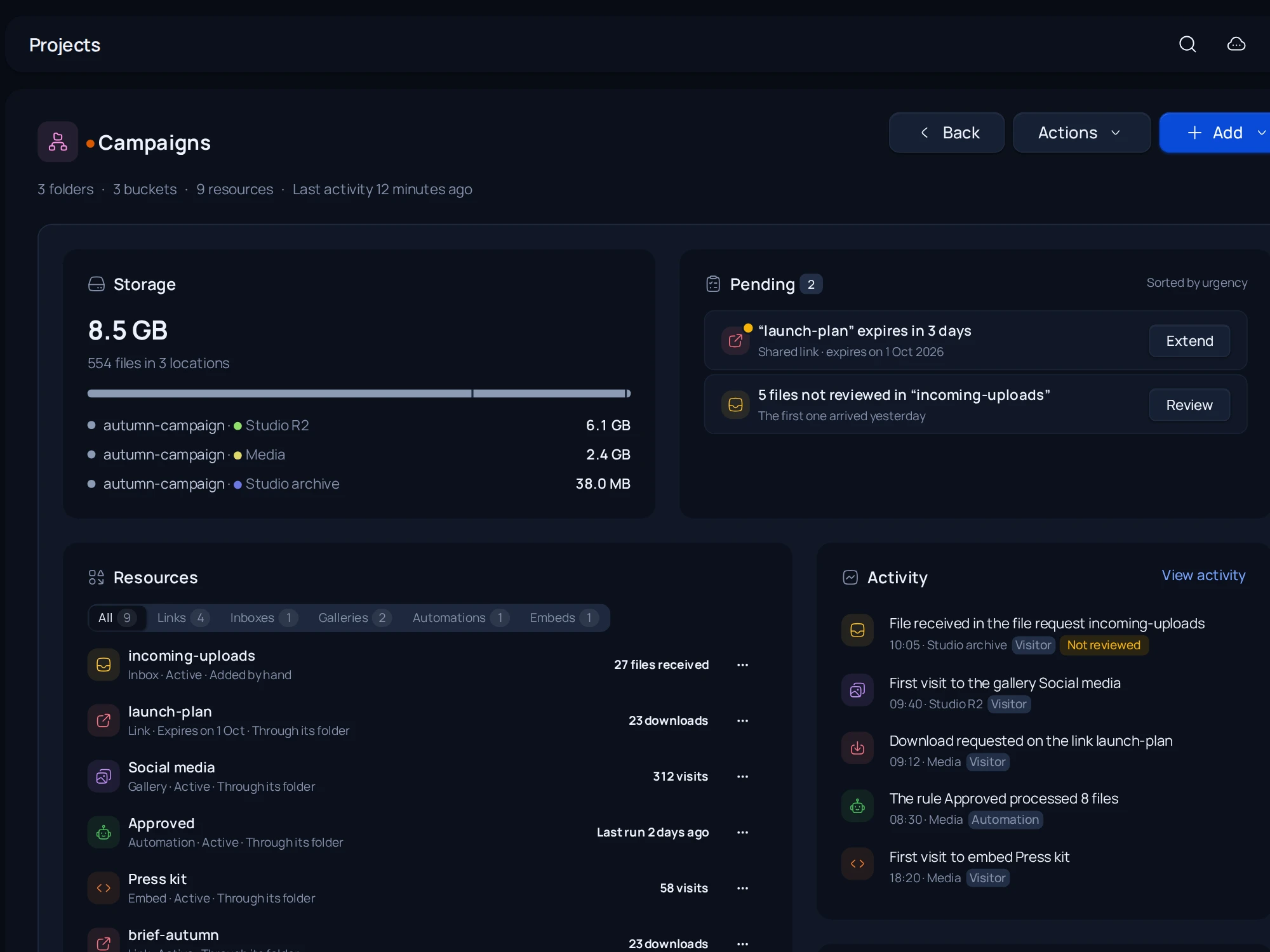
Bring together what you need for each project in one place, always at hand and well organized.
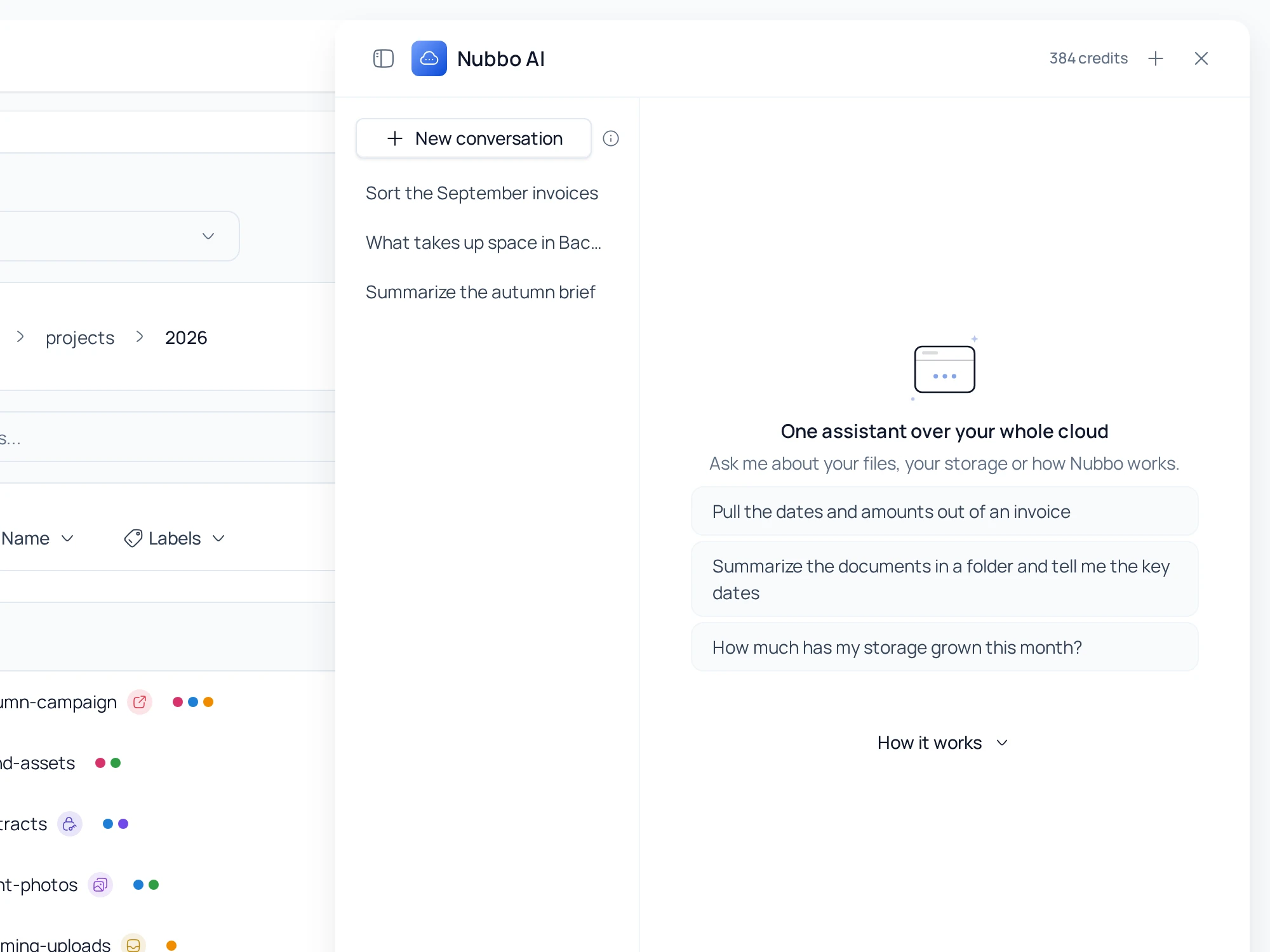
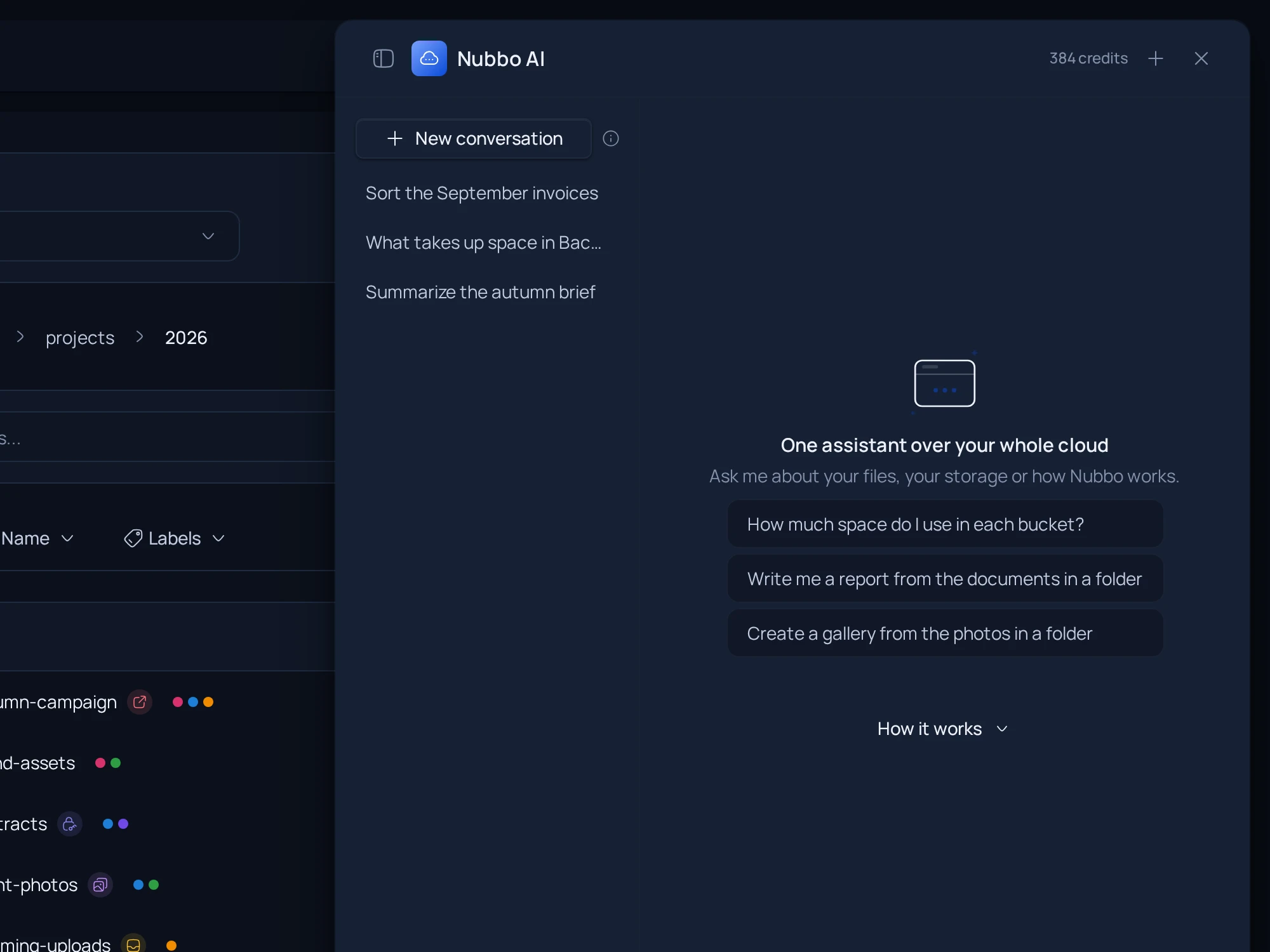
Artificial intelligence built into all of Nubbo. Available in the file explorer, the editors and its own chat. Ask for whatever you need.
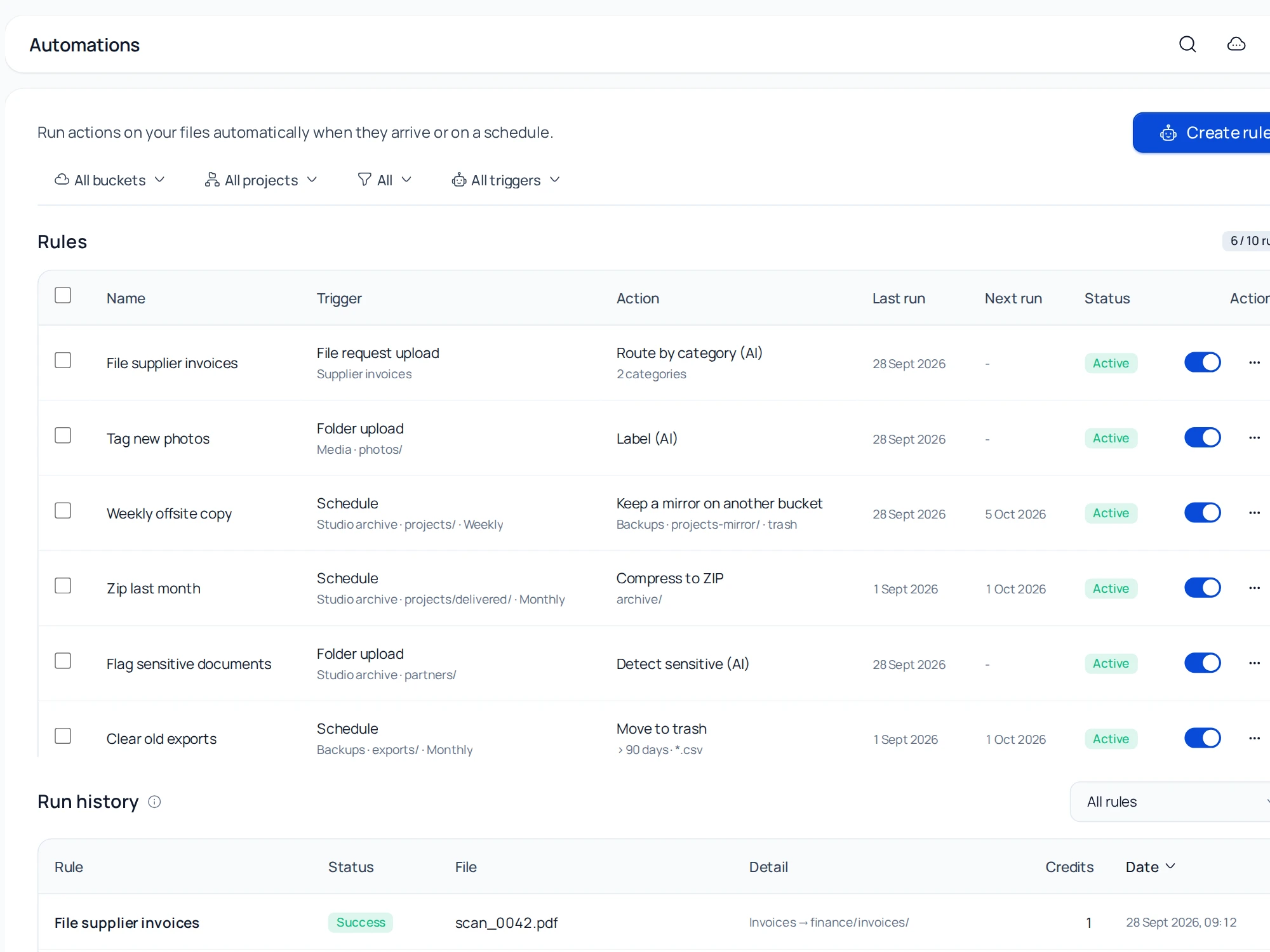
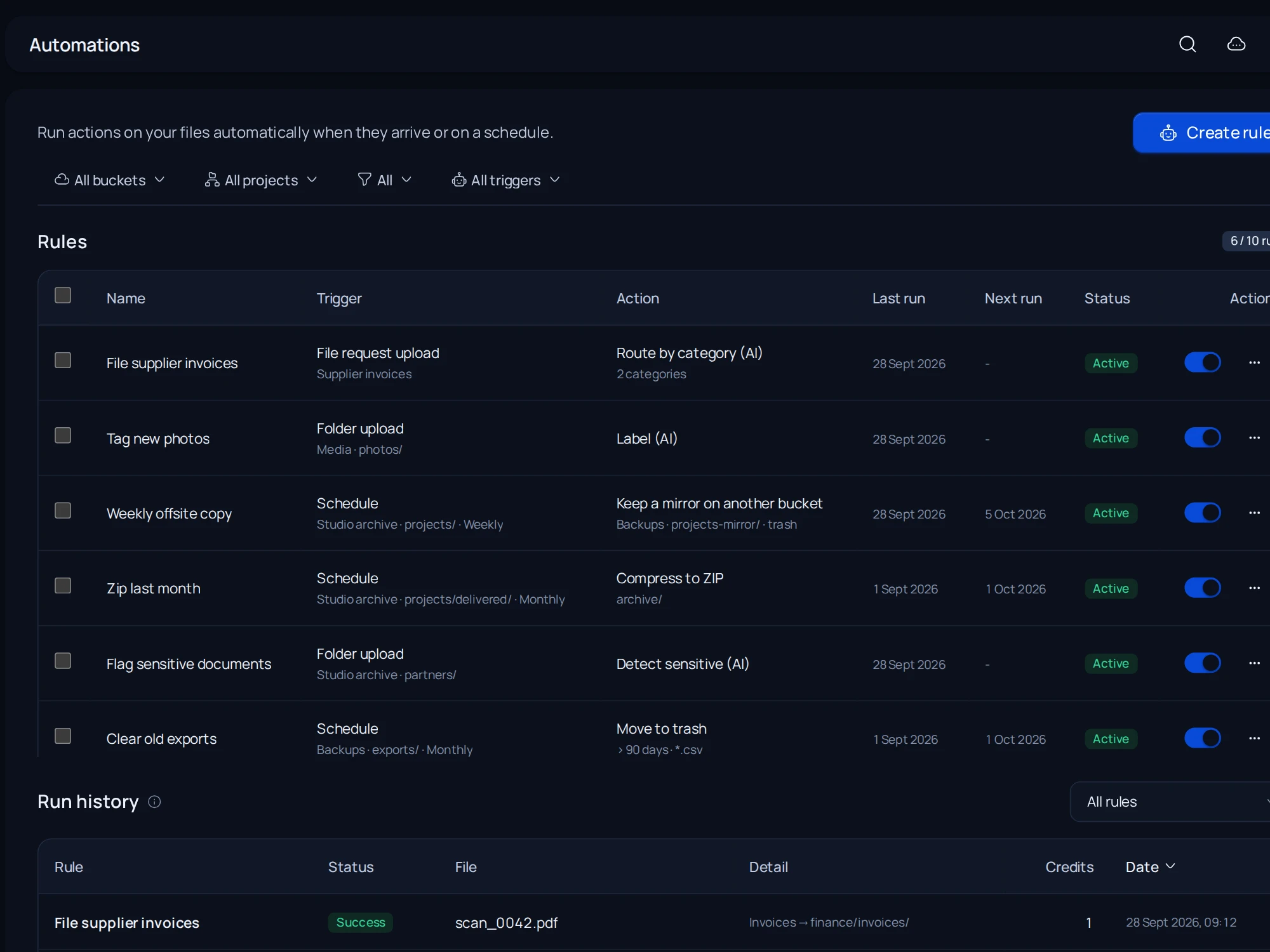
Set custom rules and Nubbo takes care of the rest: it manages your files, lets you know or uses the AI if you ask it to.
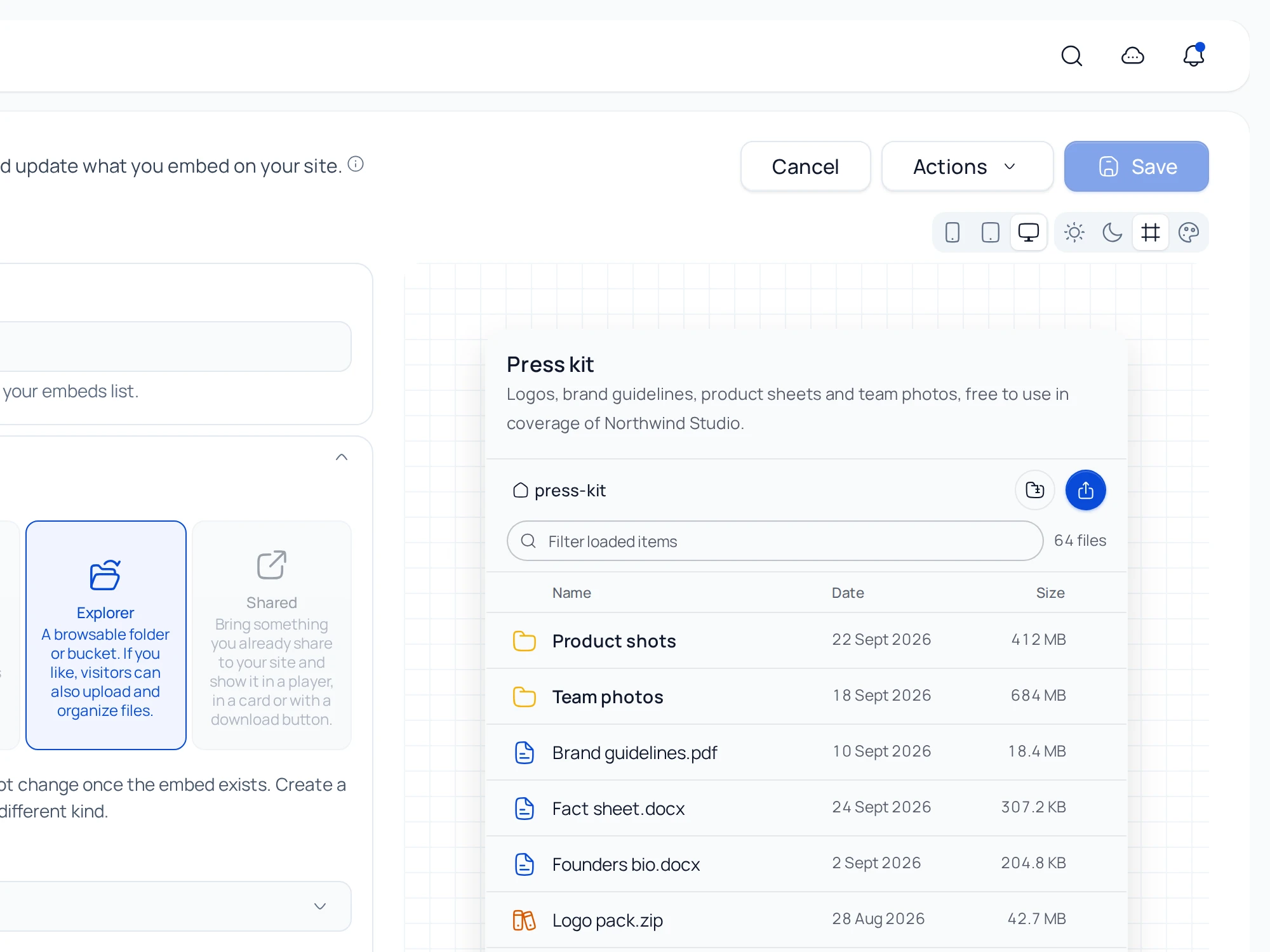
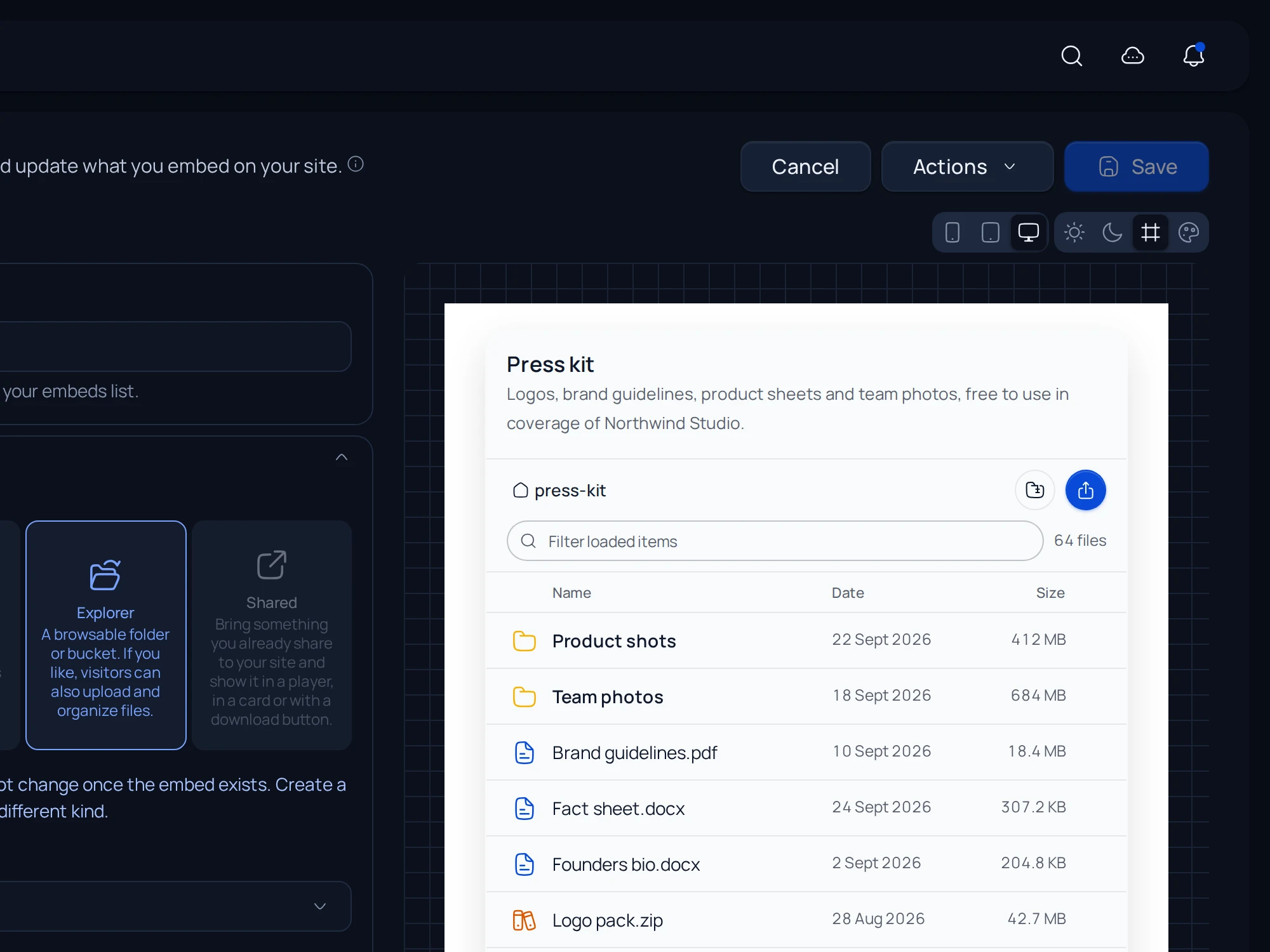
Build custom embeds in our editor and embed them on your website. You can also turn on direct integration for your file requests and links so your programs upload and download files without opening Nubbo.
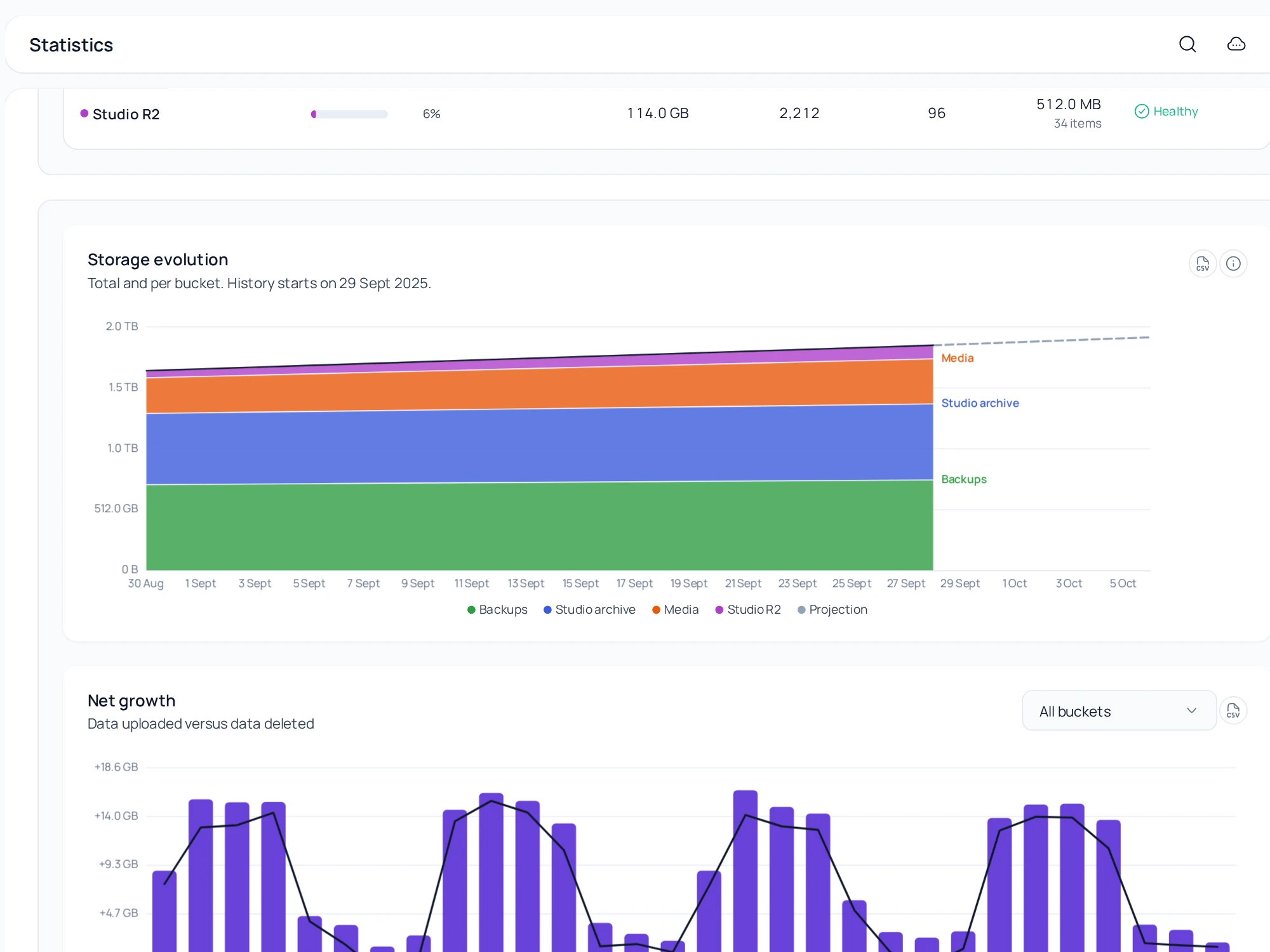
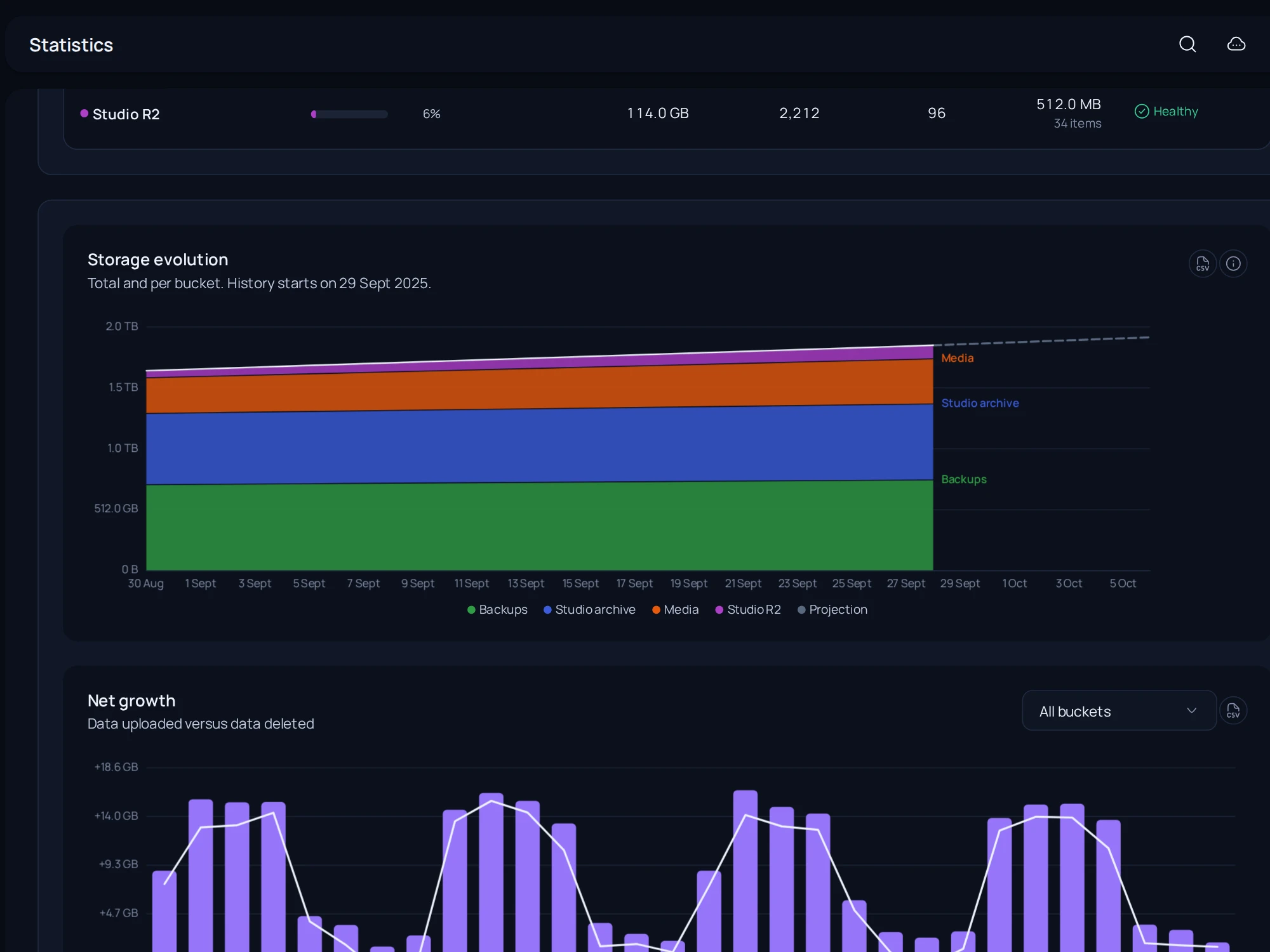
Get a valuable overview of your whole ecosystem at a glance, plus detailed stats for each resource when you need to dig deeper.
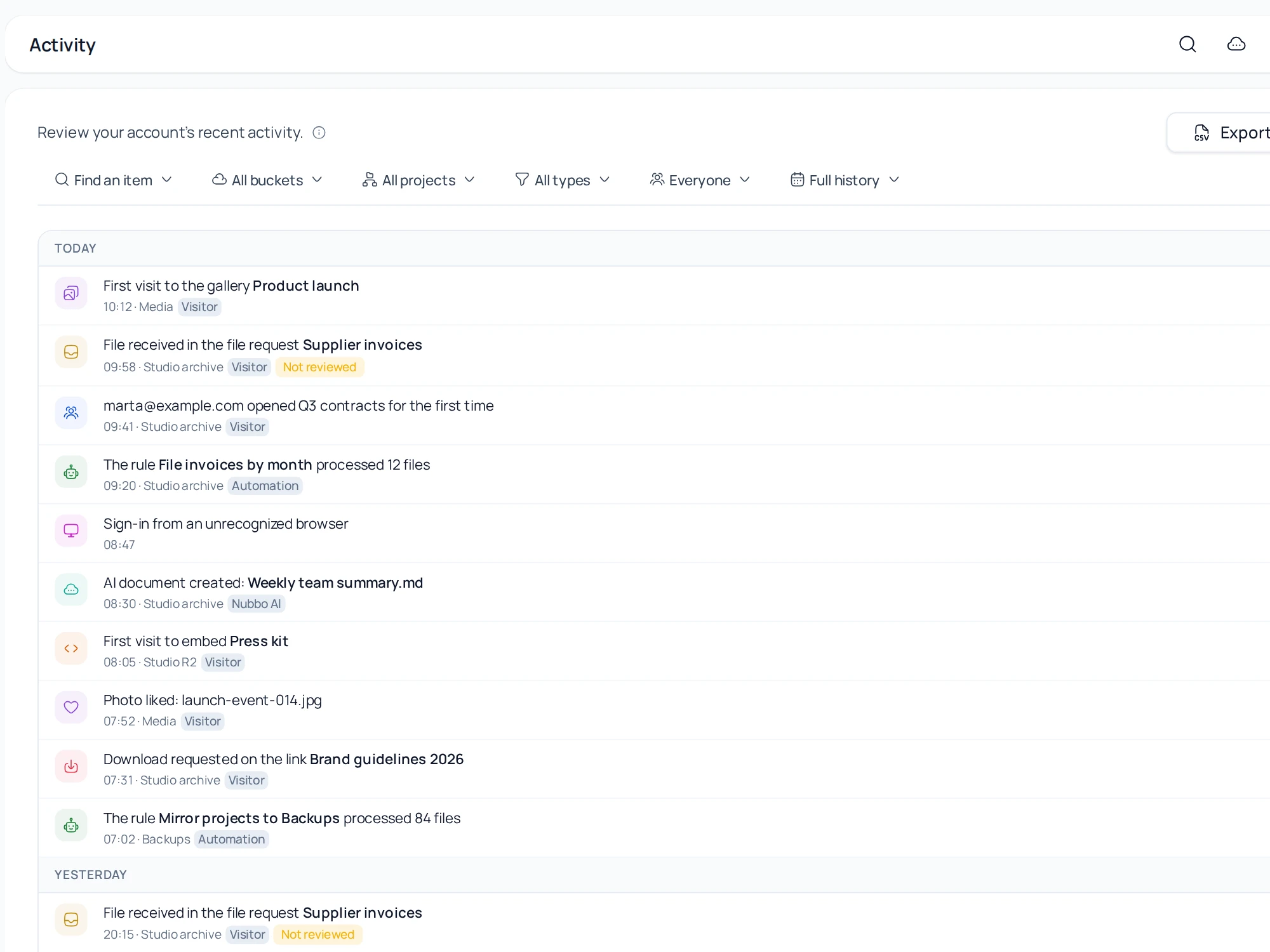
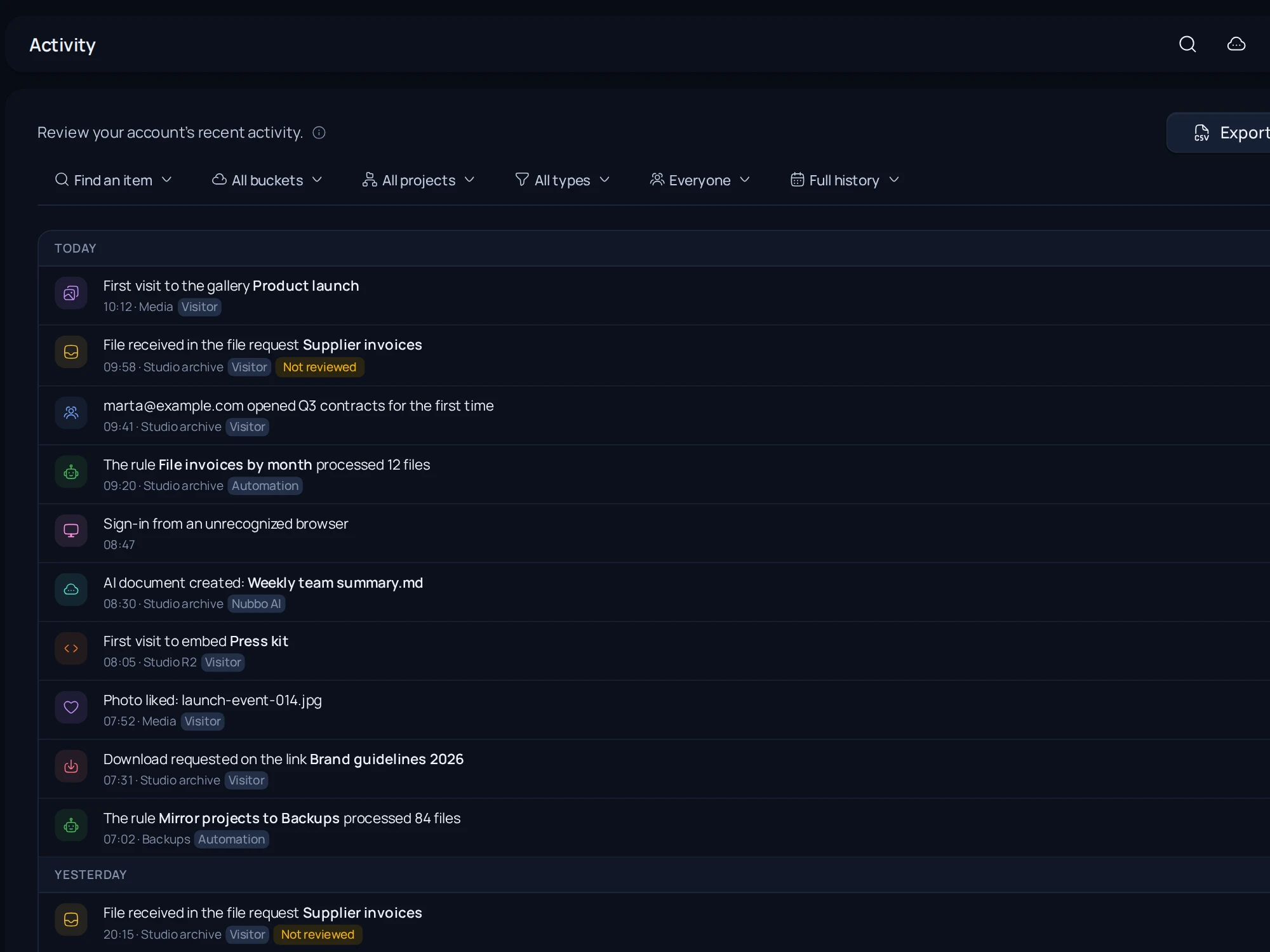
Everything that happens in your account, in one place: browse your activity on a timeline, filter it by type, actor, date or one specific item, such as a link, a gallery, a bucket or a file, and export what you filter to CSV.
Your files go straight from your browser to your storage and never pass through Nubbo. With zero-knowledge, neither we nor your provider can see them.
Zero-knowledge, end-to-end encryption.
Free
€0
Start for freePersonal
€7/month
Choose PersonalRenews every month until you cancel.
Pro
€19/month
Choose ProRenews every month until you cancel.
Teams
On the way
Taxes includedYearly: 2 months free
Compare plansA web app to manage all your S3 storage from one place. You connect your buckets and work with your files without moving them from where they are.
The console lets you manage your storage. Nubbo turns that storage into a complete workspace, with all your buckets in one place, easy to use and with lots of extra features.
No. Nubbo works on your storage as it is and your files never leave your provider.
Yes. The Free plan never expires and never asks for a card. You only pay if you want more features, such as zero-knowledge encryption or AI, among others.
Your files are never stored in Nubbo: they stay with your provider and uploads and downloads go straight from your browser. Your keys are stored encrypted, and with zero-knowledge neither we nor your provider can see your content.
Amazon S3, Cloudflare R2, DigitalOcean Spaces, Wasabi, Backblaze B2 and any S3-compatible storage, including self-hosted ones: MinIO, Ceph, SeaweedFS, etc.
No. Anyone can open your links, galleries and file requests without signing up. An account is only needed when you share with specific people inside the app.
Your files stay in your storage as always. If you encrypted anything with zero-knowledge, decrypt it from Nubbo before you leave, because it cannot be read without your vault. And if you only cancel your plan, anything beyond the Free plan is blocked, never deleted.
Nothing to install, nothing to migrate. Start for free, with no card and no time limit.